Hi Community,
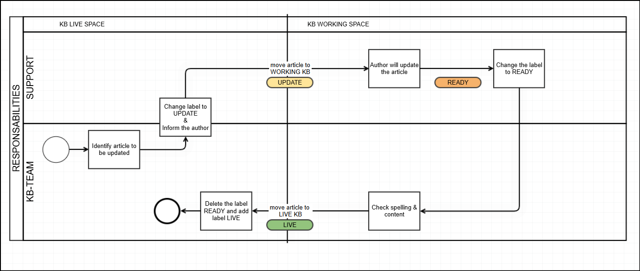
We recently faced an issue where Gliffy diagrams were not displaying properly in Confluence pages — instead, we saw broken image icons where the diagrams were supposed to appear.
However, when opening the same page in the Gliffy editor, the diagrams loaded perfectly.
Here’s what we observed:
🧐 Symptoms:
Gliffy diagrams appear as broken image icons in multiple Confluence spaces (example: KB Working Space).
No issues with permissions.
Other users in the team were able to view the diagrams without any problems.
Affected user could still edit the diagrams in the Gliffy editor, just not view the previews/thumbnails on the page.
🔧 Troubleshooting Done:
Confirmed it was not a global issue (other users could see diagrams).
Cleared cache, checked browser settings.
Worked with Atlassian support and found that the issue was specific to the user's laptop/environment.
✅ Resolution:
After switching to a new laptop, the diagrams started showing up normally again.
We suspect something in the previous laptop’s configuration (browser, network, security settings?) was blocking the diagram thumbnails. Only the person with new laptop is able to view the diagrams remaining users can't.
❓ Question to the Community:
Has anyone faced similar behavior
Any known settings or configurations (browser, firewall, proxies, etc.) that could block thumbnail rendering of Gliffy diagrams?
Would be great to know if this is a known issue or an isolated case.
Thanks in advance!