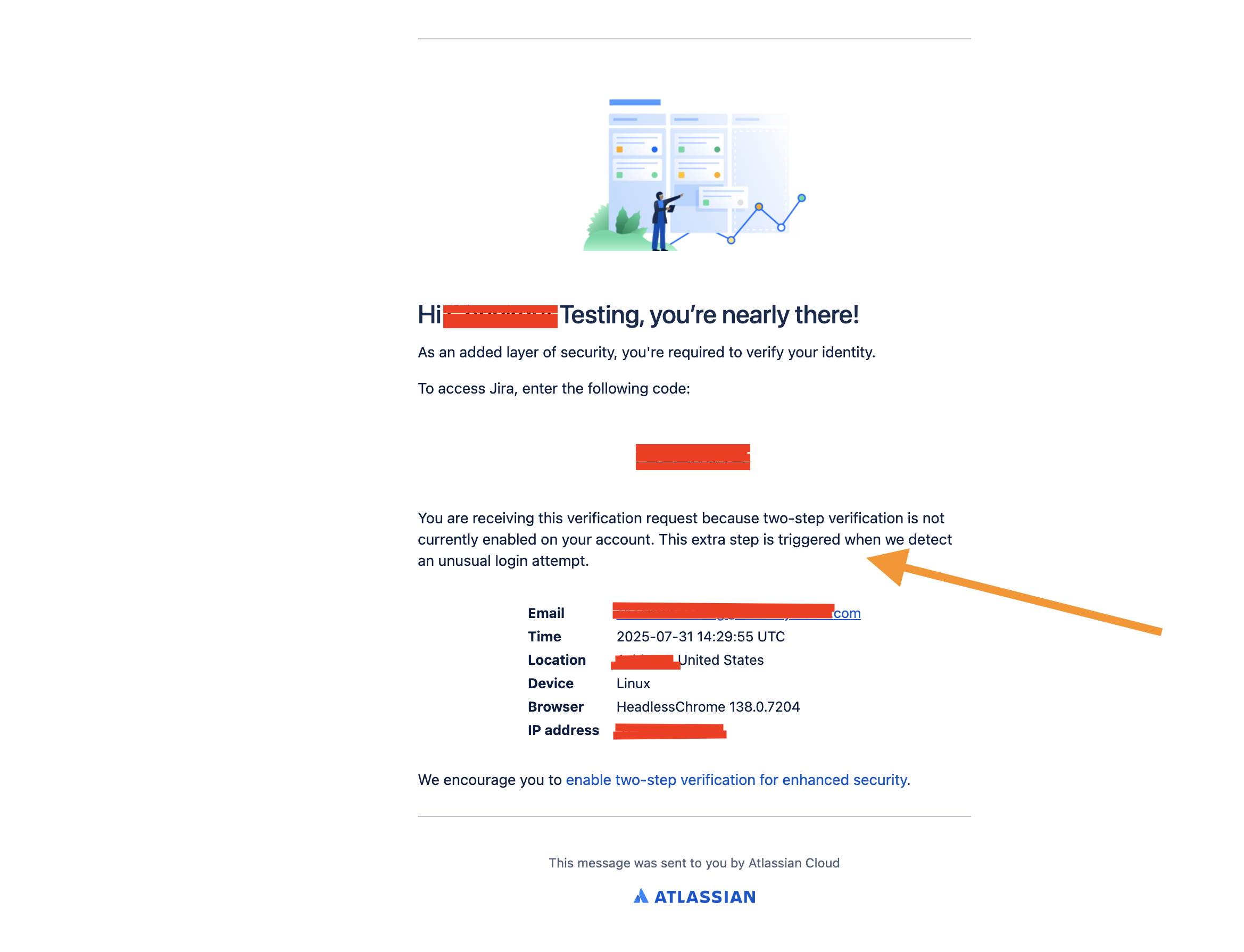
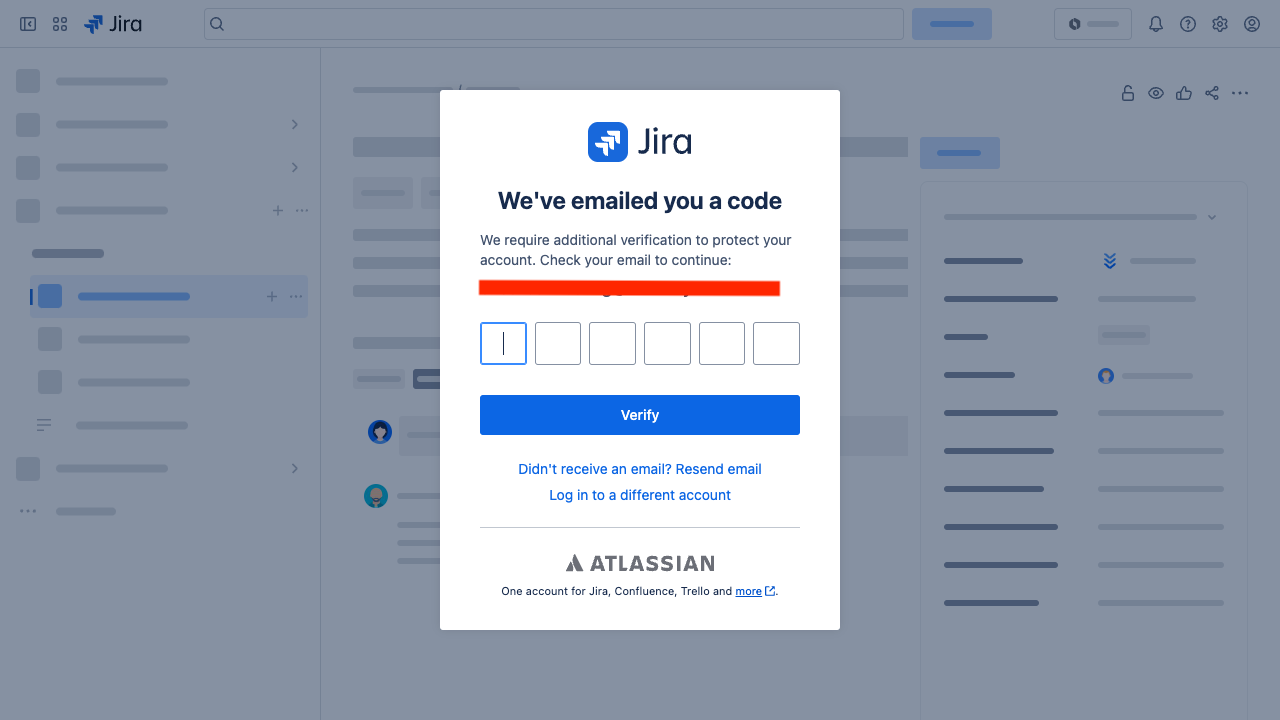
I have an instance that I use for automated tests (e.g. Selenium / Playwright). Occassionally, these tests fail to run due to login attempts beng marked as "unusual" and thus a Two-step verification workflow is triggered.
2FA is disabled on the instance altogether.
How do I disable this check completely? The instance does not have any imporant data.
I have reviewed related issues such as this and this but they do not apply to my case, as my instance has 2FA already turned off.
The culprit seems to be the browser as it is being flagged as Headless<BROWESERNAME> <VERSION>
Sample output from the Test Engine
Sample output from email - after login has been flagged