I am on a Free Confluence Cloud plan.
I an trying to delete spaces by first navigating to "Show all spaces".
Then I click the tree dots at the far right next to a space in the list of spaces.
The only item that appears in the pop up meny is "space settings" (My site is localized so I am guessing the English equivalent here). I click that.
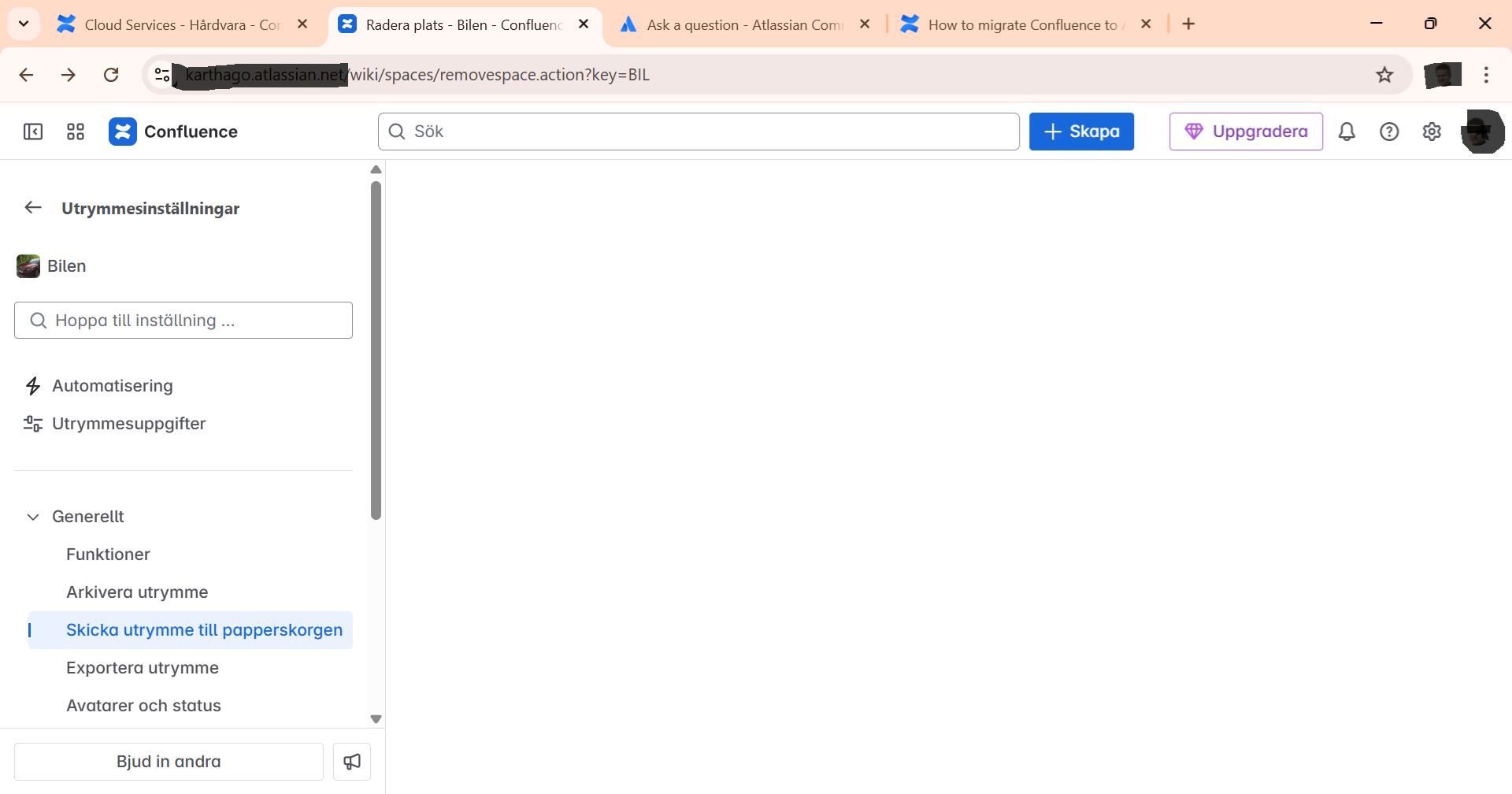
I get to a page with several actions listed in a tree menu to the left. I open "Generic" and click "Send space to trash".
I get redirected to a page with an URL ending with "wiki/spaces/removespace.action?key=BIL" but here the page is very empty. There are no buttons nor any text visible.
There is no "permission denied" message, either.
What is wrong? What can I do to get this working?
Patrik


