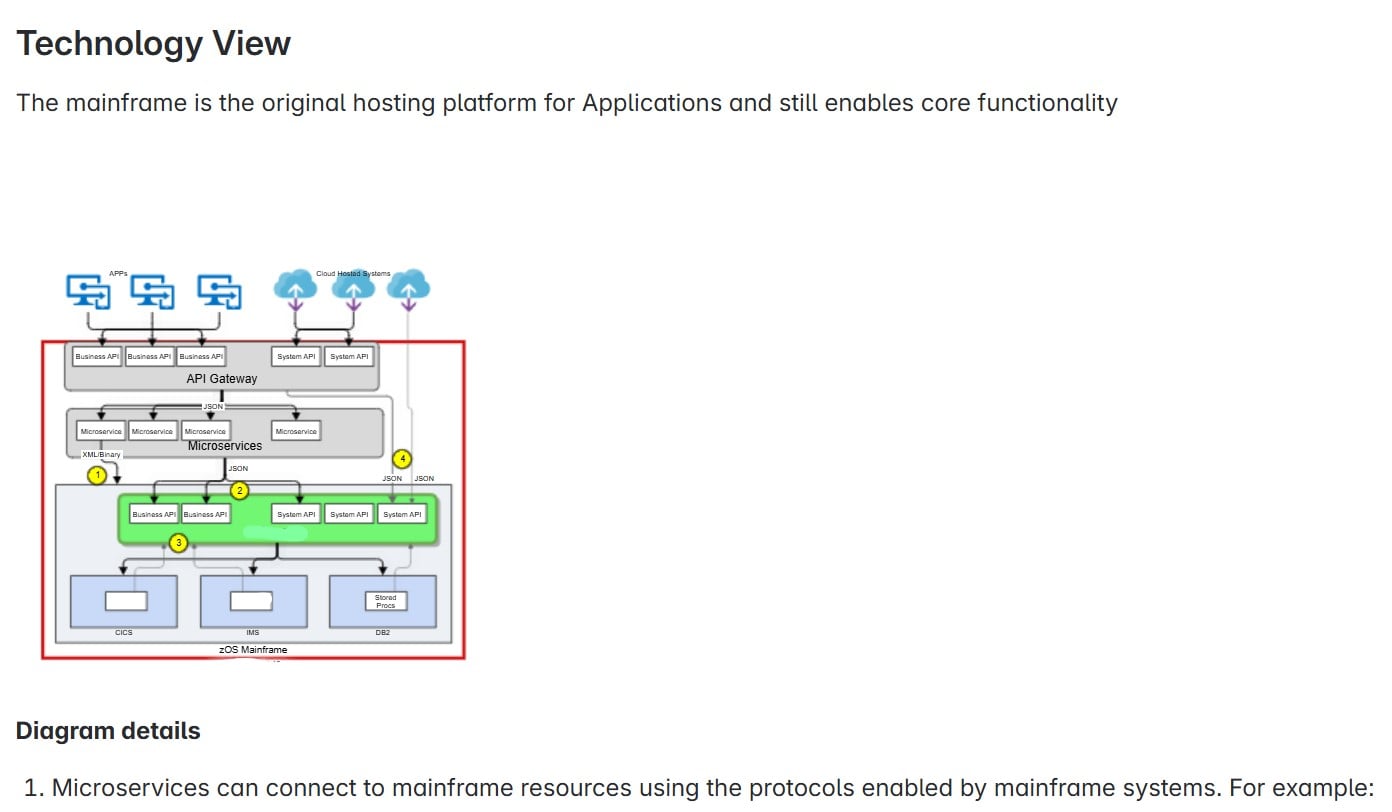
Sometimes Gliffy diagrams appear smaller than the available space on a Page and there are no sizing options like there used to be. Here is an example page grab and the rendered Gliffy diagram is like 33% of the size it should be. When I edit the page it is the right scale and when I save and then open the page, it renders the right size and then a gets resized much smaller. Changing the height and width of the browser has no effect. The full page view works, however, it takes a while to render the new page in the browser and then the back button does not return to the previous page (I assume due to caching).