I'm trying to get our self-managed Gitlab instance connected to our Jira Cloud. I've followed all the steps.
Created an OAuth Application inside Gitlab with "https://gitlab.com/-/jira_connect/oauth_callbacks" as the callback URL because I'm installing the app in the Atlassian Marketplace. Then copied the application id of the OAuth Application and pasted it in the Jira Connect Application ID inside Gitlab settings and entered https://gitlab.com as Jira Connect Proxy URL.
After this I should be ready to install the Gitlab for Jira Cloud inside Jira and configure everything. So I select Gitlab self-managed and enter our instance domain. After this I click on sign in and authorize the application. Then i get redirected to this page;

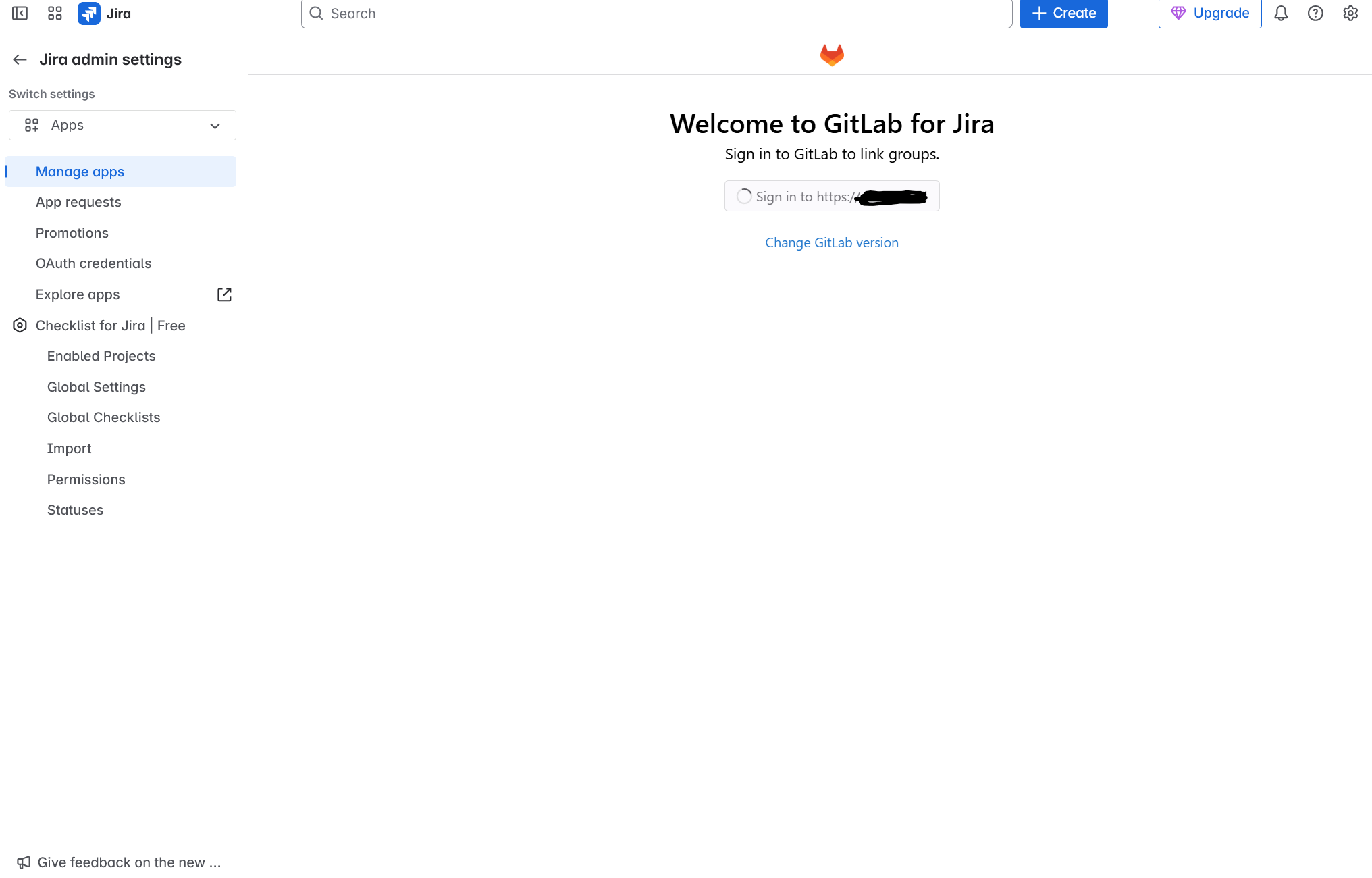
When I close this or just go back to the Jira page where I was configuring the Gitlab for Jira App I can only see the button with a spinning animation and just hangs there and does nothing, not even an error message;
What can we do? Or what could we be doing wrong?


