Our small team of technical writers has a Kanban board in Jira to track our work, and the columns are now out of order: I think the change happened on its own sometime last week.
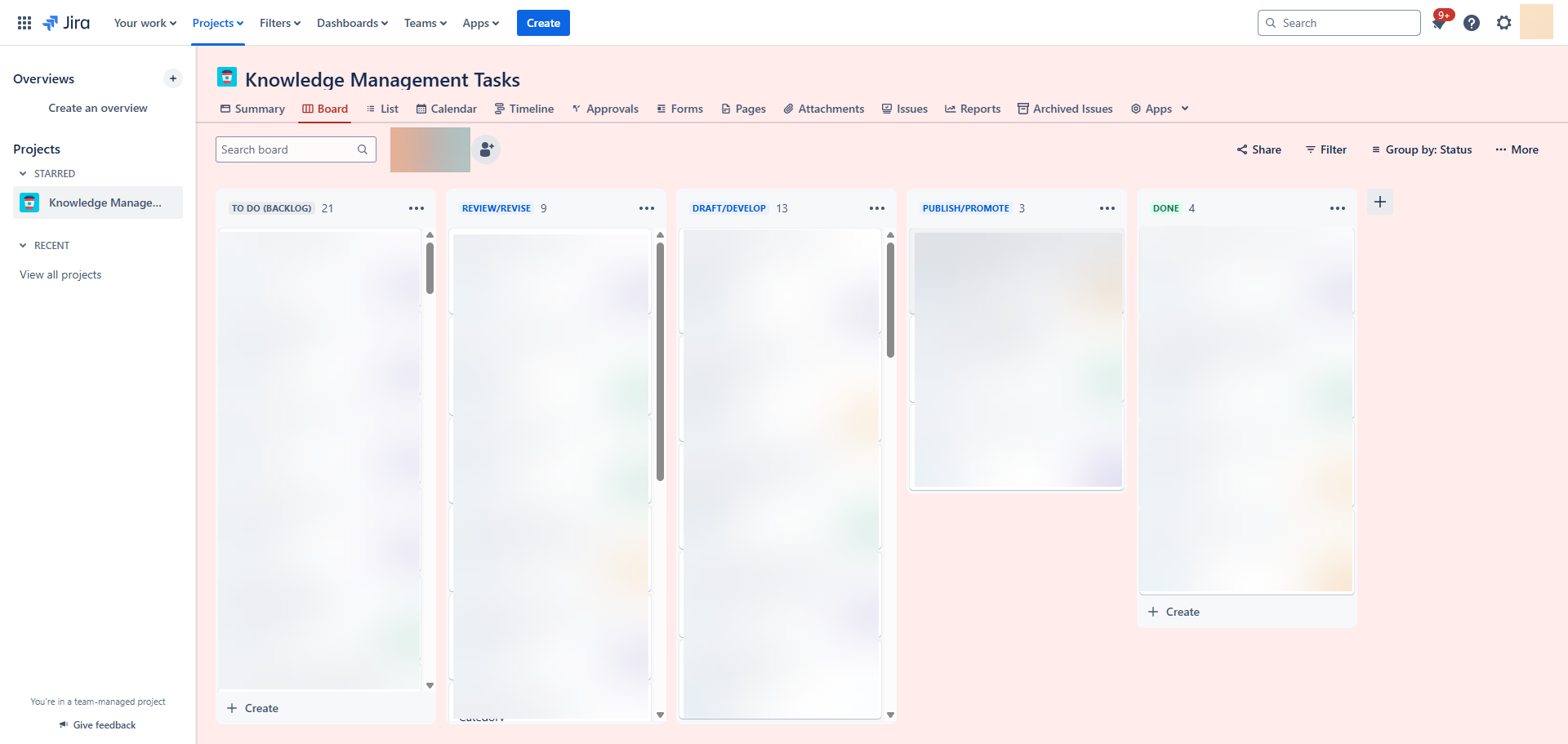
(The sequence SHOULD be To Do > Draft/Develop > Review/Revise, etc., but Review/Revise now shows up before Draft/Develop!)
Our manager is the board's admin, and so she has the six-dot icon that lets her rearrange the columns. She has already rearranged them on her end, but the change has NOT propagated to the other tech writers: the Jira board's tickets DO remain current, and even deleting a redundant column has been reflected on our copies of the boards, but the column order is still out of order. I've deleted four weeks of cookies and cached data, and that hasn't fixed the problem.
I noticed the problem in Google Chrome, but it persists if I check the page in Microsoft Edge. A coworker with admin rights pulled up the board, and the columns originally appeared in the wrong order: he was able to fix the columns for himself, but it had no effect on my version of the Kanban board.
Why are the columns out of order? More importantly, how do we fix the column sequence for the entire team?


