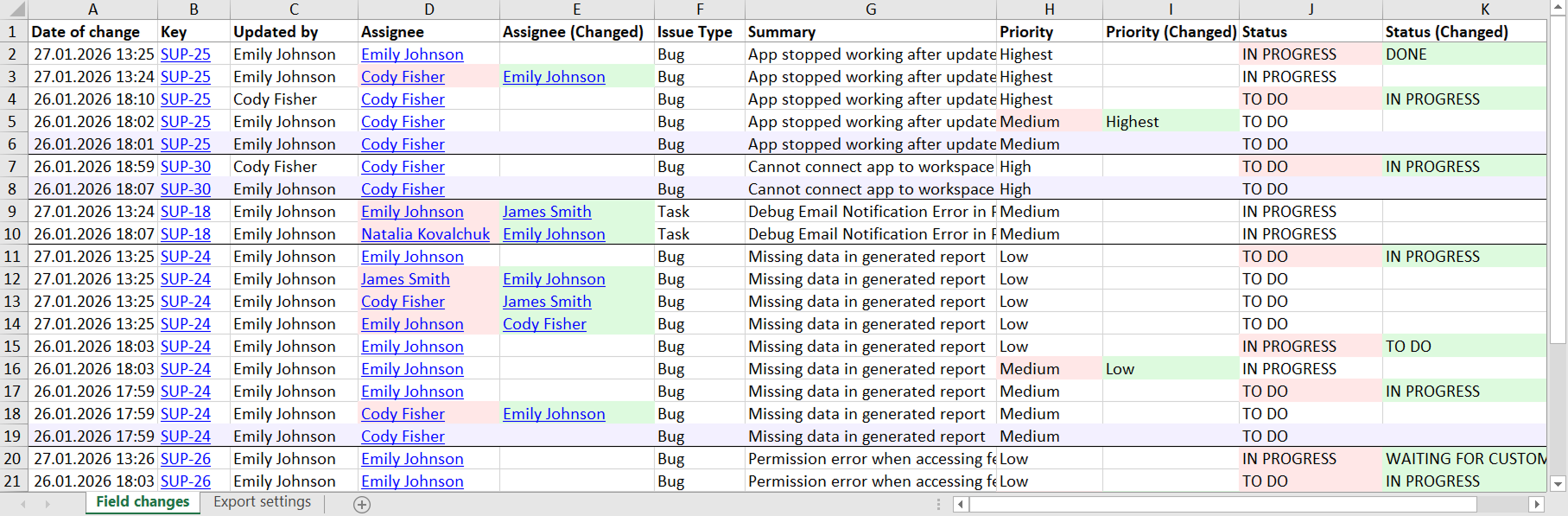
Hello there,
I'm trying to export a list of Jira issues in an Excel file.
However, I cannot find the proper method to make them look properly formatted.
I'll try to recap my steps as well as detail my needs, so that it might be easier to find a proper solution.
- enter Jira software development project
- enter issues subsection
- select 2+ issues (same type)
- click on "export"
- select any of those results (.csv, excel csv etc) that is compatible with Excel
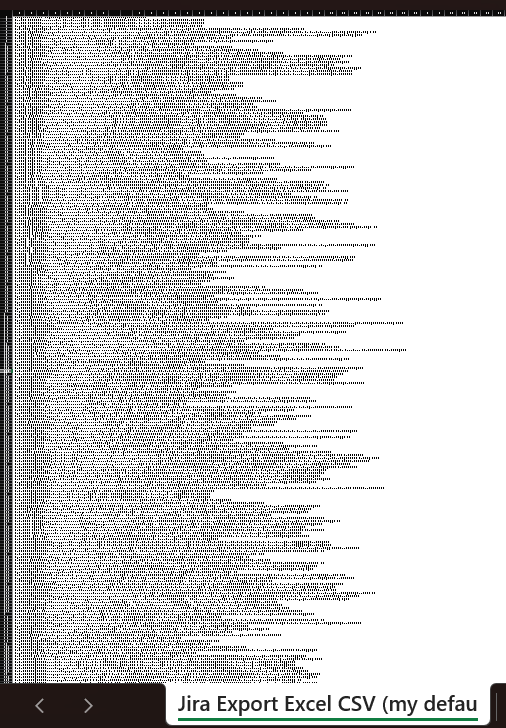
The "my default CSV" export for example is:
- good because it keeps fields following up one another just like they were following columns...but
- bad because they don't. They're all "pasted" inside the first column.
The "all fields CSV" export does not meet my needs.
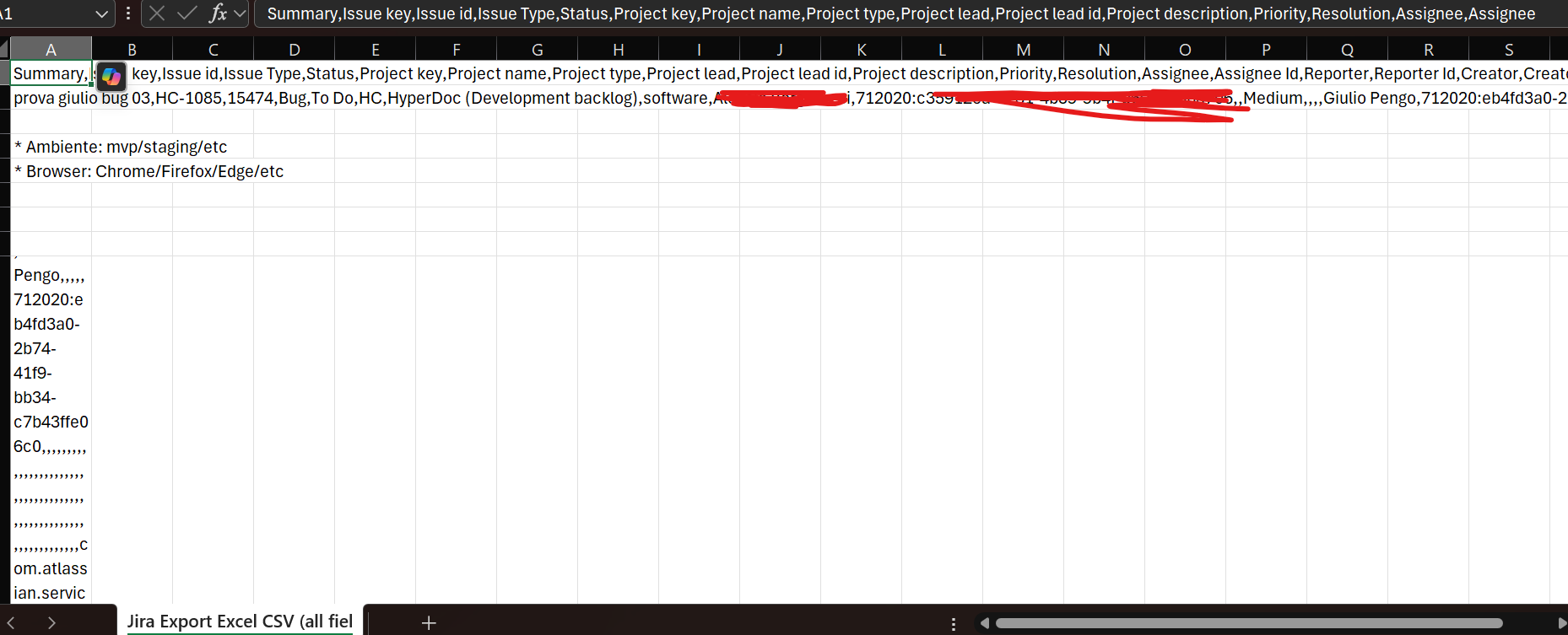
I need that every issue field is represented in a column.
However it might seem that either one of these would apply:
- this is not supported;
- I'm not skilled enough to operate the excel file properly (perfectly legit);
- I'm doing something wrong;
- there's some other hidden problem.
Thank you in advance for your help!