We have a rather large help center using Confluence articles, but displayed via Jira. We love the help center--it's easy to update, easy to navigate and generally works well. Except for one major issue: When you open up any article, there are two vertical scrollbars on the right side: One is the browser's scrollbar and the other is internal to the article, as if it is embedded in the page. Here's a screenshot to illustrate:
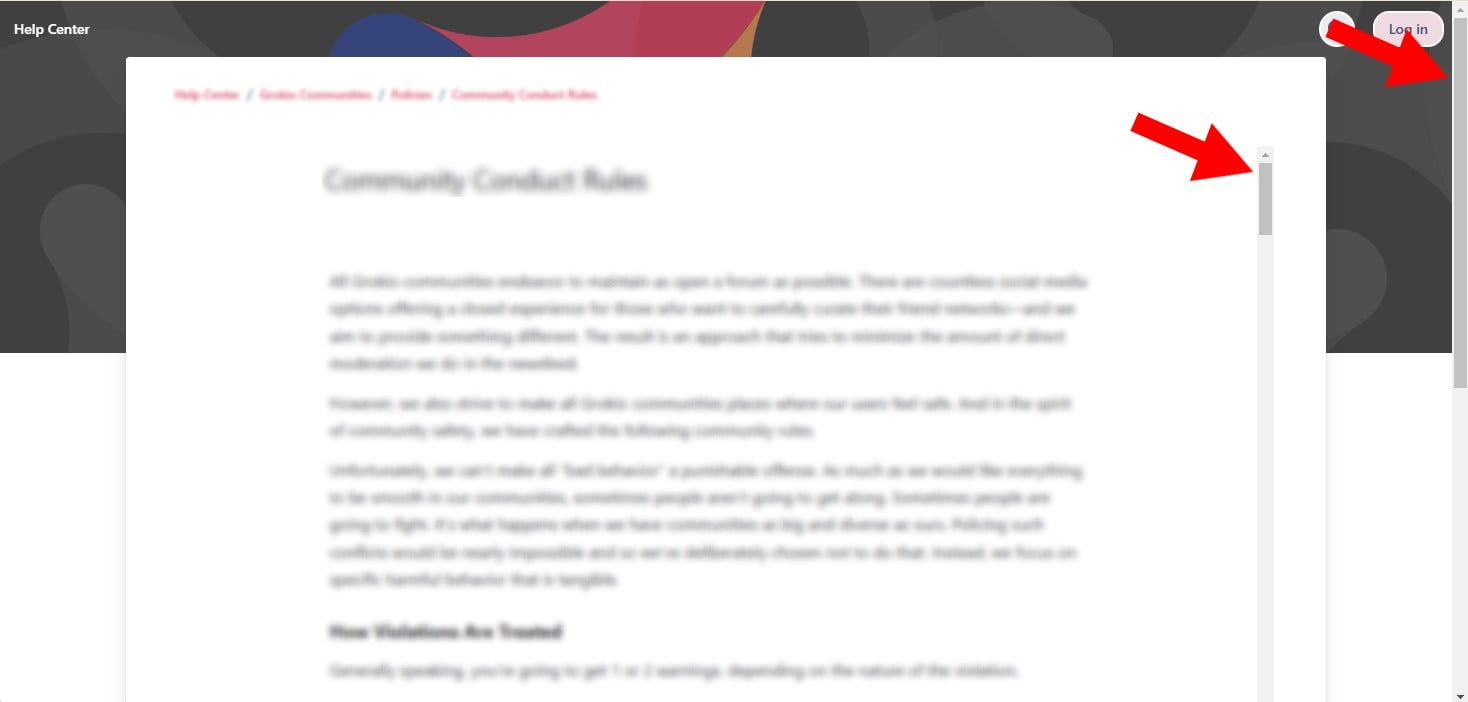
The reason this is a problem is that half our users are on their mobile phones and when you view an article on mobile phone, it's VERY hard to notice the second scrollbar (it's literally invisible unless you happen to tap within the article text) and so many of them don't even realize there's more to the article lower down.
Is there a way to remove the second internal scrollbar and simply display the article as a normal page that isn't embedded? I'm aware we can direct link to our Confluence articles, but then we lose all of our branding and it's no longer part of the help center ecosystem, so users can't easily toggle to the help center and view other articles. We'd much prefer to keep using Jira's help center, but have a more mobile-friendly article layout that doesn't hurt our mobile users.
If anyone has any guidance for how to fix this, it would be greatly appreciated!


