We currently have a Prod JSM portal for tickets and that Prod JSM portal has been copied to a Test JSM portal for us to play around with.
We linked our confluence page to our test portal and it is working as intended, people can go and open a ticket and it shows suggestions for documents that are in our confluence space.
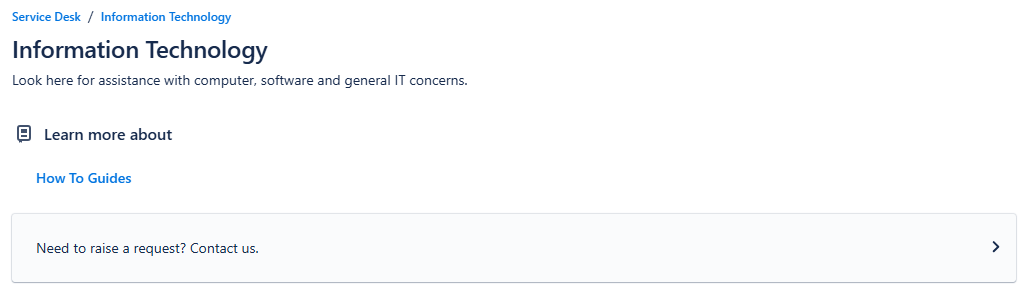
However when we link it to our Prod JSM portal we get an extra screen that shows "How To Guides" which we do not want.
This is Prod which we do not want showing:
This is our Test environment which is the look we prefer:

Any ideas on how we can turn this off in Prod so it matches Test? Test and Prod are a mirror of each other, they have the same forms, workflows, issues, etc. so we are not sure why this is happening. Any ideas would be great.
Thank you,
Michael Guzman

