The problem:
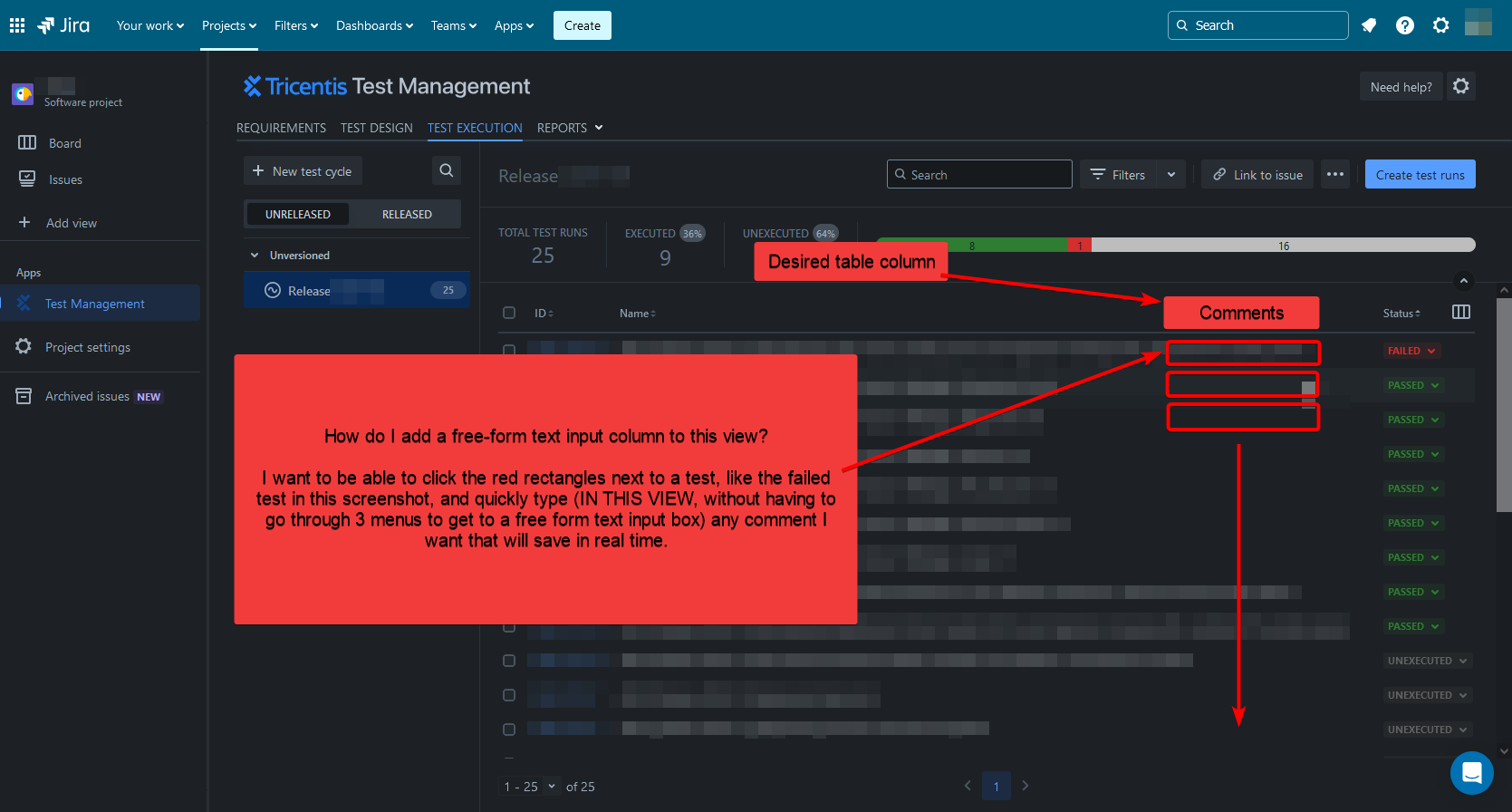
Refer to the screenshot below, please.
When looking at a table of test runs in the Tricentis test management > test execution view, I cannot find a way to add a comments/notes column in this view.
It takes too many steps to get to a comment associated with a test run (opening the test run, looking through the steps to find the one with a comment, then selecting the comment icon each time).
Is there no way to leave notes to view at a glance in this table view seen below?
Steps I've taken to solve the problem:
I've looked through the Tricentis support docs and searched for similar questions. I've gone through all settings I can access as a project administrator.


