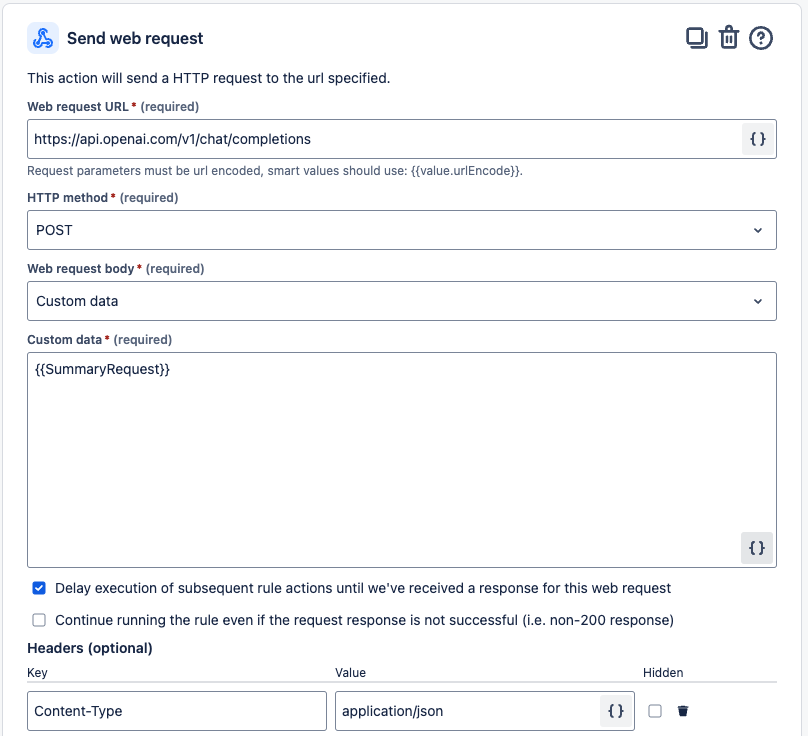
I have a variable {{request}} which when logged prints the proper JSON object which is verified to work in Postman as well as when pasted into the body of Custom Data for a POST request. But when I use {{request}} as the body the request is bad and fails, even though the same output worked when pasted from the Audit Action of the same variable?
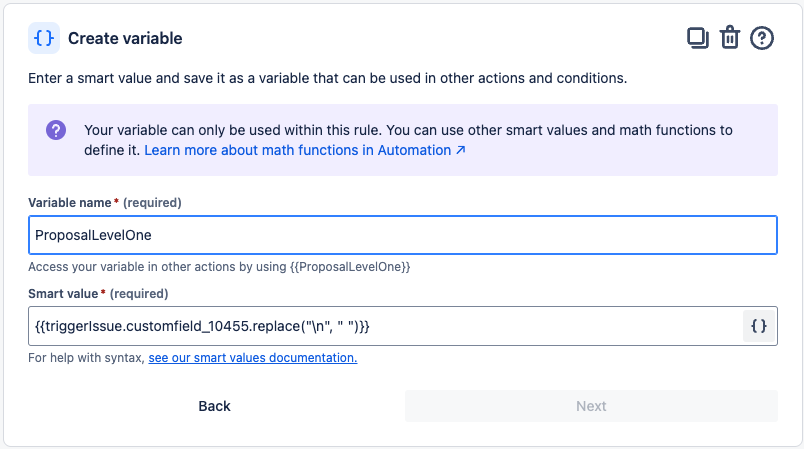
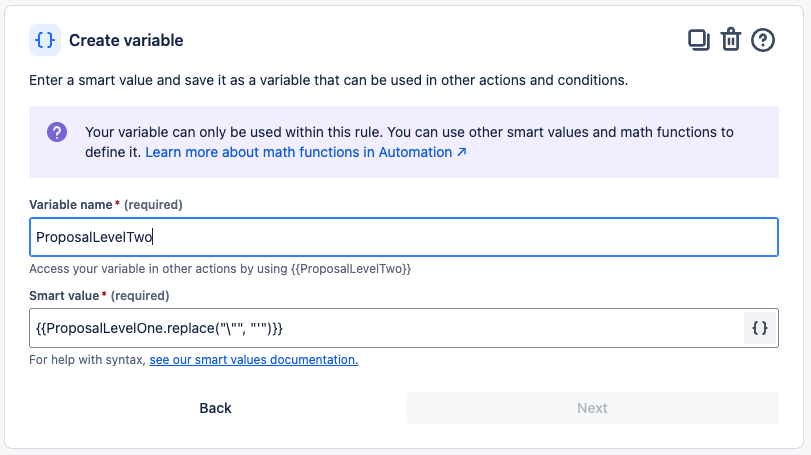
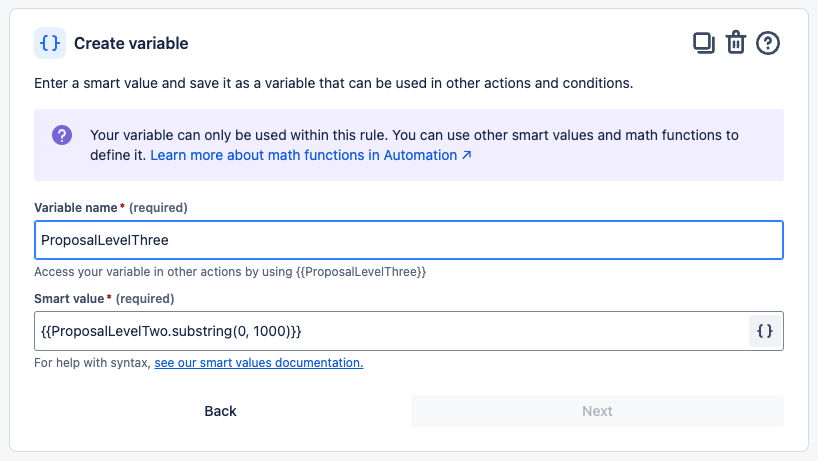
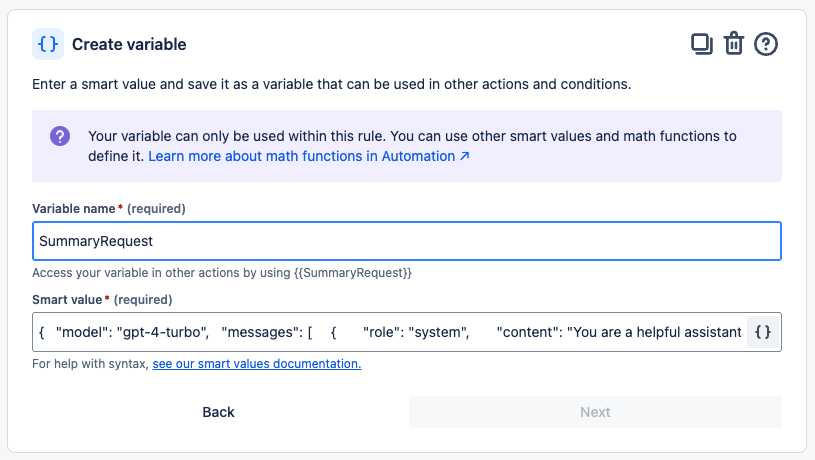
The SmartValue in the "SummaryRequest":
{ "model": "gpt-4-turbo", "messages": [ { "role": "system", "content": "You are a helpful assistant that summarizes Jira issues." }, { "role": "user", "content": "Summarize the following Jira issue in a single sentence with 20 words or less and don't include the words JIRA or Issue in the summary:{{ProposalLevelThree}}" } ], "max_tokens": 150, "temperature": 0.5 }
Log Action Output for "{{SummaryRequest}}"
{ "model": "gpt-4-turbo", "messages": [ { "role": "system", "content": "You are a helpful assistant that summarizes Jira issues." }, { "role": "user", "content": "Summarize the following Jira issue in a single sentence with 20 words or less and don't include the words JIRA or Issue in the summary:A common business problem in the Electronic Health Record (EHR) space is managing patient follow-up and appointment adherence effectively. Many healthcare providers struggle to keep track of missed appointments, identify patients at risk of non-adherence, and ensure timely follow-up care. This often leads to poorer health outcomes, increased costs, and administrative burden for providers. Feature Idea: Automated Follow-Up and Adherence Tracking System Business Problem: Providers need an efficient way to track patient adherence to scheduled appointments and follow-up care recommendations. Currently, missed or canceled appointments go untracked, and follow-ups are often handled manually, which is both time-consuming and prone to error. This can lead to gaps in patient care, increased risk for complications, and preventable health issues. Feature Solution: Develop an Automated Follow-Up and Adherence Tracking feature within the EHR that: • Automatically flags patients who miss or c"}], "max_tokens": 150, "temperature": 0.5 }
Send Web Request Log Output:
Error publishing web request. Response HTTP status:
Error response HTTP body:
{ "error": { "message": "We could not parse the JSON body of your request. (HINT: This likely means you aren't using your HTTP library correctly. The OpenAI API expects a JSON payload, but what was sent was not valid JSON. If you have trouble figuring out how to fix this, please contact us through our help center at help.openai.com.)", "type": "invalid_request_error", "param": null, "code": null } }

