Having struggled with "Chat for Teams" (and watching this video) I realised my experience is very broken. By default, I had to [request] the "Assist" app to be available, because it was not available from MS Teams, so the workflow did not whisk me from Jira Chat right into installing Assist, like in the video.
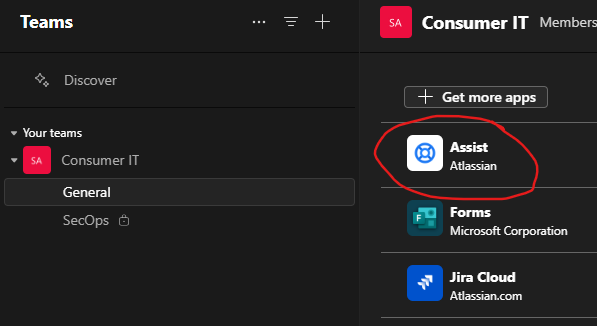
After a process (with internal IT security), it became available and I added it to the channel by clicking the [add] button and specifying the channel. It failed quite a few times with "something went wrong", but eventually it appeared in the [Manage your apps] section, but not as a tab on the channel, not posting any "get going" messages.
I do get a message "Some app features are not available in Teams preview yet" on the app dialog when linking it to a channel that may indicate something untoward.
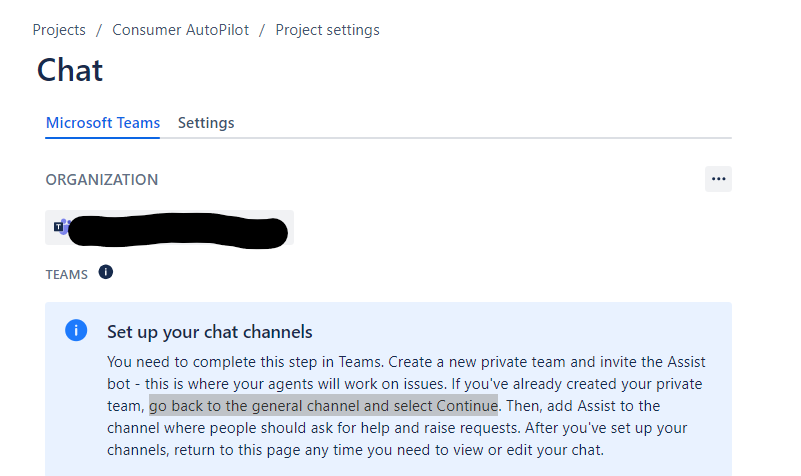
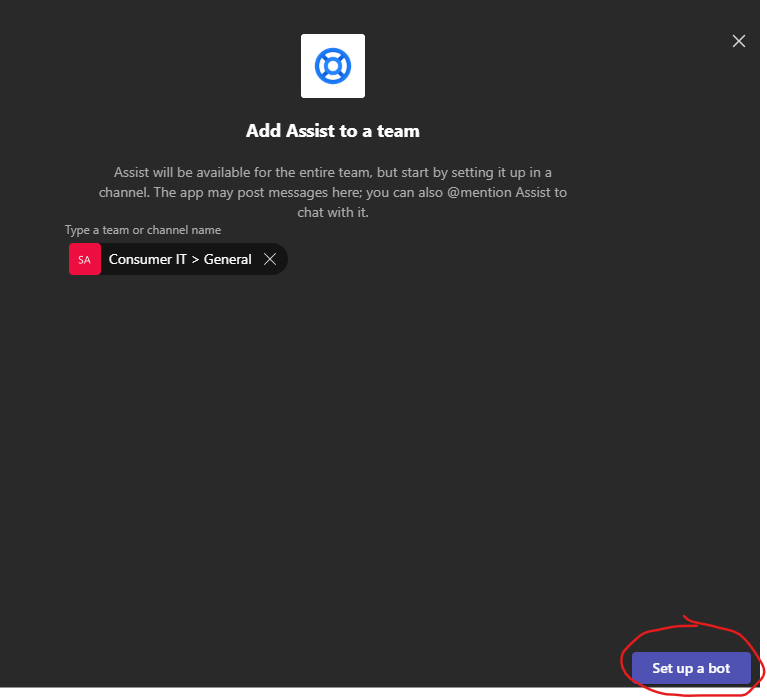
☼ Incidentally, contrary to Atlassian's instructions, I cannot add Assist to a private channel. Adding it to the General by clicking [Set up a bot] opens the General channel as expected.
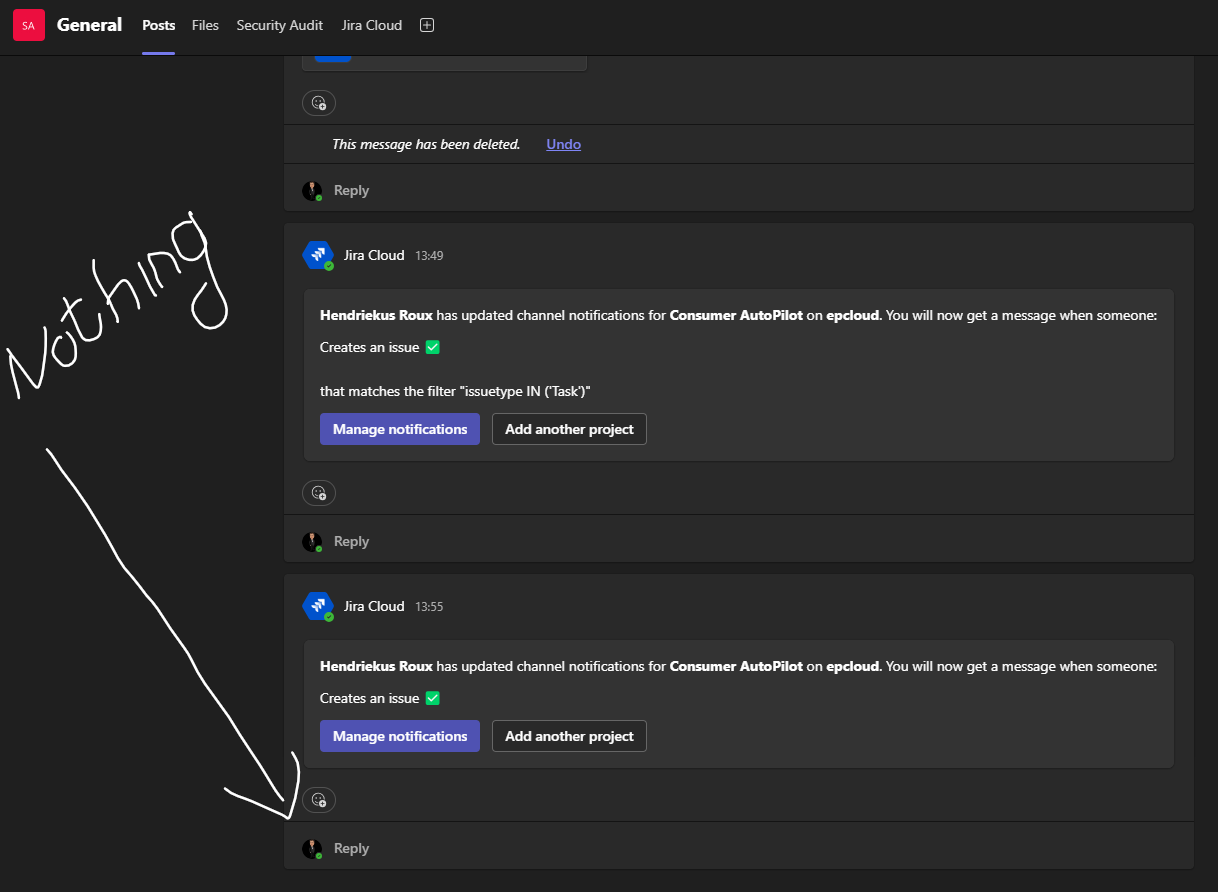
However, expecting to see some messages in there, nothing appeared. No configuration messages appear. If I select Assist (from the Assist chat) this message appears: "No project configured. Please, connect a project to your team to continue." I suspect this is just saying to me that the chat in Jira isn't connected to MS Teams.
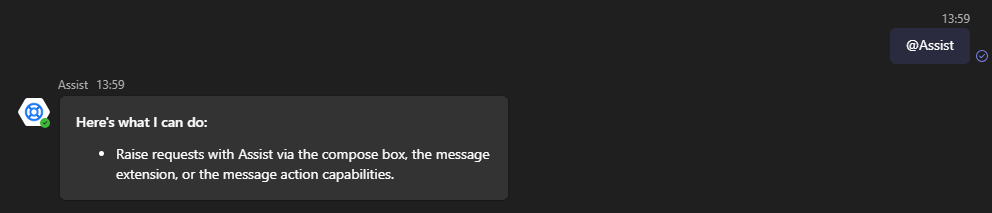
If I type @Assist, it responds with "Here is what I can do: Raise requests with Assist via the compose box, the message extension, or the message action capabilities."
It appears my configuration went awry inside MS Teams. It might be that some permission is not set, but I stepped through the permissions with the SecOps people and we've been pretty liberal. Maybe someone has scrutinous insight to help me out of this predicament.