I'm experimenting with the newly released "database" function in Confluence. It's barely a database, but I can see some use cases. To see how what this function is capable of I created a database with a dozen or so rows, but now one of the fields has some error that I can't remove.
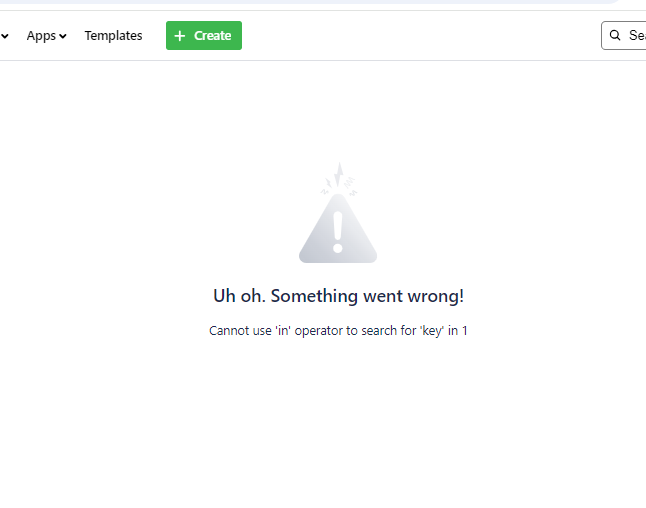
The error started with I changed a database filed to "Jira Ticket". As soon as I selected that filed type I got the error shown in this pic.
There are a couple views of this database and one that shows this particular field will immediately display this error when I open that view.
If I go to another view, and I un-hide the problematic field, I get this error.
I can't delete the field because the only way to delete a field is to open it up for editing and then hit the garbage can icon. But to open it for editing you first have to show it, and showing it causes the error.
I can't delete the view because, again, to delete the view you have to open the view to access the delete function, but opening the view causes the error.
Once the error pops up, all the controls for the database are gone and it's just the error on the page.
The database function has no version history or un-do function so I can't go back to a working version. The best I could do would be to export all the data and then build a new database with the same data - a workaround that will not work if I'm using the database for company wide business.