Hi
I recently created 3 new Jira Agents/Assignee accounts for 3 respective Development teams. Note the accounts created are Outlook Distribution lists and not an inbox, so one cannot login using these emails in Atlassian.
The assignee "dev-platform-engineering" has got created in smaller case for some reason, unlike the other 2 accounts (attached screenshot). I would like to update the Assignee name to appear with the starting words in upper case as "Dev-Platform-Engineering". Within Atlassian as an admin I cannot find a way to edit this name. I also tried the option of "Remove user from site" and recreating it as "Dev-Platform-Engineering" but it does not change the display name as it activates back the old removed account.
Any suggestions how to fix this? 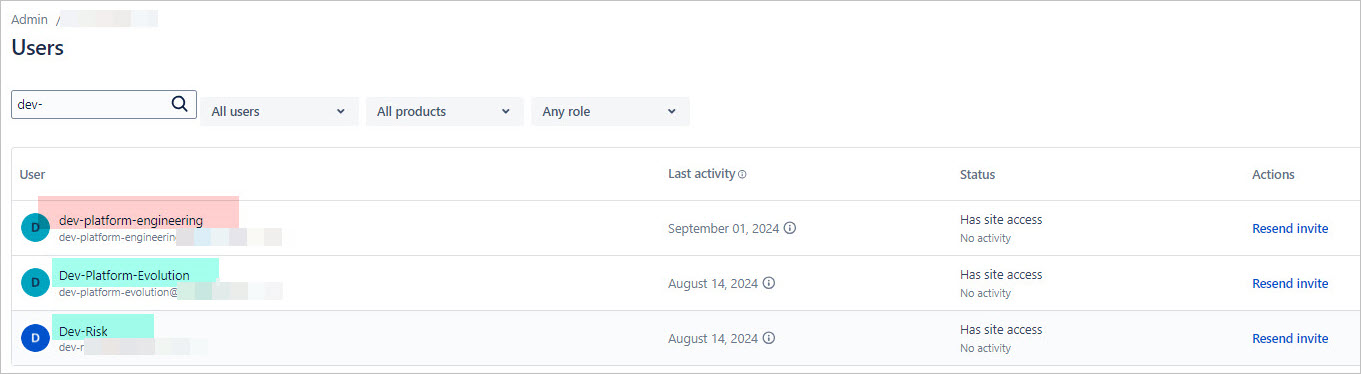
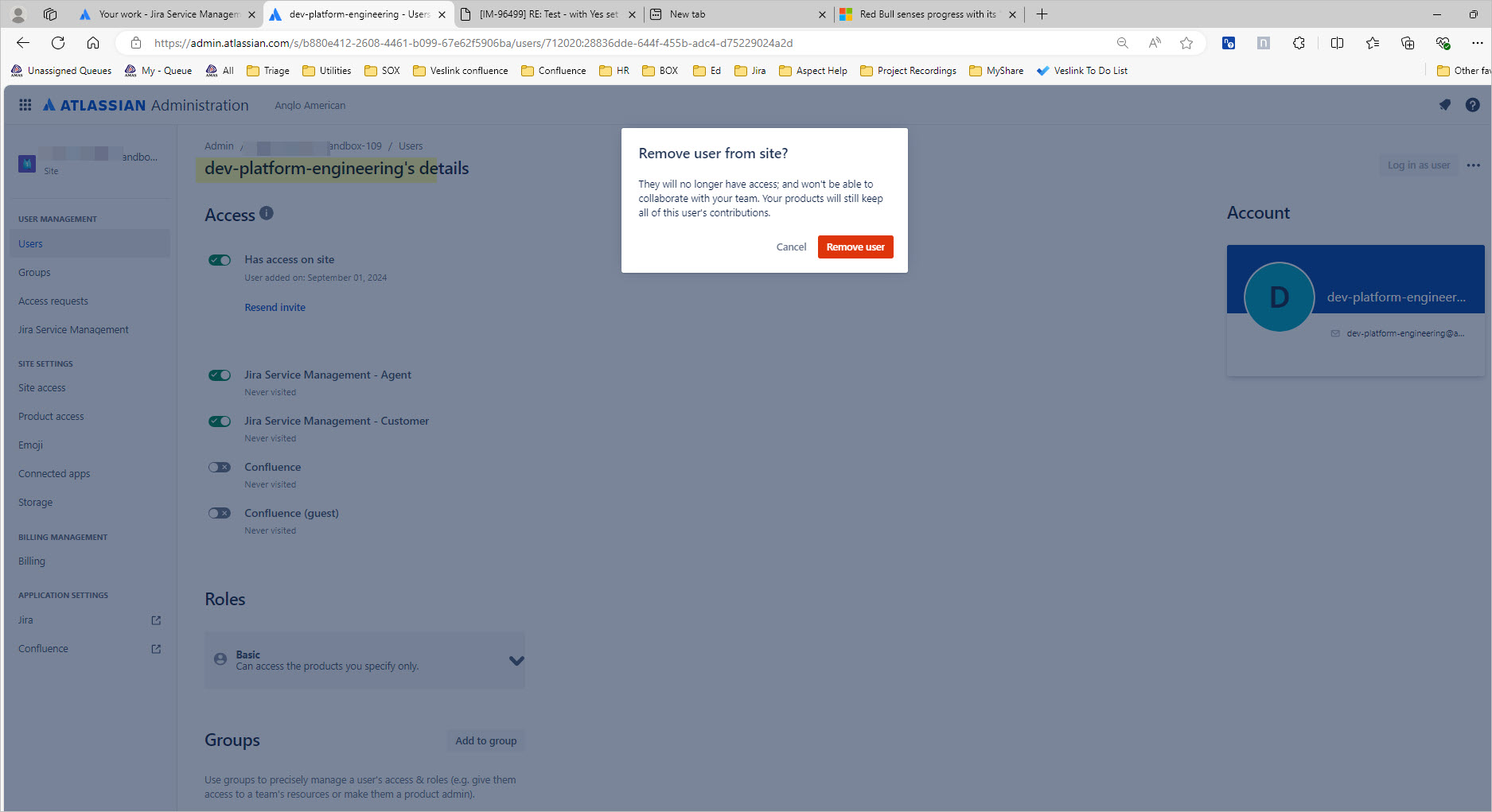
See attached screenshots for details.


