Hello All,
I created this automation to update the summary when a field value changes:
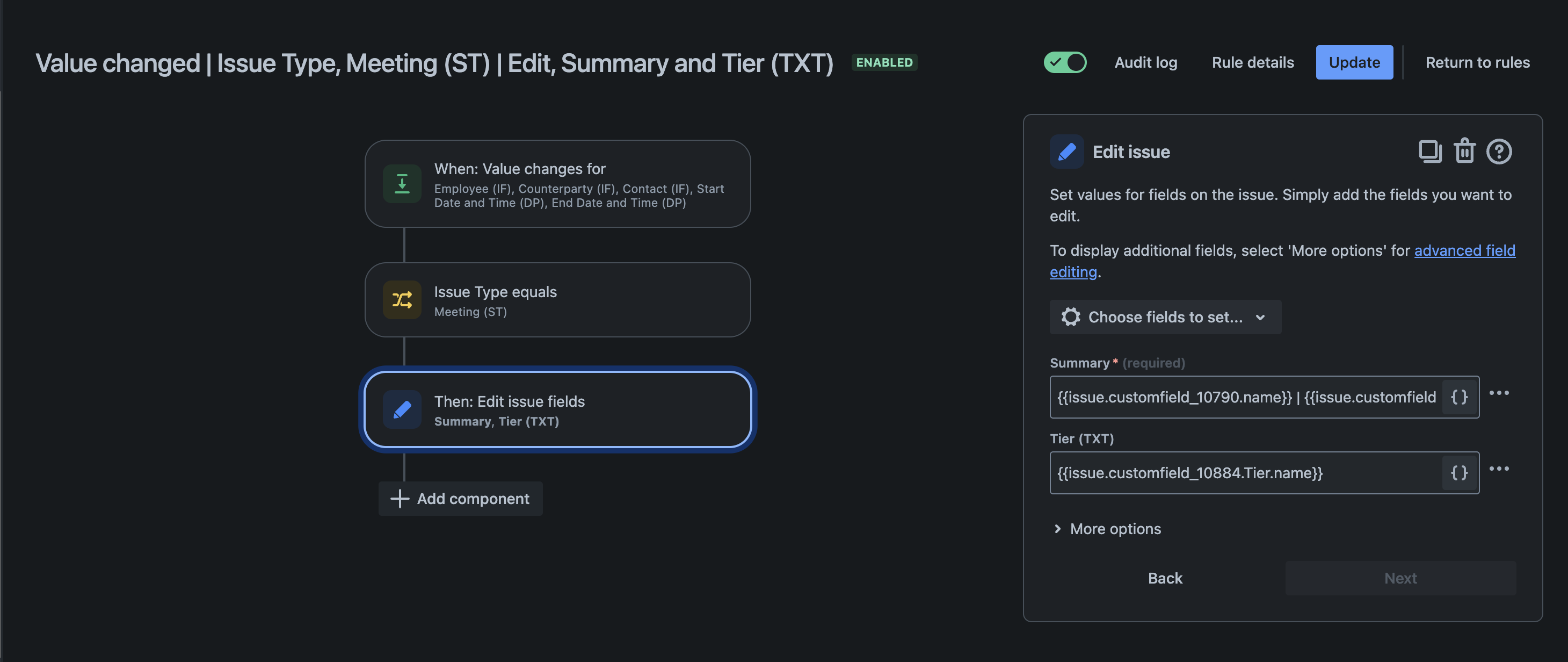
I have managed to get the date format the way I want it but I am struggling to set the correct time in the summary.
In the Automation the date field referees to customfield_12025 which is the "Start Date ann Time (DP)" field:

As you can see the time is set to 2:30 PM.
But when I trigger the Automation the wrong time comes up, the time reads 12:30 instead of 14:30 or 2:30 PM:

I've tried the following to get the correct time:
- {{issue.customfield_12025.format( "EEE, dd MMM yyyy HH:mm 'CAT'").convertToTimeZone(SAST)}}
- {{issue.customfield_12025.format( "EEE, dd MMM yyyy HH:mm 'SAST'").convertToTimeZone(SAST)}}
- {{issue.customfield_12025.format( "EEE, dd MMM yyyy HH:mm").convertToTimeZone(SAST)}}
- {{issue.customfield_12025.format( "EEE, dd MMM yyyy HH:mm").convertToTimeZone(CAT)}}
- {{issue.customfield_12025.format( "EEE, dd MMM yyyy HH:mm 'CAT'")}}
- {{issue.customfield_12025.format( "EEE, dd MMM yyyy HH:mm 'SAST'")}}
None of these seem to work they just leave out the date and time completely, like this:

Any advice?



