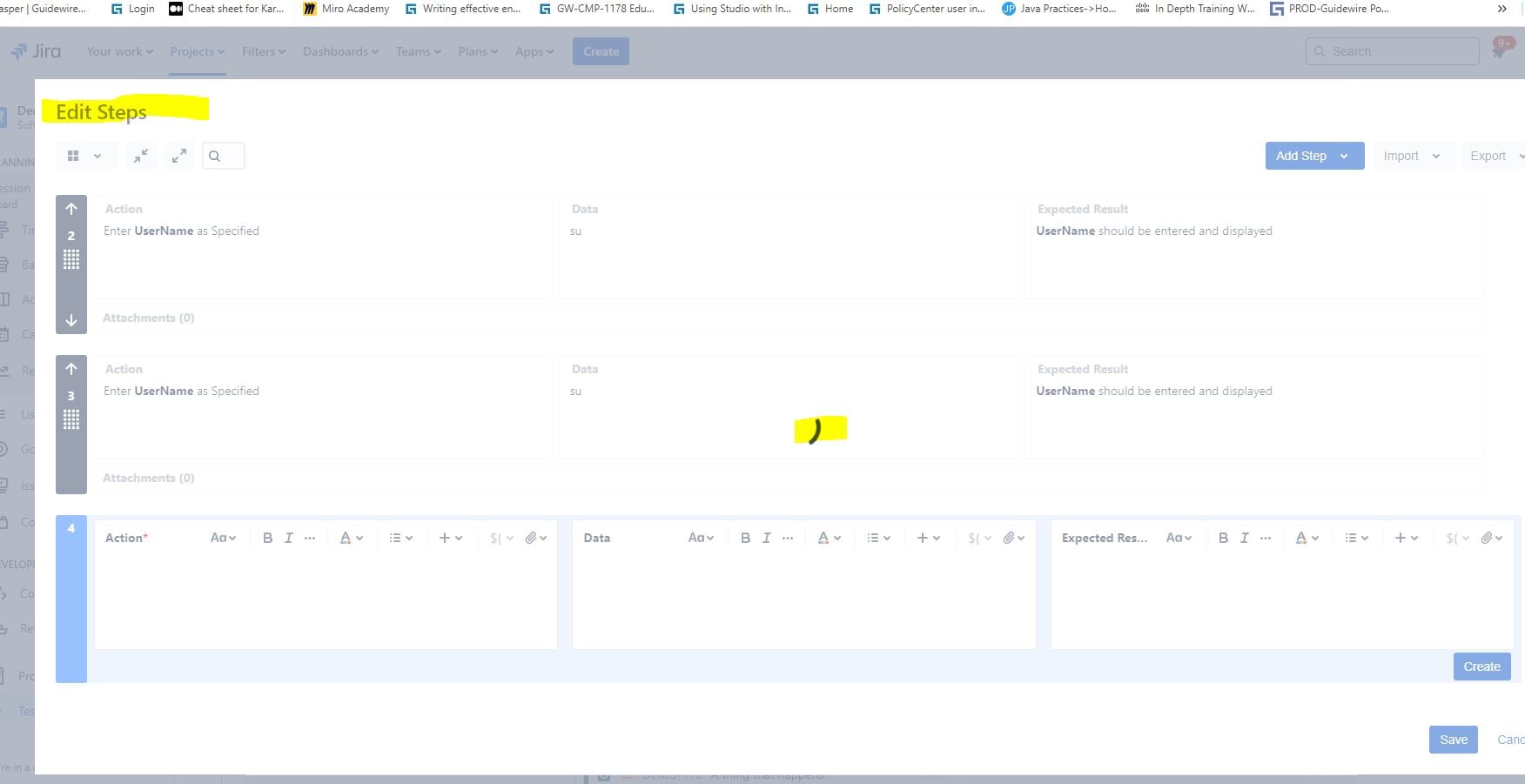
Description: I am currently experiencing an issue with the Xray tool in Jira.
Prerequisites - Xray plug in is installed
Steps to reproduce the issue:
1. Go to the Jira tool
2. Navigate to your project.
3. Create an issue using the "Test" type and save it.
4. Go to the "Testing Board" and search for the test you created.
5. Inside the test steps, create one test step, save it, and then open that test in edit mode by clicking on the View icon.
6. The test will open in edit mode.
Actual Behaviour - If you try to clone your steps, it gets stuck.
Specifically, I am trying to clone manual test steps in edit mode.
However, when I attempt to do this, the operation does not complete.
The loading icon continues to spin, but the page does not progress, and the test case is not cloned. This leaves me stuck on the same page. I have tried to resolve this issue myself, but so far, I have not been successful.
I would appreciate any assistance or guidance you could provide to help me resolve this issue. Thank you for your attention to this matter.
I look forward to your response.