- Open the page for editing.
- Add Layouts.
- Add Table in the Layouts.
- Click inside the table.
- Select Numbered column in the Table Options dropdown list.
- Click inside the table.
- Select Distribute columns.
- Page update.
If you proceed as above, horizontal scrolling does not occur for the table.
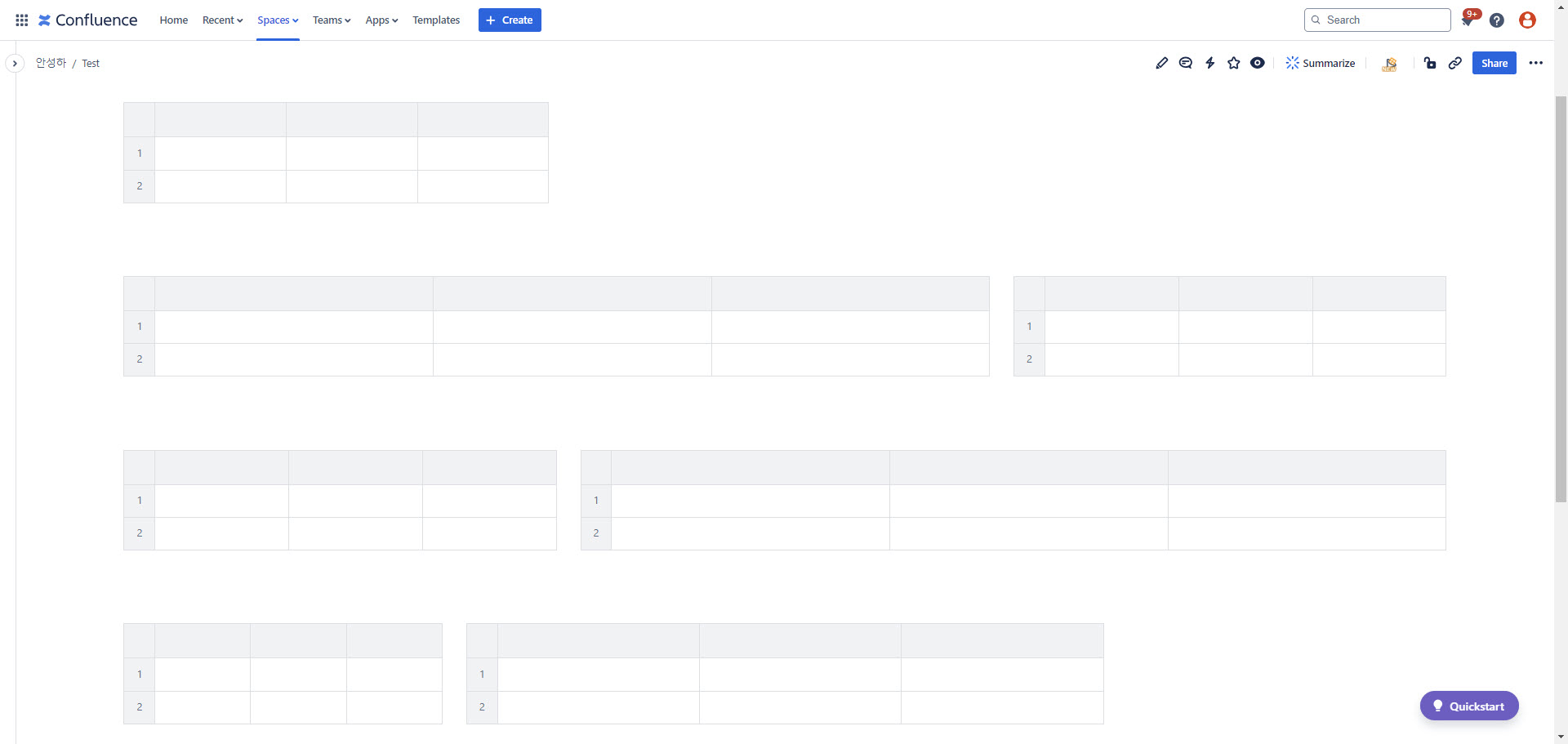
But,
- Open the page for editing.
- Add Layouts.
- Add Table in the Layouts.
- Click inside the table.
- Select Numbered column in the Table Options dropdown list.
- Customizing column width.
- Page update.
If you proceed as above, the set column width is not applied, and horizontal scrolling also occurs.
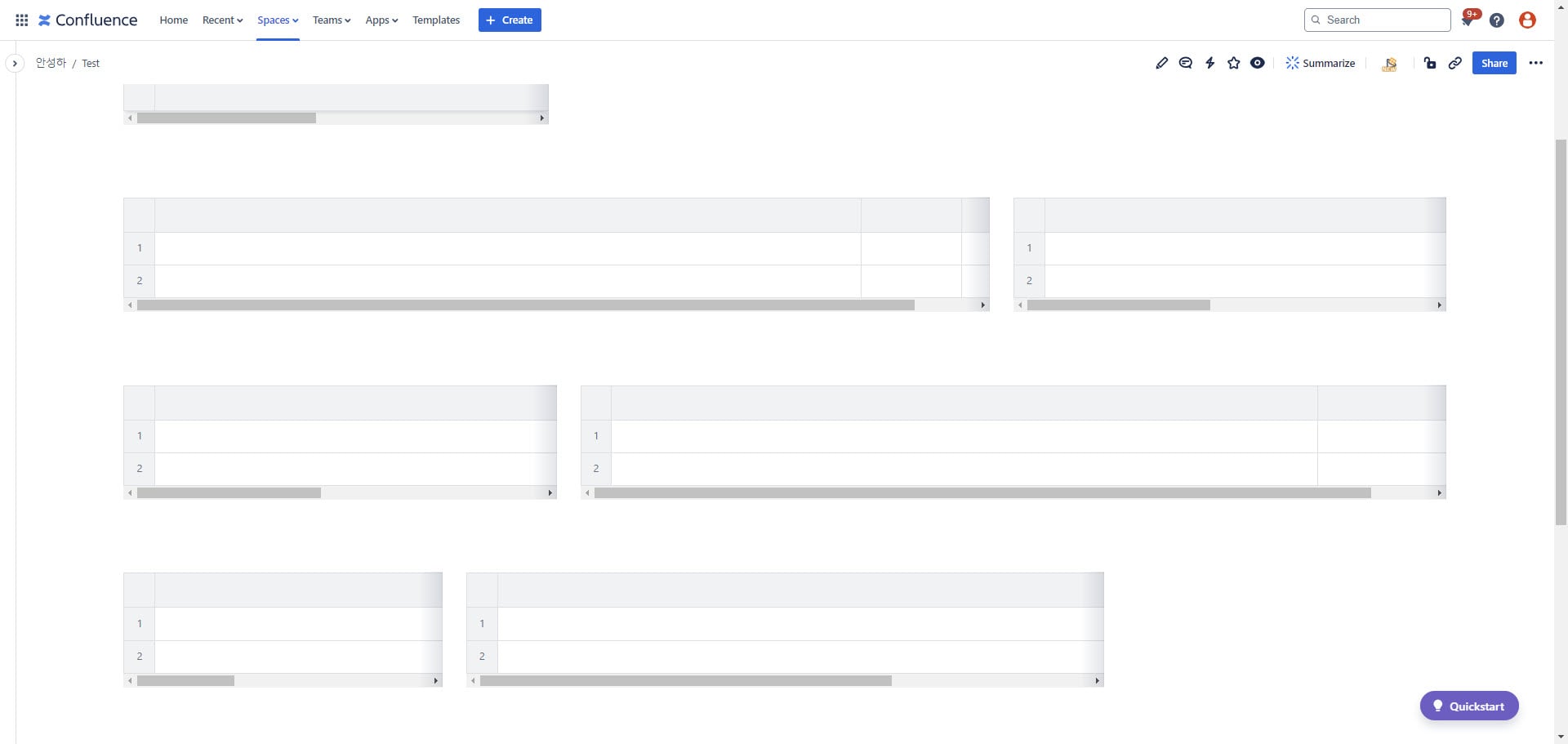
Could you please help resolve this issue?

