I have a project that I'd like to make visible to the public.
I've changed my Default Permission Scheme, granting 'Browse Projects' permissions to 'Anyone'. I've also changed my Project Access to 'Limited'. With this, anyone should be able to view the project, but only users who've been added to the group can make changes.
However, this is not the case. When I try to view my project in an incognito tab, I'm still prompted to log in; when I log in, I'm told I don't have access to the project.
I've noticed that in the permission schemes page, my project isn't shown under the 'Projects' column of my Default Permission Scheme, meaning it isn't applied to that project. I've searched online for instructions on applying a permission scheme, but all guides say that I should go to Project Settings > Permissions, however my project settings tab doesn't have a 'Permissions' option (pic attached).
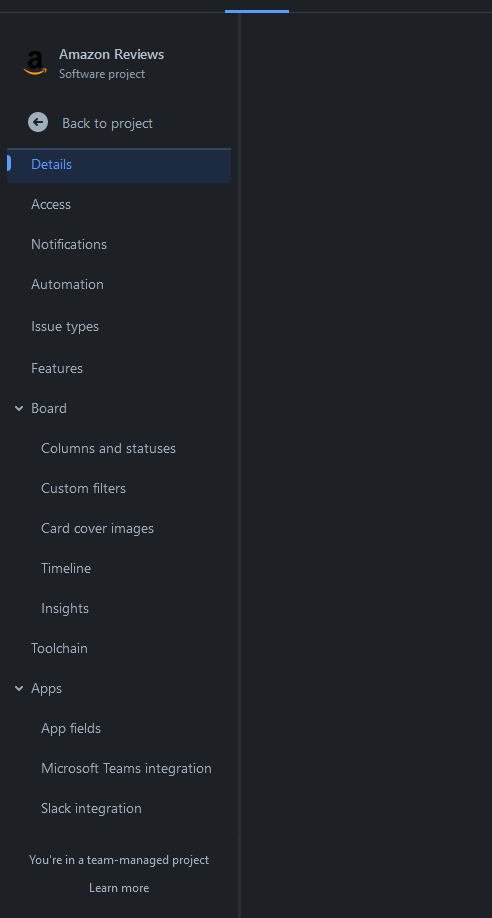
Any suggestions? How can I solve this issue?

