Hi guy.
When I try to customize the dashboard to display a certain issues, after I clicked the "configure board" option in the backlog or active sprint dashboard page, it indefinitely displayed the loading icon and never gave me the result.
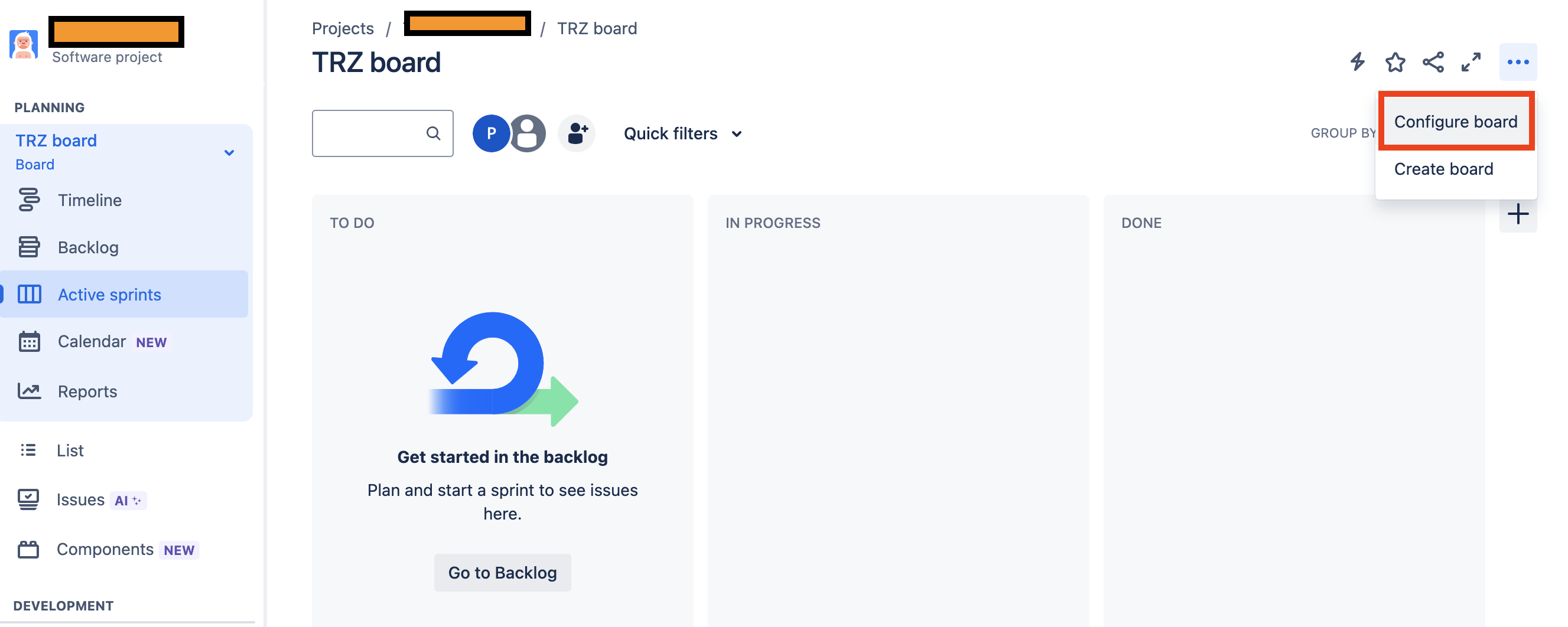
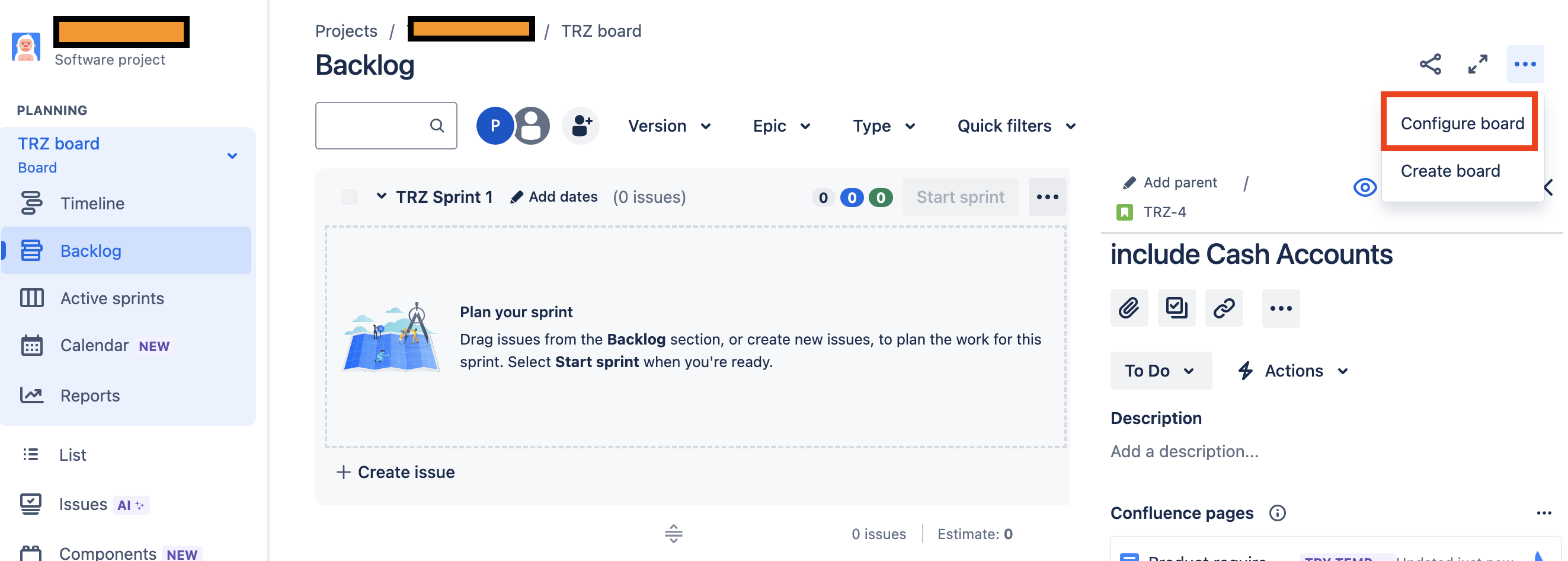
Below are the pictures before I clicked on "configure board":
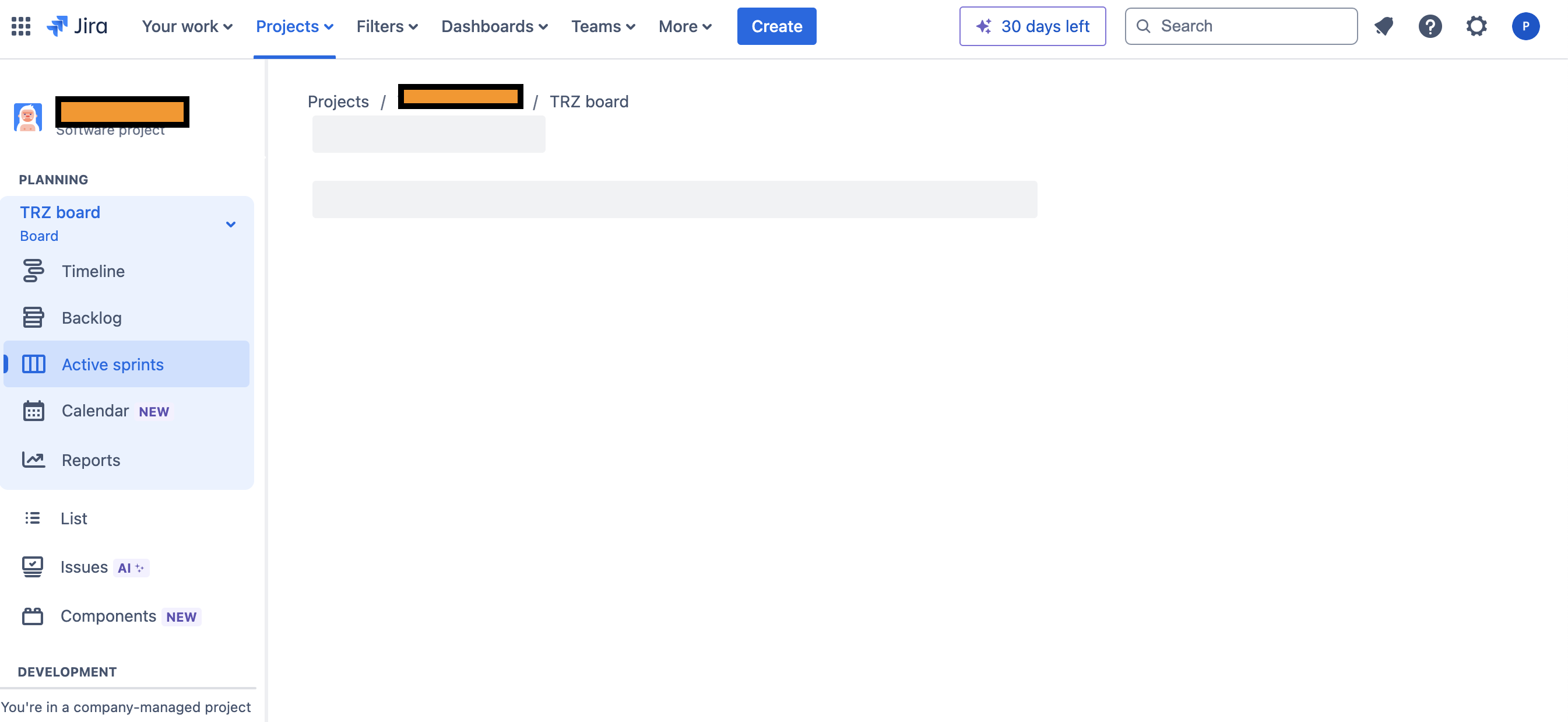
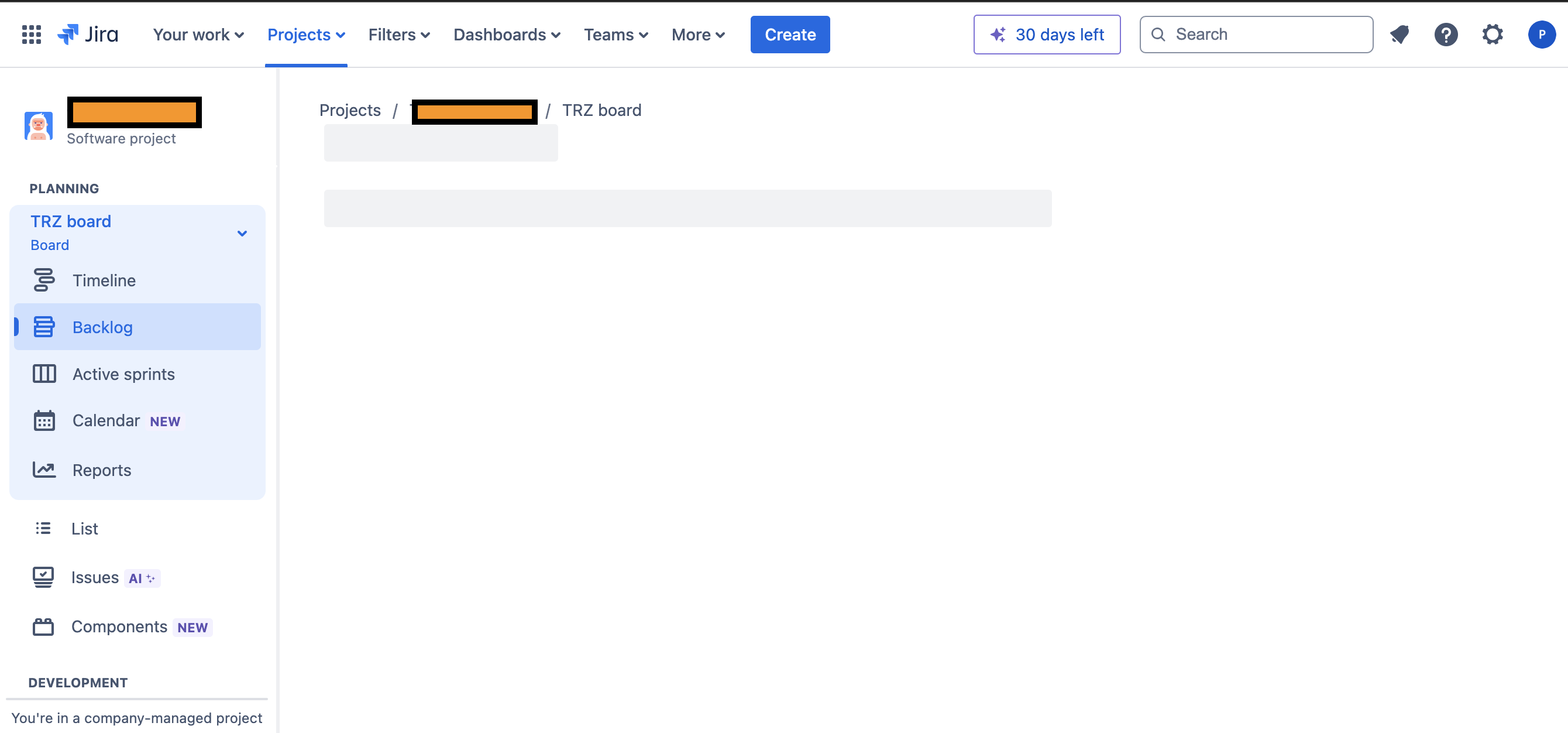
and below are the pictures after I clicked on the "configure board". Also I also noticed the following:
- Clicking the 'Active Sprints' button took me to this URL: https://mydomain.atlassian.net/jira/software/c/projects/TRZ/boards/3/backlog?config=filter
- Clicking the 'Backlog' button took me to this URL: https://mydomain.atlassian.net/jira/software/c/projects/TRZ/boards/3/?config=default"
For more details:
1. steps to reproduce:
1.1 create a software development project (already tried both scrum or kanban, and it happened to both) using company-managed project template
1.2 create an epic using "create" button on the top menu bar.
1.3 try to configure the board by clicking "configure board" on the top right at the scrum board page. Then, it loads indefinitely.
2. I am the admin who created the project
3. I found that when I created the project using "team-managed project" template, after I clicked "configure board", it displayed contents properly and didn't get stuck like what happened in company-managed project.
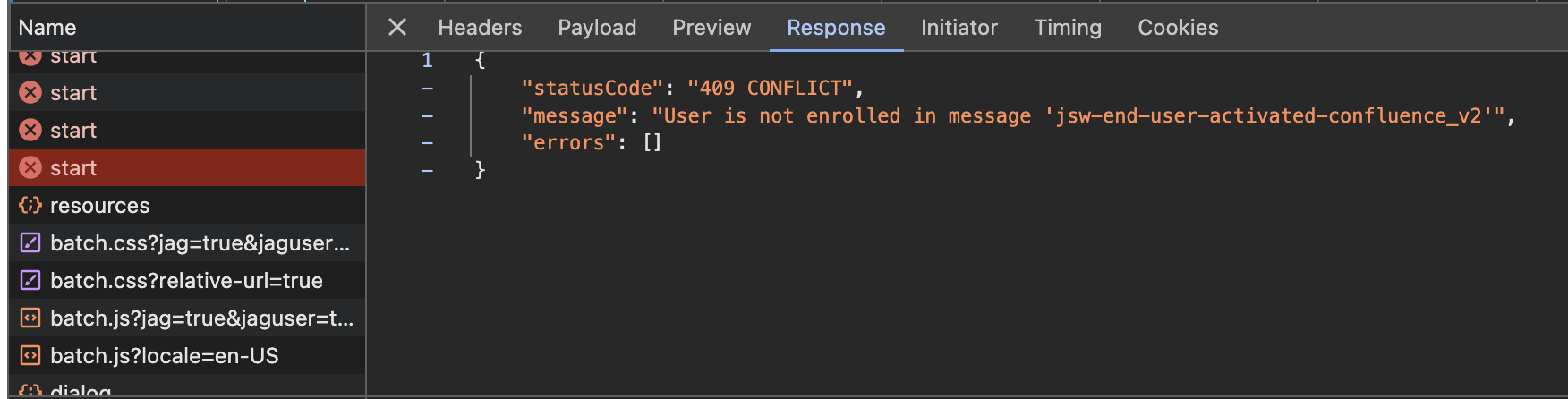
4. I opened the Network tab in the chrome's developer tools and it showed 409 conflict. I'm not sure if this is the root cause or not?
5. I didn't install any plugin or configure anything in my project and I use the default settings until the error occured.
Please help. Thank you.

