Morning.
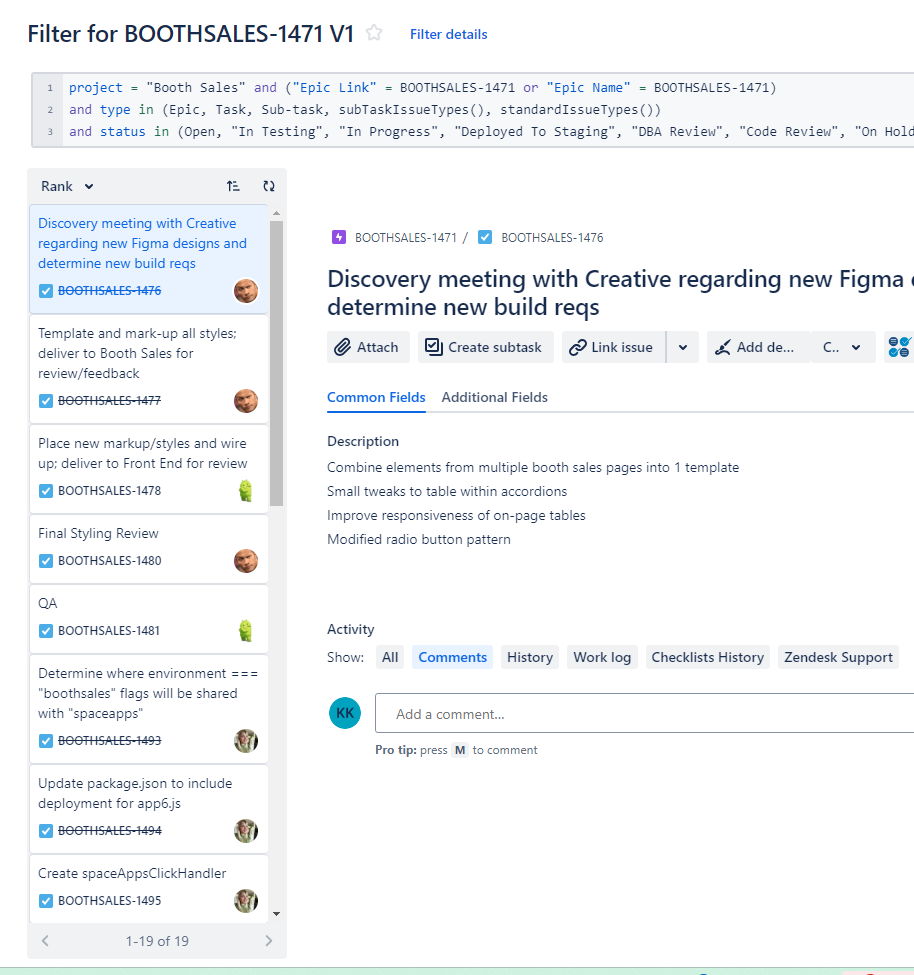
I'm having trouble with my Timeline displaying correctly. I'd like my timeline to show any epics/tasks/sub-tasks created within the Booth Sales project and under the Epic "BoothSales-1471". Thus far, 19 tasks were created which reference the BoothSales-1471 as it's parent.
Filter Query: project = "Booth Sales" and ("Epic Link" = BOOTHSALES-1471 or "Epic Name" = BOOTHSALES-1471) and type in (Epic, Task, Sub-task, subTaskIssueTypes(), standardIssueTypes()) and status in (Open, "In Testing", "In Progress", "Deployed To Staging", "DBA Review", "Code Review", "On Hold", Unverified, Reopened, "Ready To Deploy To Testing", "Ready To Deploy To Staging", "Ready To Deploy To Production", "QA Testing", Resolved, Tested, "General Testing", Closed) ORDER BY Rank ASC
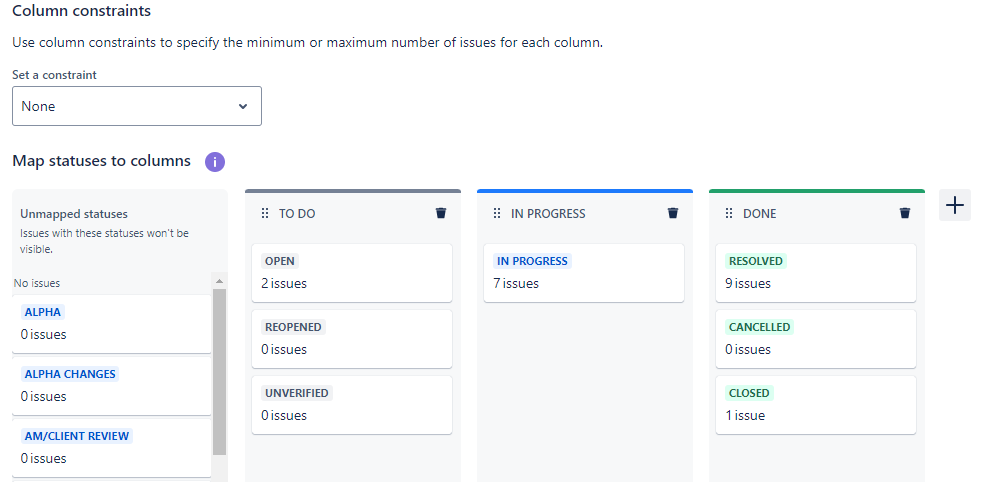
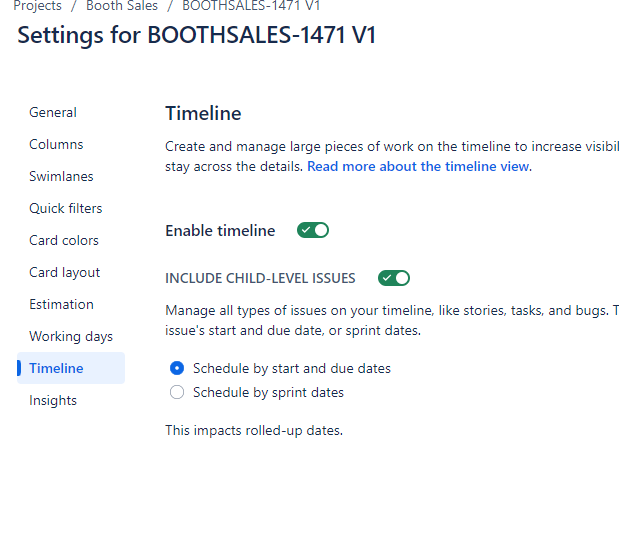
In Configure Timeline - my filter seems to pull the correct issue count, my columns are mapped appropriately, and my timeline is enabled.
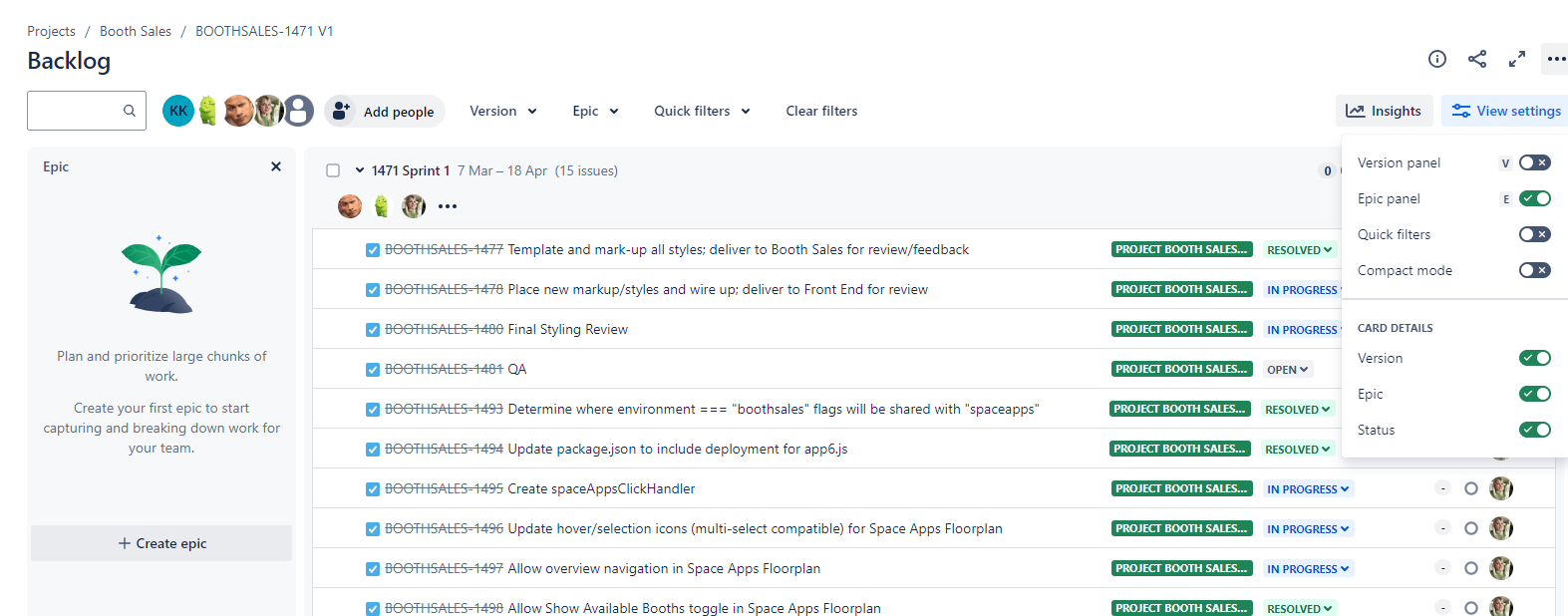
My backlog displays OK, I think.
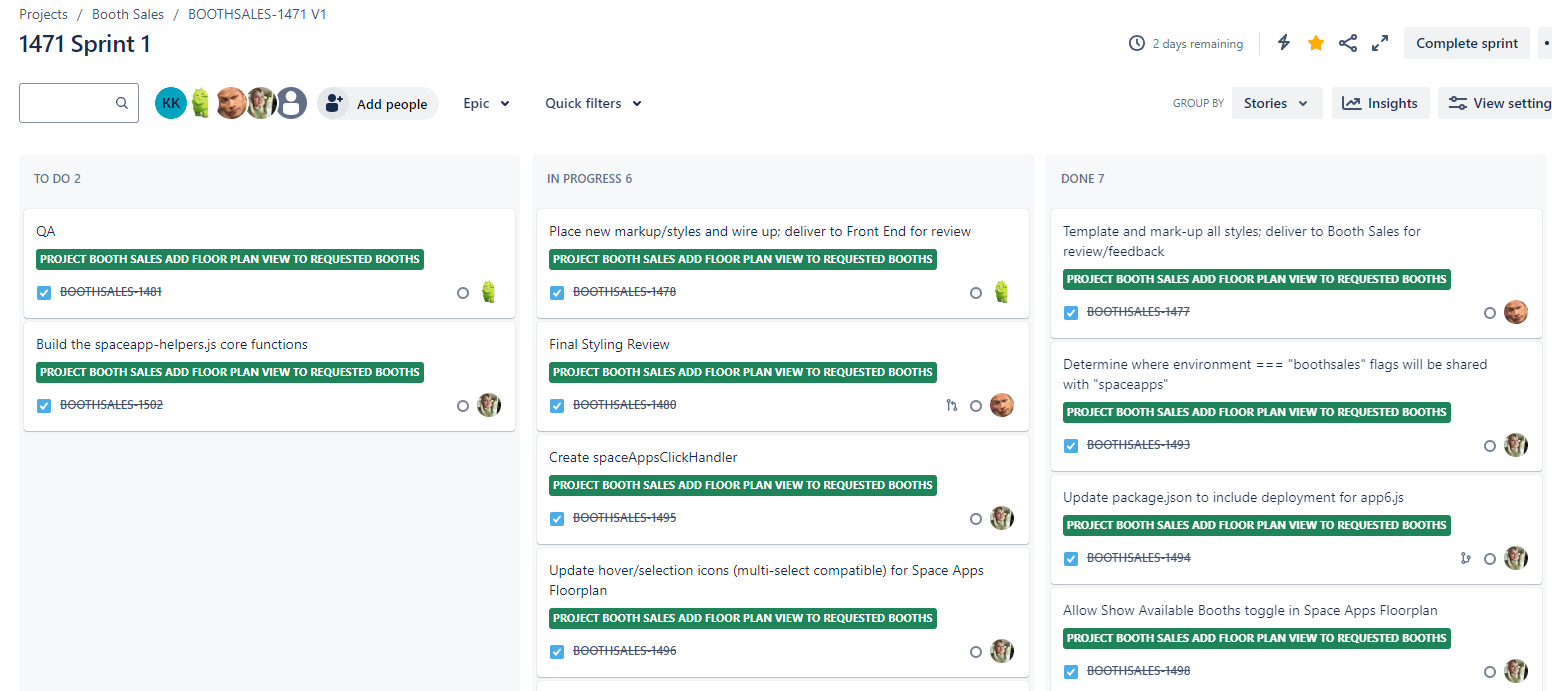
And I've set up a Sprint which I think is fine also.
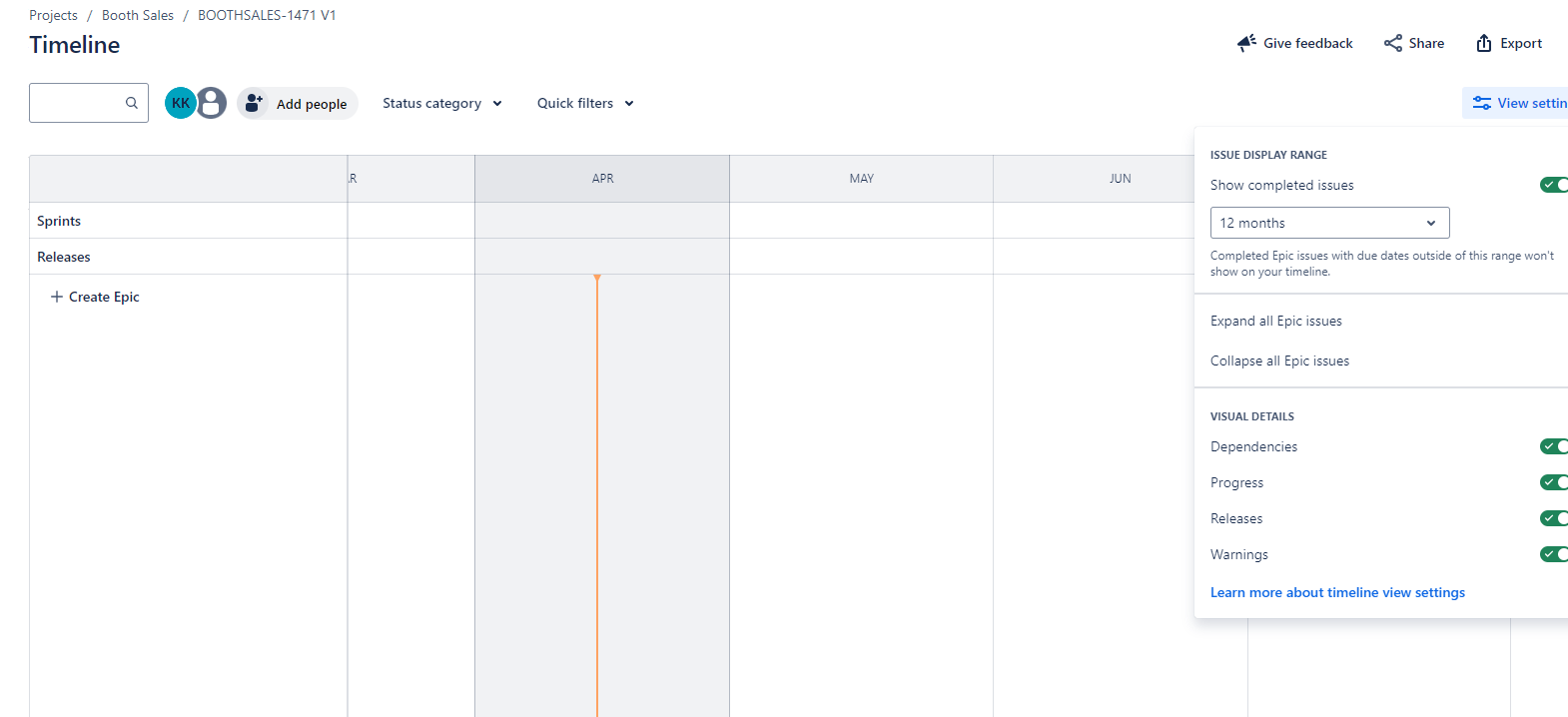
However, there are no options on the Timeline view to select the Epic/Tasks I'd like to show.
What am I doing wrong here?