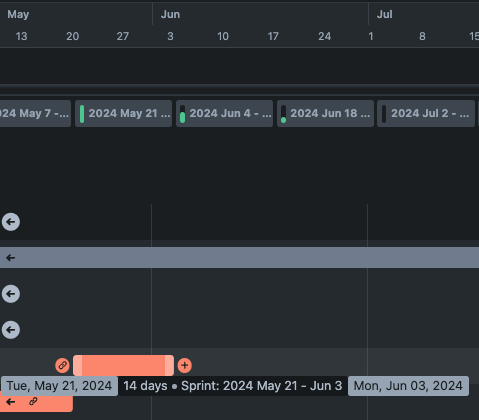
When I navigate to Timeline from the project I can conveniently move the sprint of a work item from one sprint to the next. I would like to do the same from Plans | Timeline but when I make a proposed move it is changing the Start/End date, not the sprint.
Is there a way to change a work item's Sprint value by dragging the work item time allocation bubble to a different sprint in the Plans timeline?
For example, in the attached image, is there a way to drag the time-bubble to the right to align it with a different sprint, such that the Sprint value is updated, not the start/end dates? I don't use start/end dates, I use sprints only.