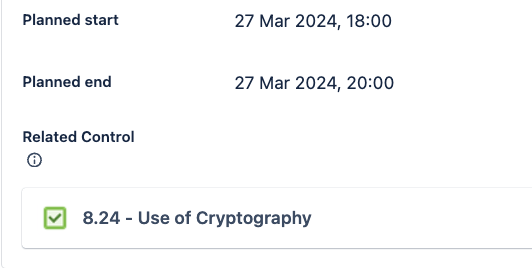
We have a custom field (in this example - "Related Control") which is configured to link to a Jira Assets object, but would like to set the value in certain automations.
For example, suppose we have a Request type which always relates to a Cryptography control, we would like to set this automatically when a request is raised.
The field works fine when setting manually - it is configured to link to a particular schema, and when manually editing a ticket it is possible to select multiple values, as expected.
When using automation, I can retrieve the attributes of Assets objects using AQL, and use these in further automation, but I am unable to set the custom field to the Assets object.
When using the "Edit Issue Fields" action, selecting the "Related Control" field in my example prompts for AQL:
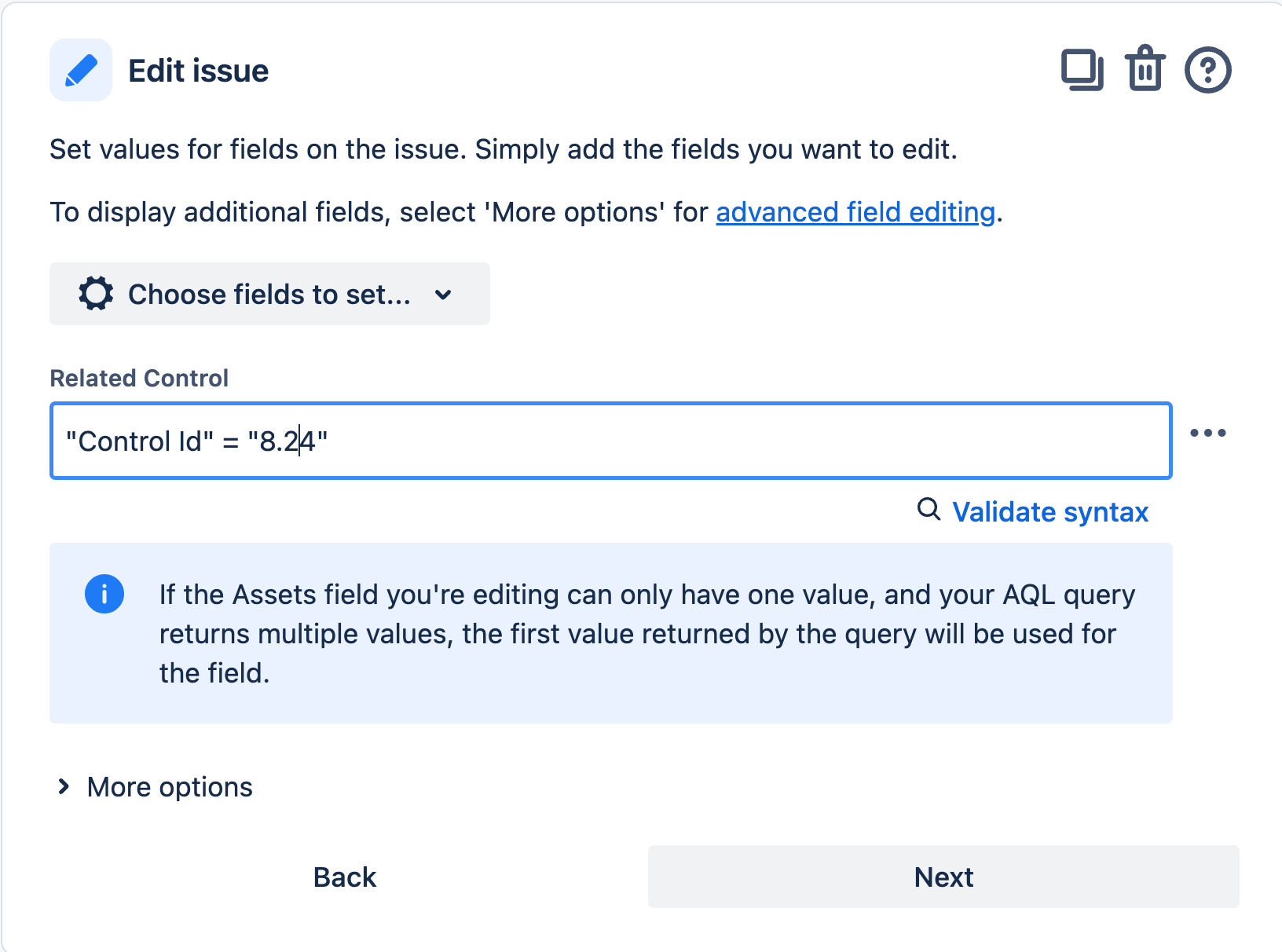
When clicking on "Validate Syntax", the following pop-up appears, regardless of the AQL entered:

I have tested using multiple AQL queries, but get the same error. I am, however able to retrieve the object values using the same AQL in a "Lookup Objects" action.
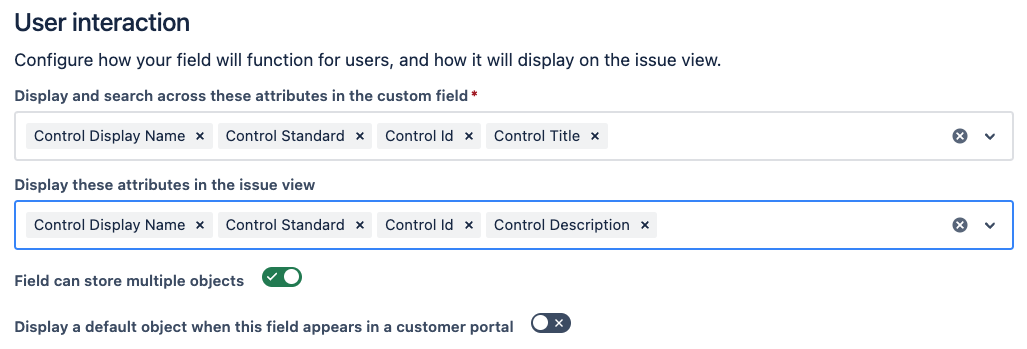
I have checked the custom field configuration, and I am searching on attributes which are searchable
Has anyone else experienced this issue, or have any suggestions of another method to automate the population of the custom field with the appropriate Assets object.


