Hello Community,
I’m currently working on a project where I need to update the description field of a Jira issue using an API. This is part of a synchronization tool I’m developing for Azure DevOps Work Items. However, I’ve encountered a problem when the description field contains an image that was added using the description text editor. When I attempt to update this description via the API, the image is removed from the issue and the description displays “Preview not available” in place of the image.
Here’s the process I’ve been following:
- I used the API to gather attachment details from both Jira and Azure DevOps, and then mapped the URLs of each according to their filenames. I used the jira api to get attachments from this link https://developer.atlassian.com/cloud/jira/platform/rest/v3/api-group-issue-attachments/#api-rest-api-3-attachment-id-get
- I used the API to obtain the rendered body of the description from Azure DevOps.
- I replaced the Azure DevOps attachment URL with the corresponding Jira attachment URL using a Regular Expression.
- I updated the Jira issue using the Jira Issue Update API found from this link https://developer.atlassian.com/cloud/jira/platform/rest/v3/api-group-issues/#api-rest-api-3-issue-issueidorkey-put
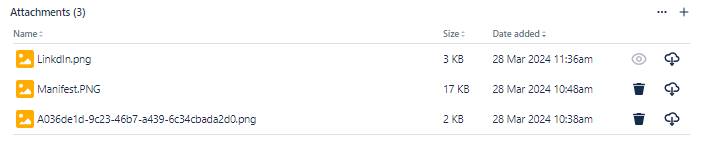
After completing these steps, I noticed that the image was missing from the description in Jira and the attachment was lost.
I’ve attached relevant screenshots for reference:
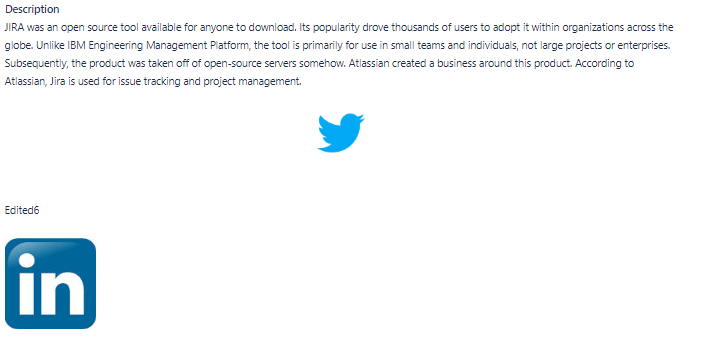
Before Updating the Description in Jira
After Updating the Description using API in Jira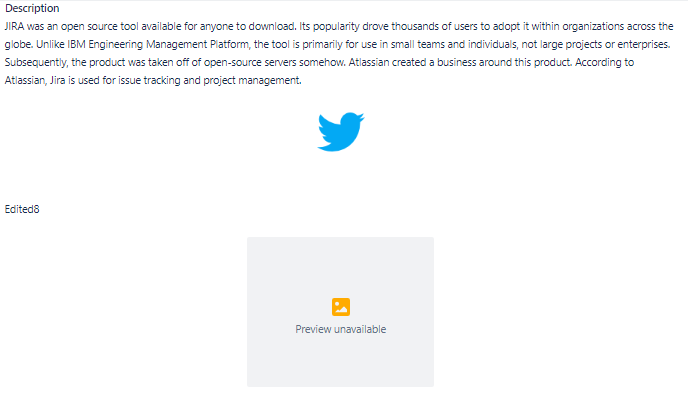

I would greatly appreciate any solutions or suggestions for this issue.
Thank you in advance for your help.

