Here is the goal of my Automation:
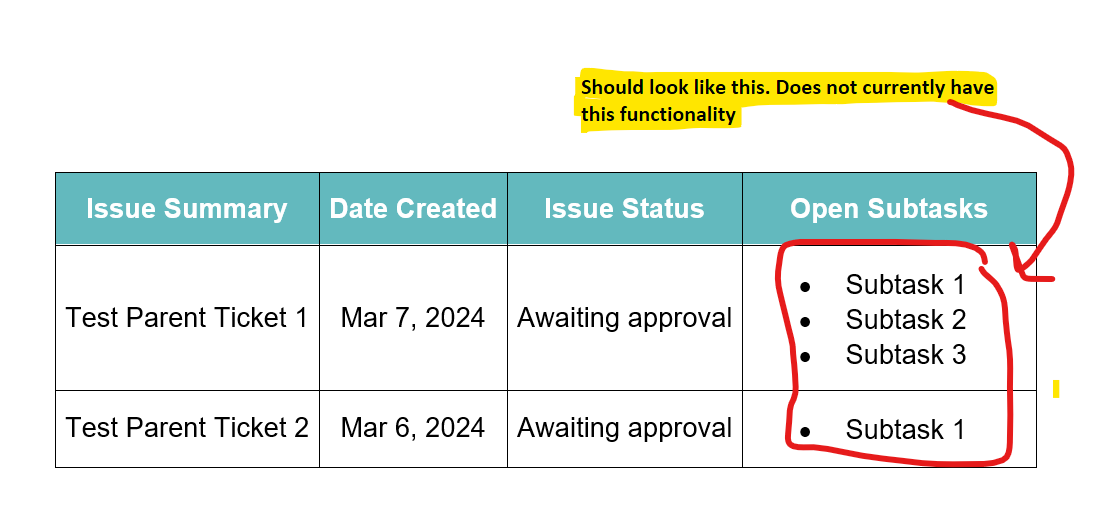
Every Friday, I want to send an email that contains a table listing all issues in the statuses "Compliance Approval", "On Hold", or "Awaiting approval". Each issue should show in a separate row of the table. (I have this working successfully).
Problem:
I am running into problems when I want to include a list of all open subtasks for each of the parent issues in their respective rows. I assume I need to use {{lookupIssues}}, but I cannot figure out how to associate the open subtasks with their parent tickets when adding them to the table.
Here is what the table looks like in the email:
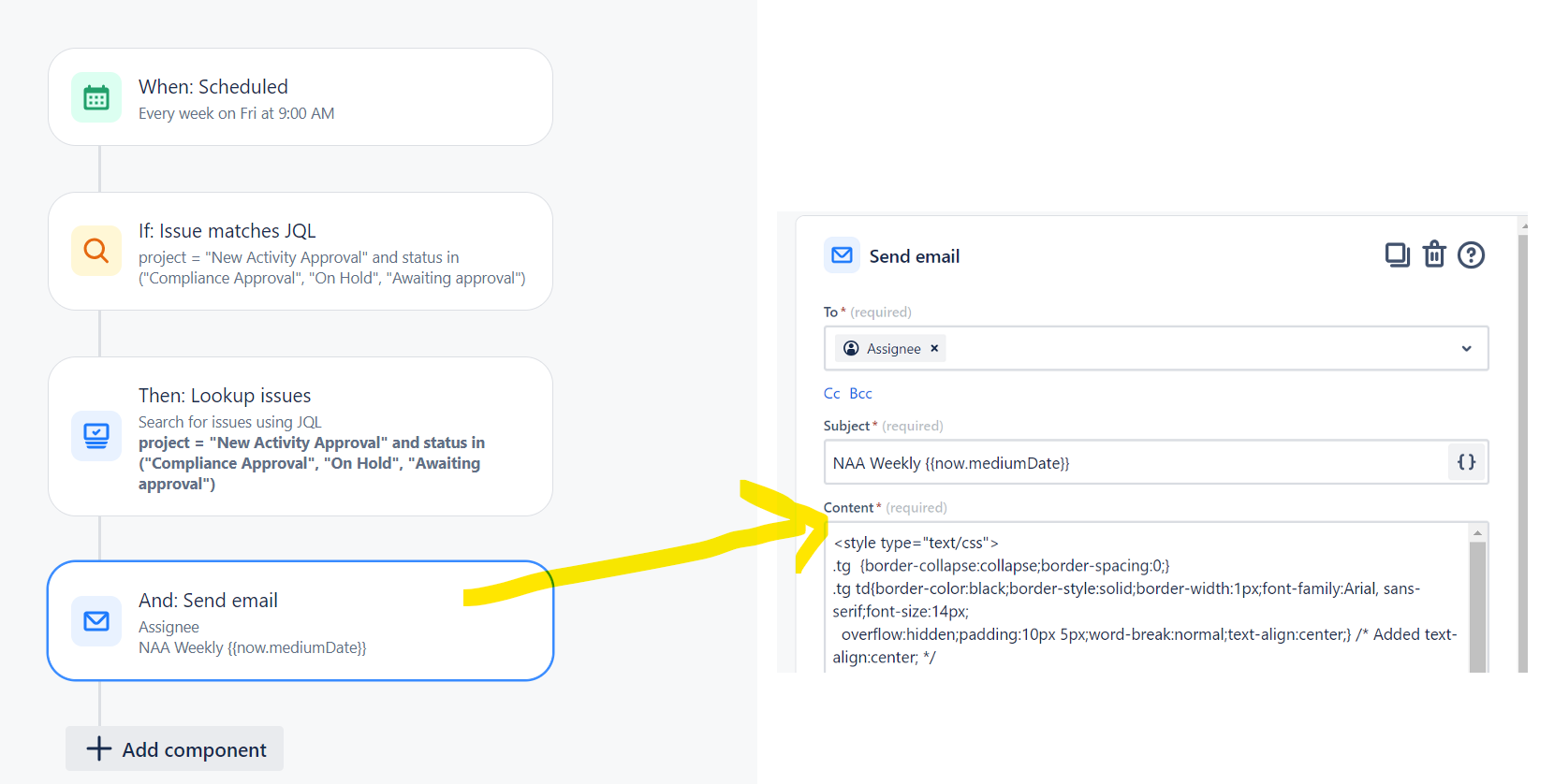
Here is the Automation I made:
And here is the HTML I use to create the table (I left the cell for Open Subtasks blank - that is where I need help):
<style type="text/css">
.tg {border-collapse:collapse;border-spacing:0;}
.tg td{border-color:black;border-style:solid;border-width:1px;font-family:Arial, sans-serif;font-size:14px;
overflow:hidden;padding:10px 5px;word-break:normal;text-align:center;} /* Added text-align:center; */
.tg th{border-color:black;border-style:solid;border-width:1px;font-family:Arial, sans-serif;font-size:14px;
font-weight:normal;overflow:hidden;padding:10px 5px;word-break:normal;text-align:center;} /* Added text-align:center; */
.tg .tg-582d{background-color:#63B9BE;border-color:inherit;color:#FFF;font-weight:bold;text-align:center;vertical-align:middle}
.tg .tg-0lax{text-align:left;vertical-align:top}
</style>
<table class="tg">
<thead>
<tr>
<th class="tg-582d">Issue Summary</th>
<th class="tg-582d">Date Created</th>
<th class="tg-582d">Issue Status</th>
<th class="tg-582d">Open Subtasks</th>
</tr>
</thead>
{{#lookupIssues}}
<tr>
<td class="tg-c3ow">{{summary}}</td>
<td class="tg-c3ow">{{created.mediumDate}}</td>
<td class="tg-0pky">{{status.name}}</td>
<td class="tg-0pky"> </td>
</tr>
{{/}}
</table>

