Greetings Atlassian Community,
I have to add the following required fields to a Jira project:
- Parent
- Team
- Type of work
The Jira Community has always been very helpful for me and I could always find the right resources at the right time, just like now.
I see proper guidance on how to do this here: https://community.atlassian.com/t5/Jira-Software-questions/How-to-make-field-Mandatory/qaq-p/1854806
And it is even described extensively in the Atlassian documentation here:
https://support.atlassian.com/jira-cloud-administration/docs/change-a-field-configuration/
However, what I notice on my instance is that when I try to create a ticket of the type "Story", the field "Parent" is also seen there, despite being only configured to be in the following issue screens which are all for the issue type "Epic":
{PROJECT_KEY}: Epic Create Issue Screen
{PROJECT_KEY}: Epic Default Issue Screen
{PROJECT_KEY}: Epic Edit Issue Screen
Any idea why is that so?
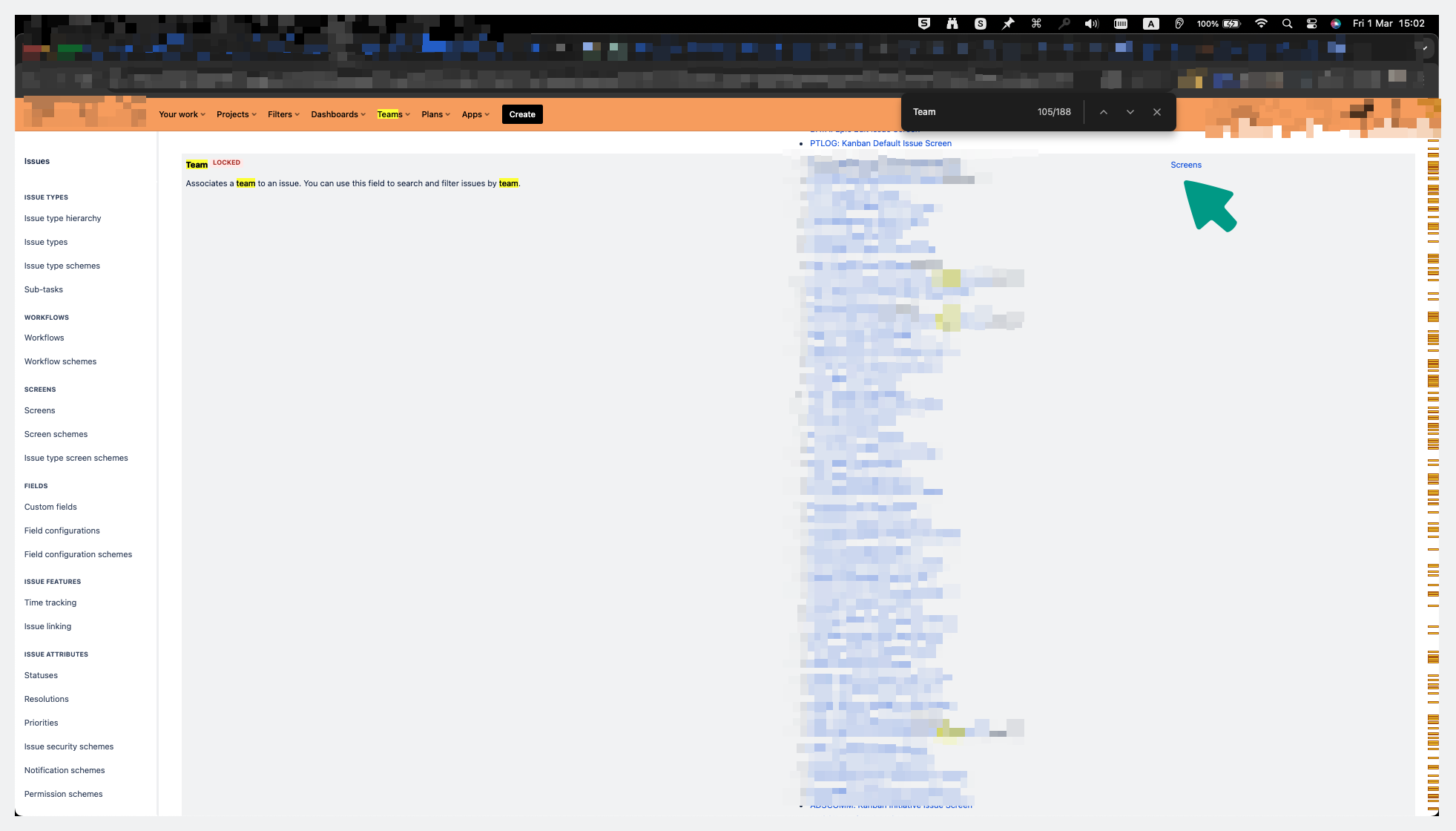
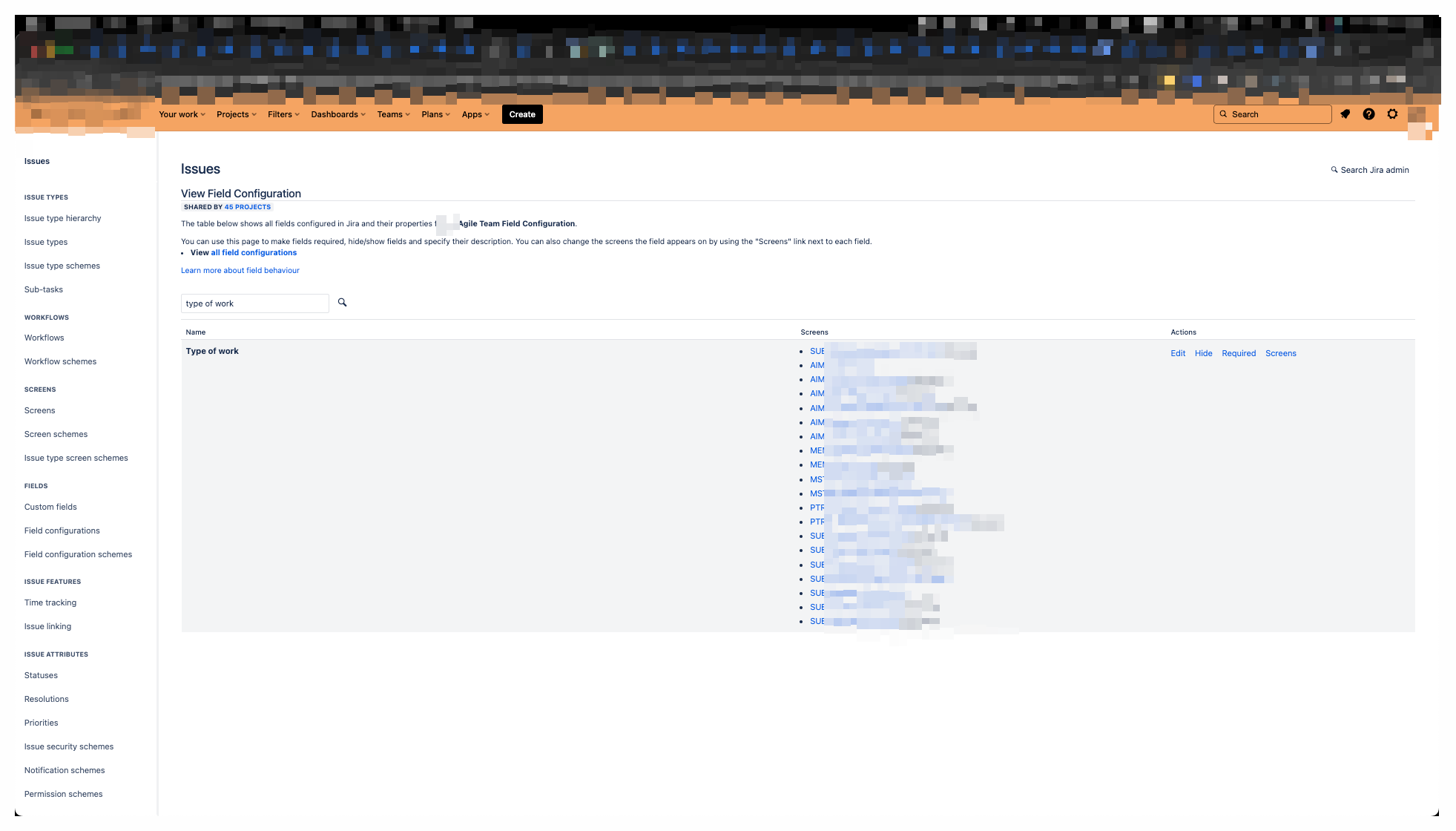
Further to the above, I also cannot add the "Team" field to the screen I want to as required, simply because there is no "Required" button on the right screen side, just like there is one for the rest of the fields that are not locked.
The one without the buttons:
Here is another one that has the buttons on the right:
However, looking around, I noticed that there's the following way to add a field to a screen:
Under:
Issues
View Field Configuration |
| Actions -> Screens |
- Then you see:
Search Jira admin
Associate field {FIELD_NAME} to screens
Do I assume correctly that. I first have to "Associate" the field I want to appear, to the right screens? Why if so, then, the field "Parent" also appears in the "Story" issue type where I do not see it associated?
Thank you in advance!
Best wishes,
Svetlin


