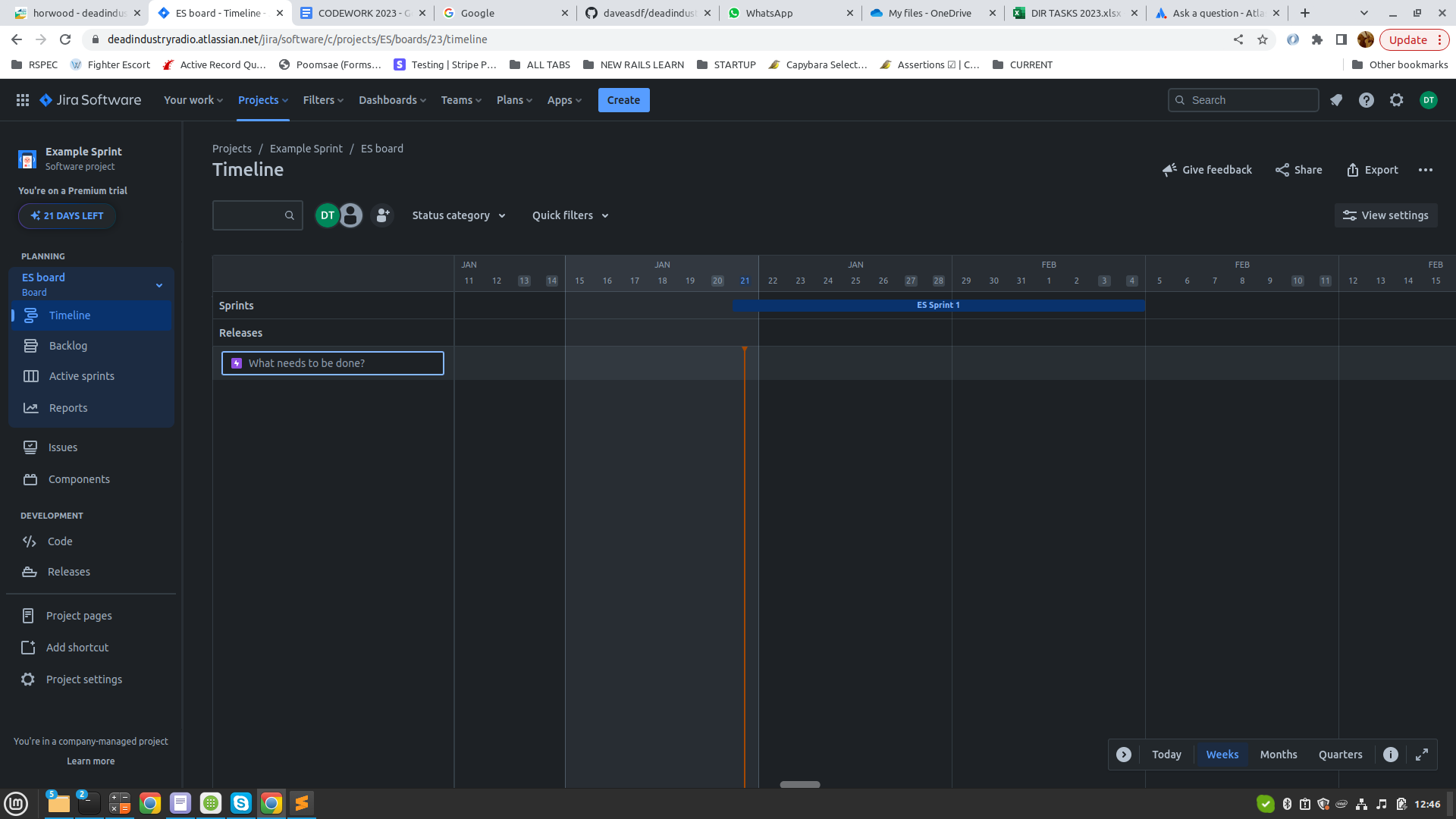
I have allocated 3 example issues to an example sprint, each with 1 day durations, and have created links/dependencies between the 3 issues in the sprint.
How do I view the 3 planned issues in the timeline or Gantt Chart, with the little lines that show the dependencies, so that it's obvious the pending issues that are planned to start on upcoming days?
All I've got so far is the one sprint line, which can't expand.
Also, in the 'active sprints' section, I can't move an issue to another column, by right clicking and dragging, unless there is another pre-existing Issue in that column. If there is an other Issue in the column I want to move the issue to, I can I move the Issue by dragging it so that the blue line appears at the bottom of the existing Issue. Otherwise I have to go into the Issue and select the correct column (besides the actions, above the details).
Also, should I not be able to move them into the different columns without their dependencies being completed?