When using the trackpad to zoom within the Canvas, specifically when the cursor is over a full-detail embedded Jira Issue, on a Whiteboard the entire browser zooms and the view outside of the canvas cannot be recovered easily via the trackpad, keyboard shortcuts or browser zoom settings. I have found that I have to go back over the embedded issue and then pinch zoom out or leave the whiteboard and navigate to trigger a new page load.
Ideally the zoom doesn't get hijacked by the embedded iframe.
Normal View:
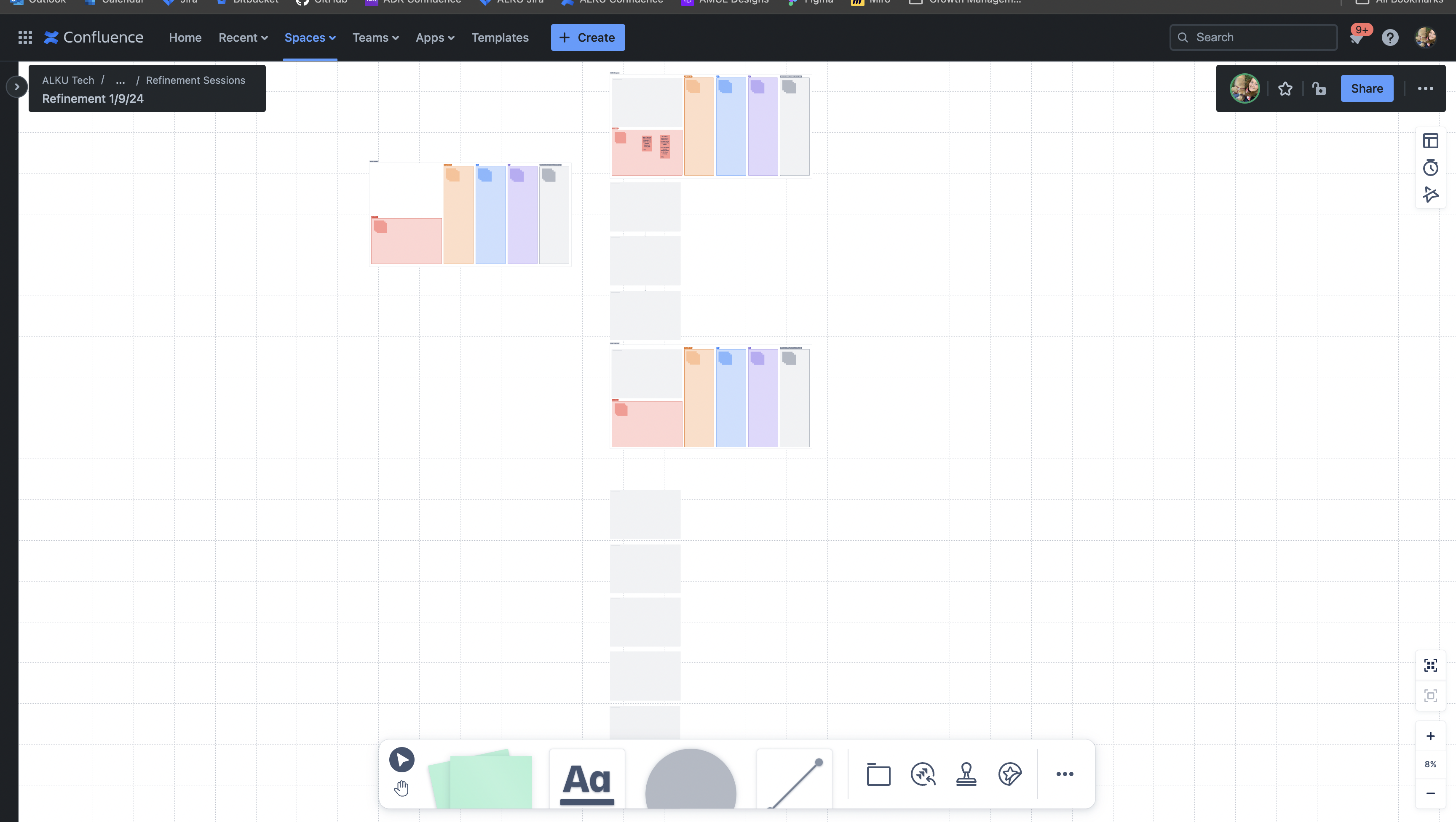
Entire screen after pinch zooming: 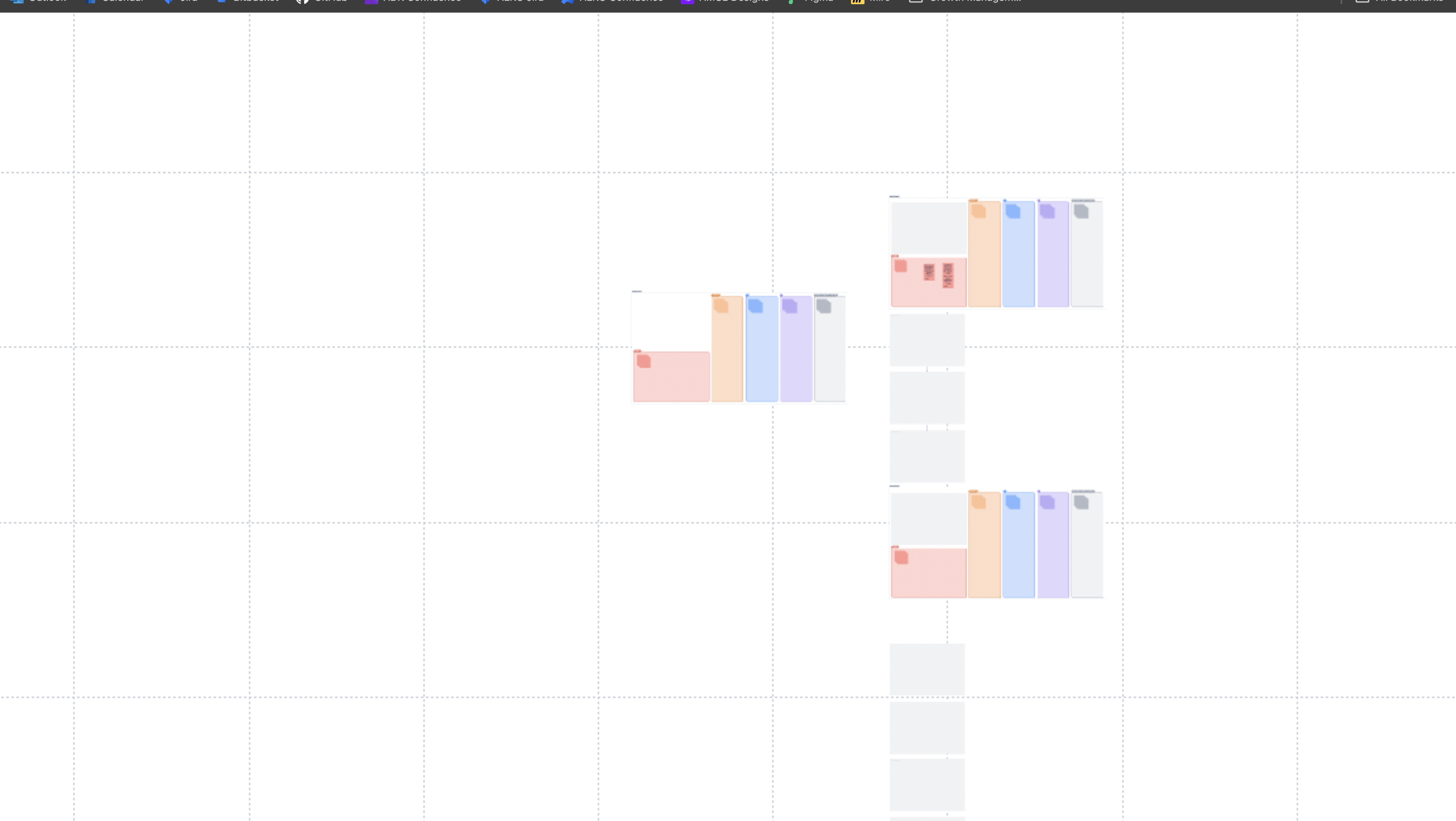
Other details:
OS: Mac
Browser: Chrome
Additionally: it is very easy to accidentally click into the embedded issue when trying to manage it on the whiteboard. Perhaps the embeds should be view-only/locked with a menu to enable editing or opening in a new tab?

