When I scan a QR code generated by Jira's built-in Asset Management tool (the "Assets" tab on Jira Service Management) I'm taken to a web page that is not set up for handheld device screens, and it has a banner on top that reads "You're in desktop view Open Jira app (best experience)".
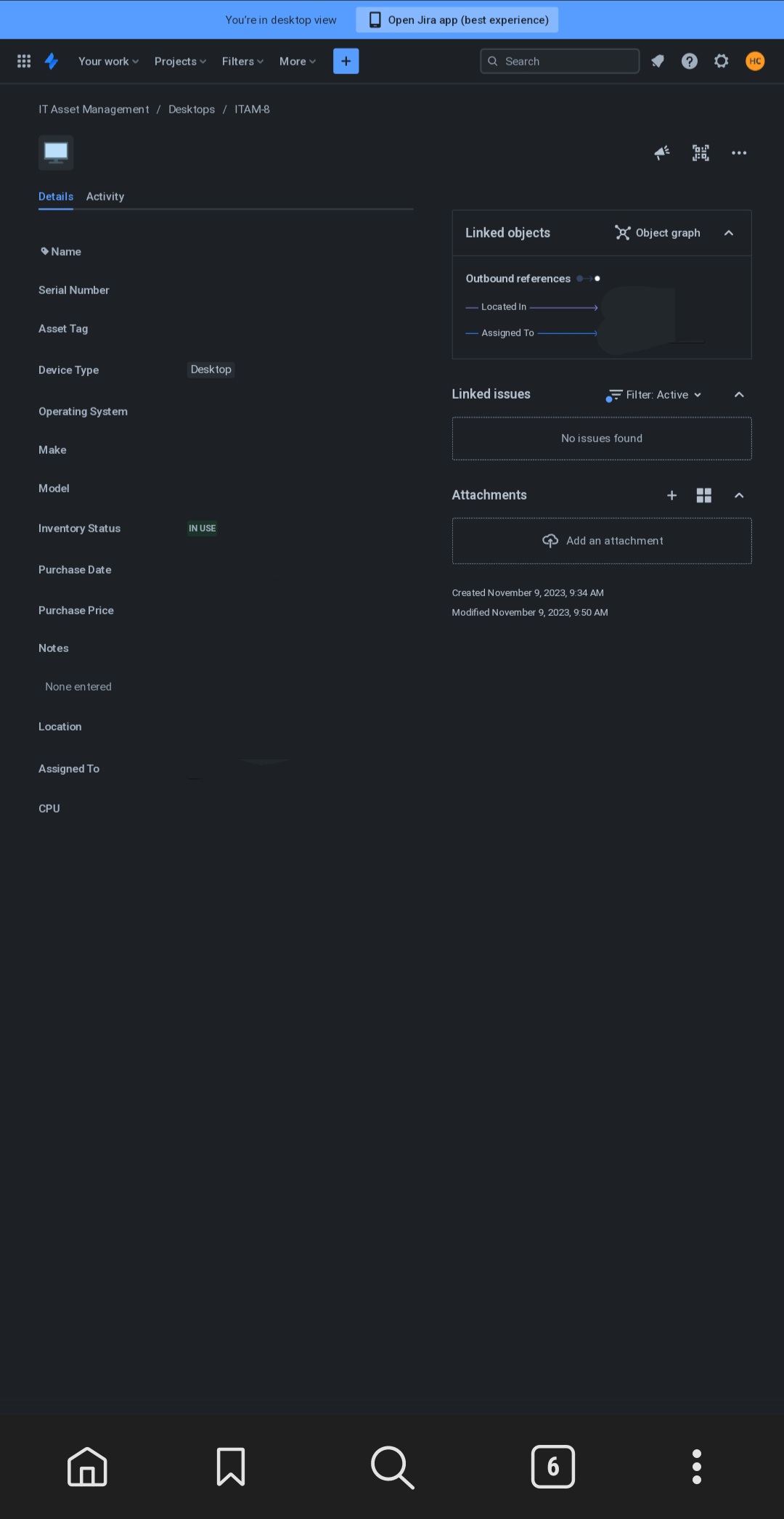
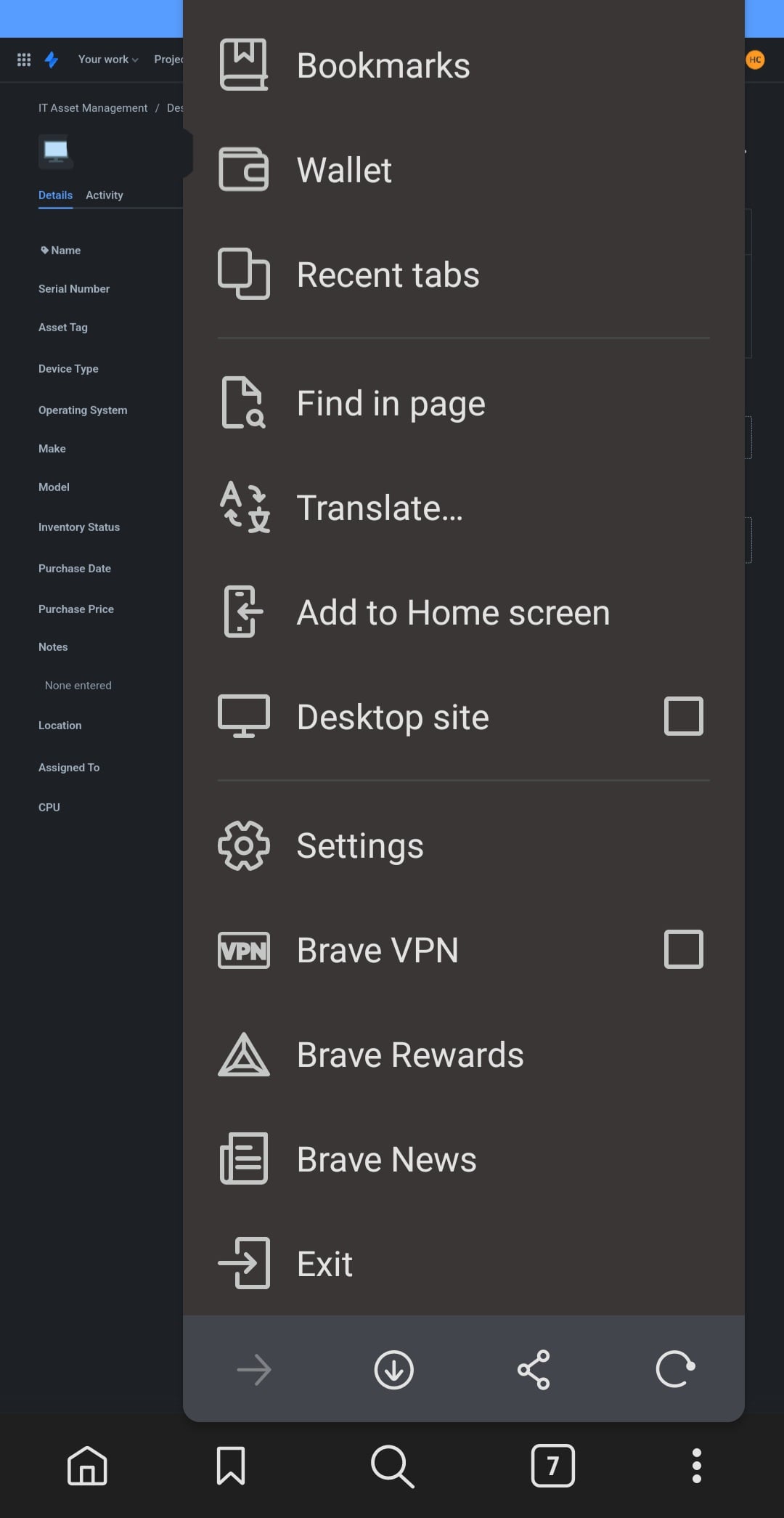
My mobile browser is not configured to show the desktop version of the page.
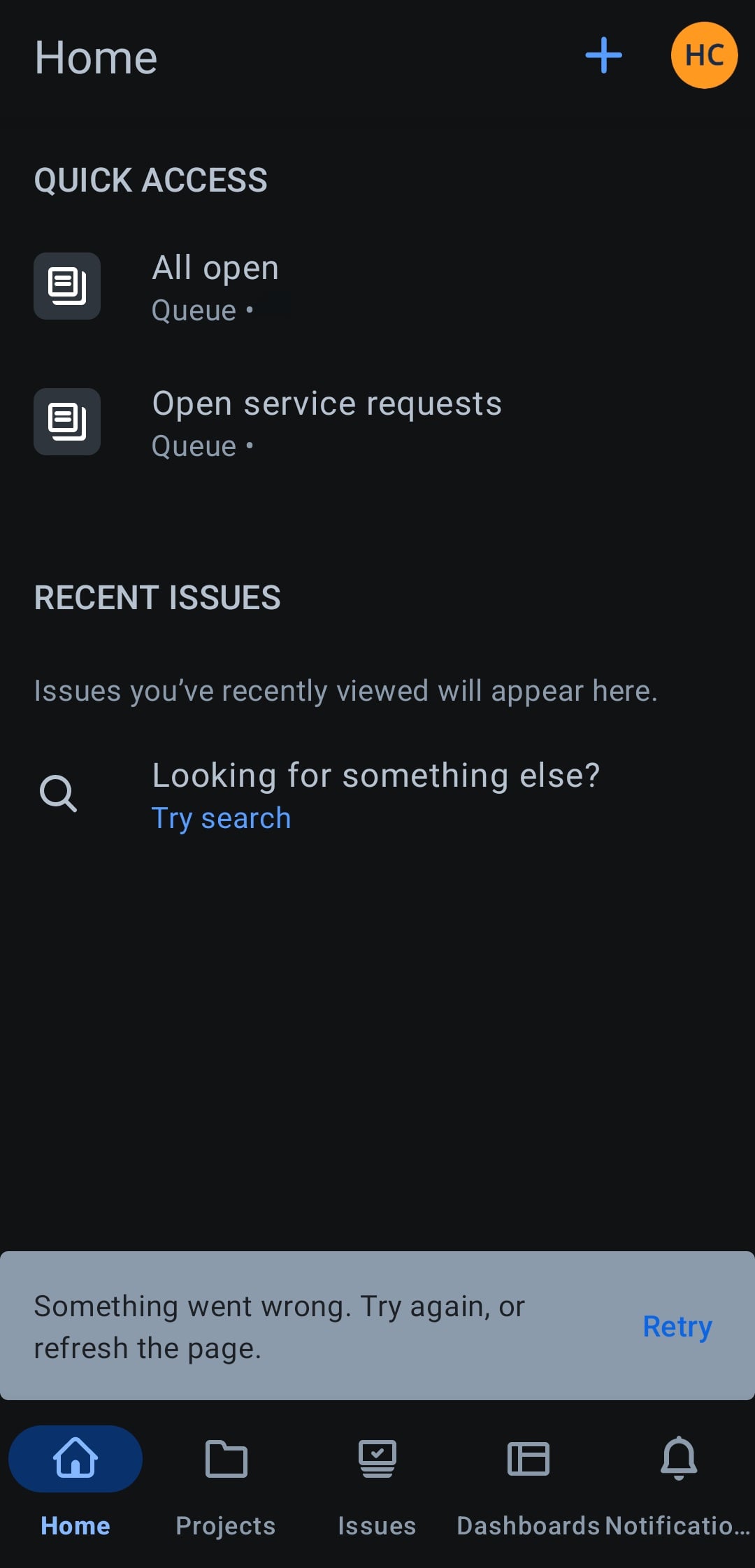
I installed the Jira Cloud app on my phone, but when I tap on that link I get a toast notification inside the app that says "Something went wrong. Try again, or refresh the page".
Am I missing something? Should I have a different app installed? Do I need to configure any kind of permission in the admin dashboard?


