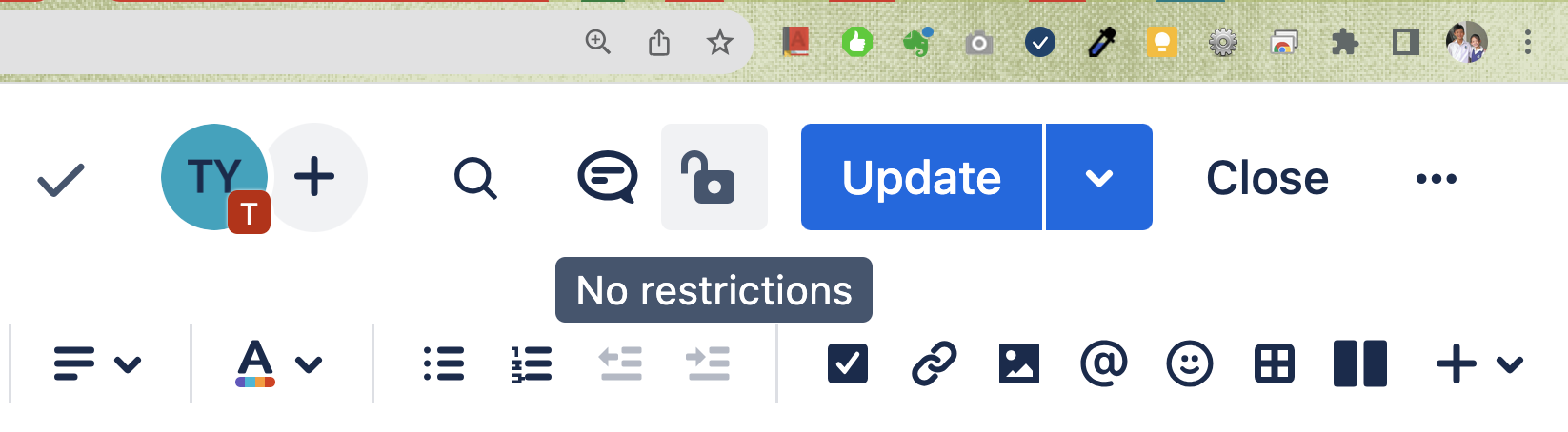
Not sure what happened but I hope anyone who encountered the same problem can help me...
Starting yesterday, when I edit a page, the Invite to Edit button, Find icon, Comment icon, Lock icon, Update button and Update Settings button in the top menu bar become not responding to mouse-over and mouse click. They are enabled, just not clickable:
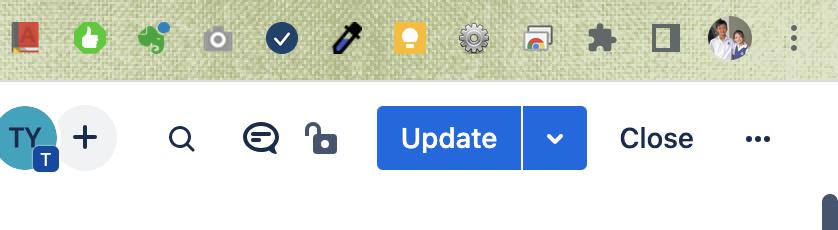
I tried zooming out the page, at 75% the Update Settings button become clickable which will pop up the options dialog, but the Saved status and User icon become not responding to mouse-over.
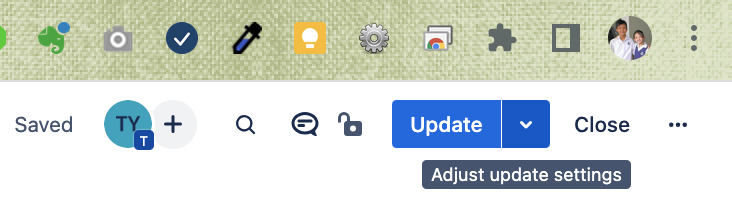
Zooming out to 25% then all the buttons are working, except they are so tiny I can't see what those buttons are:
Then I tried zooming in to 175% then the buttons are all working. But now the page contents are all too large.