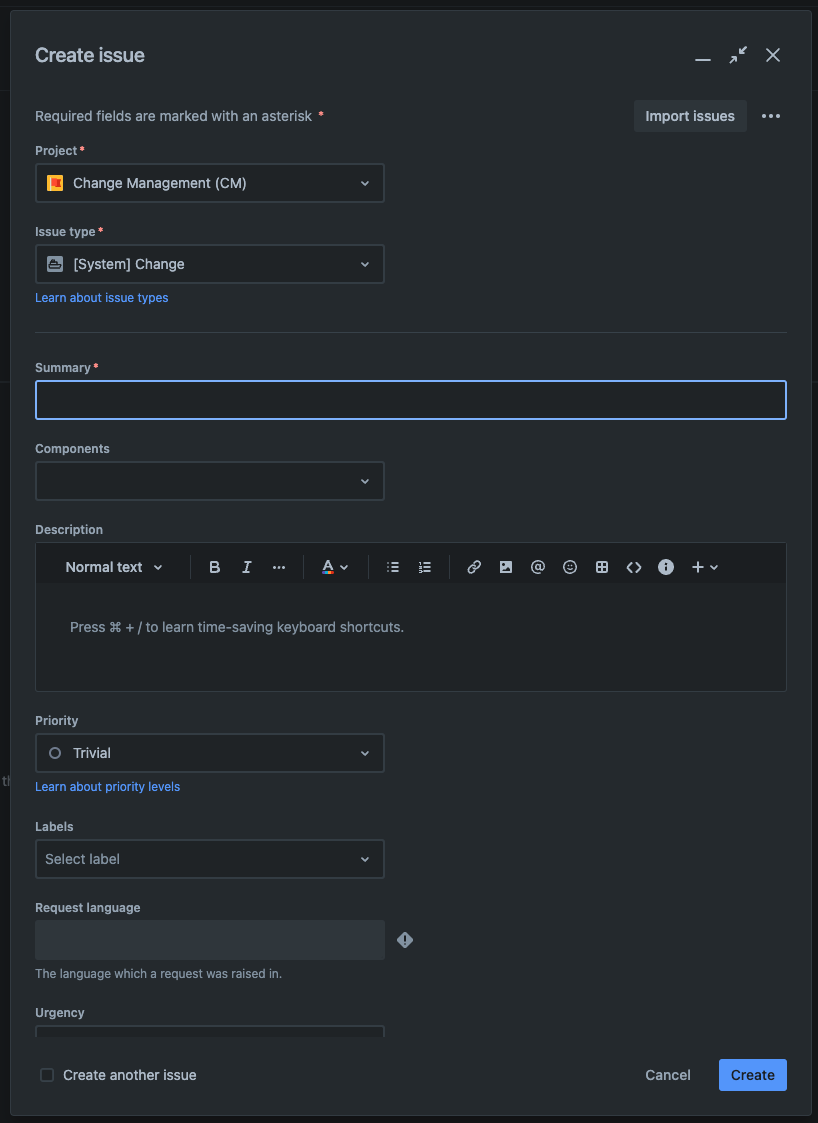
When you try to create a ticket in Jira for our service management project it is defaulting to the issue view screen and not giving users the option to select a request type causing tickets to not go into the proper queues.
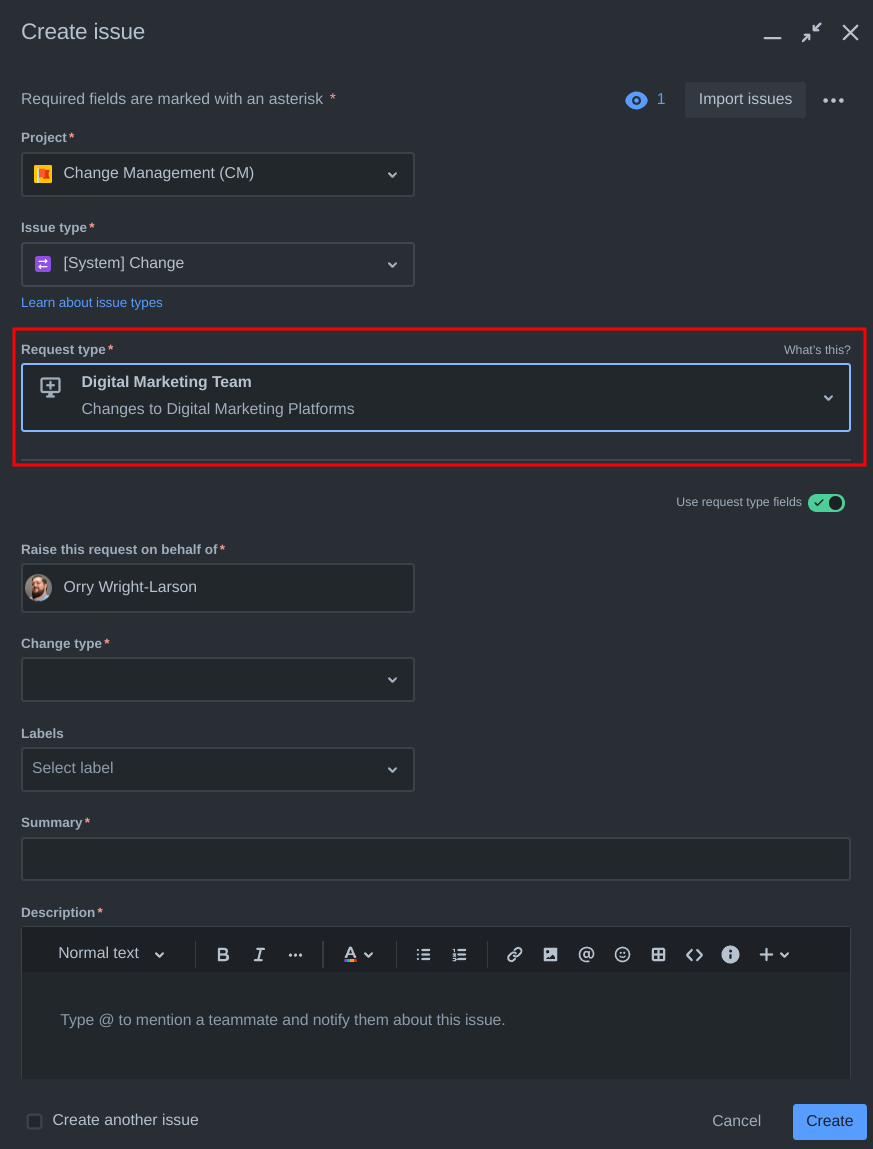
*This picture above is what I see when I create a ticket *
I have checked to make sure the field is on the screen at it is. I have noticed that only admins can see this field for some reason.
How do I make it so end-users can see this field when attempting to create a ticket within jira vs having to use a customer portal?
I have checked the end users setting to make sure the field is not hidden and it show checked on the list of fields.
*This picture below is what an end user sees for the same project*