Hello Jira Community,
I'm facing an issue with using regular expressions (regex) in Jira Automation to link one issue to another based on a custom field. I'm having trouble getting the regex to work correctly in Jira Automation, even though it functions as expected on online regex testers like regex101.com and freeformatter.com.
Here's an example of what I'm trying to achieve: I want to extract the last string after a slash (/) or an equal sign (=) from a URL (stored as text in a custom field). In other words, in the following inputs, the expected result of the regex should be "US-61" and "US-70," respectively:
I've been attempting to use the following regex pattern:
[^=\/]+(\/)?$
I've placed this regex within a smart value, so it looks like this:
{{fields.customfield_10184.<span>match</span>(<span>"[^=\/]+(\/)?$"</span>)}}
However, it doesn't return any results in Jira Automation.
When I tested with two different regex patterns (one to capture the last value after an equal sign and another to capture the last value after a slash), it worked as expected.
Please keep in mind that I tested all these regex patterns in online validators, and they worked as intended.
Can someone help me understand why this regex pattern isn't working in Jira Automation and suggest a solution?
Thank you for your assistance!
UPDATE:
I tried to use the following regex:
([A-Z]{2,}-\d+).*[A-Z]{2,}-\d+.*
But it's not recognized as a smart value, unlike the previous one.
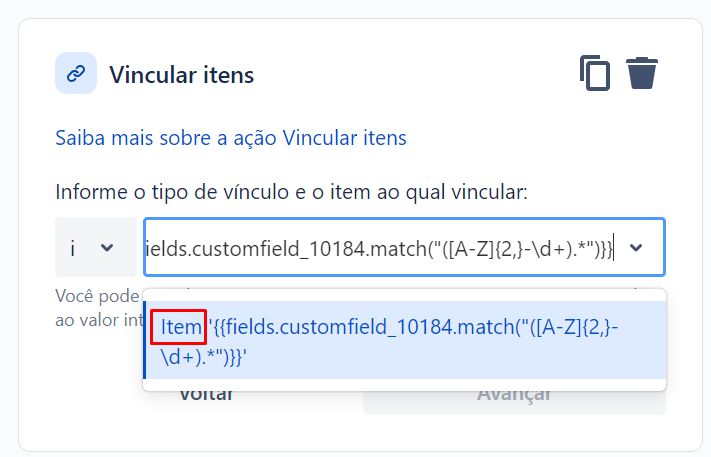
Here's the smart value:
{{fields.customfield_10184.match("([A-Z]{2,}-\d+).*")}}


