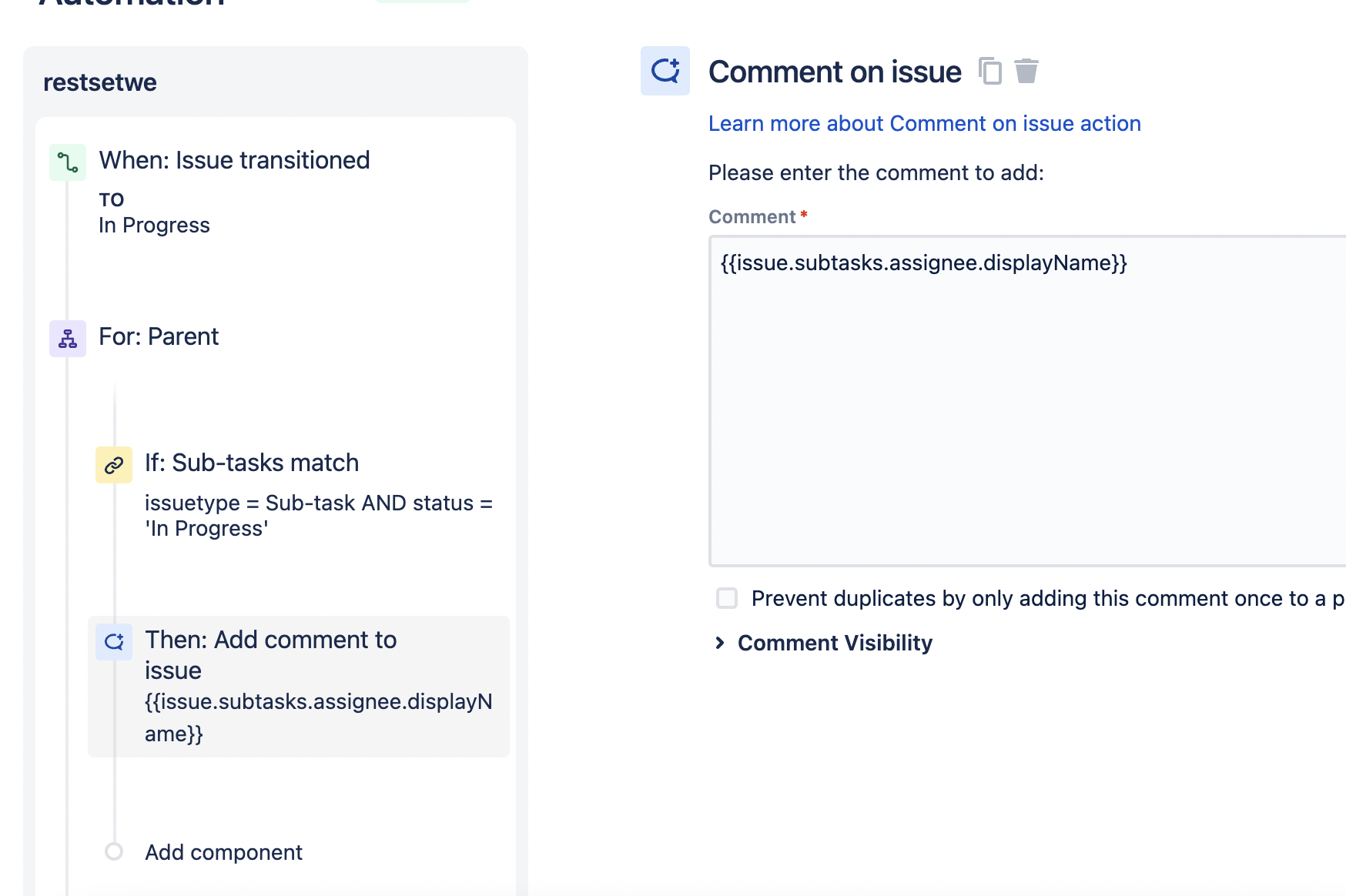
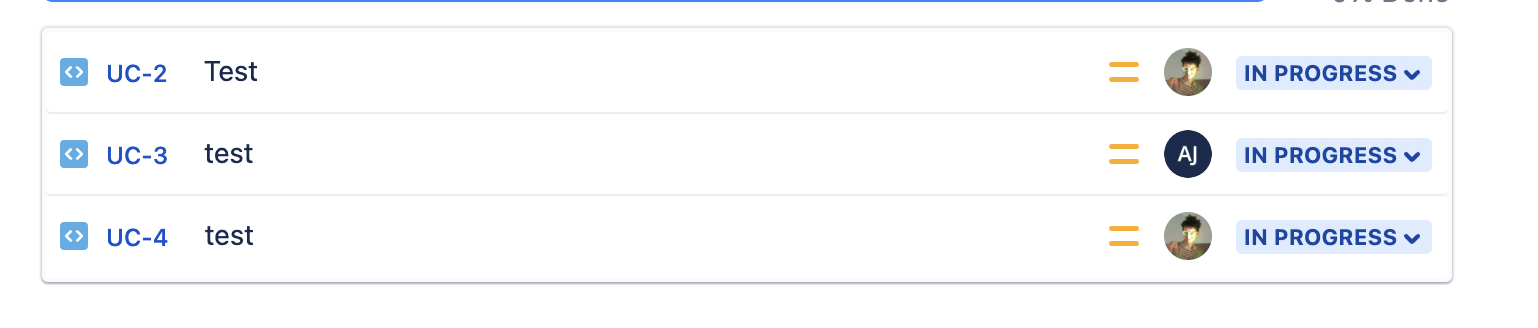
This solution works as I want BUT, I can display a Name or Ids like on the screenshots below.
But I need to Tag all assigned employees of all sub-tasks on Parent issue comments.
Hi @Casper , thanks for your question.
I think you are nearly there, you just need to adjust the smart value a little bit, see the documentation here - Jira smart values - issues | Cloud automation Cloud | Atlassian Support
to something like this
{{issue.comments.last.author.displayName}}
adding the displayName. What you have now is the code of the Assignee.
Please try this and let us know if it works.
Hope this helps you, cheers.
Hey @Valerie Knapp
Thank you!I will try and let you know.
All the best,Ostap
@Valerie Knapp Here is the case:
I tried to use your solution but it doesn't work.Automation comment the commentator not assigned persons from sub-tasks.
So, now I have case described below and can't move up...
My automation works well and as i want but i can't tag that persons who are diplayed by automation.
Here how it looks like now:
Here the list of sub-tasks as you can see it's works.
And i want to have like that:
Now I'm trying to findout how to change displayed names to Tagged.
Thank you for your time!
Hi @Casper , you could also test this by logging the smart value in the audit log, like this -
if you prefer to do this instead of inserting the comments in the issue for real. In this way, you can test the code / smart values by running the rule and then checking the audit log for the rule, the results of the smart value.
Just a suggestion. I hope you get it working how you want.
Cheers
It looks like you're new here. Sign in or register to get started.