I am using a free standard version of Jira Service Management, and I have setup a Service Desk Project and teams with alert, escalation policies, and on-call schedules in Opsgenie.
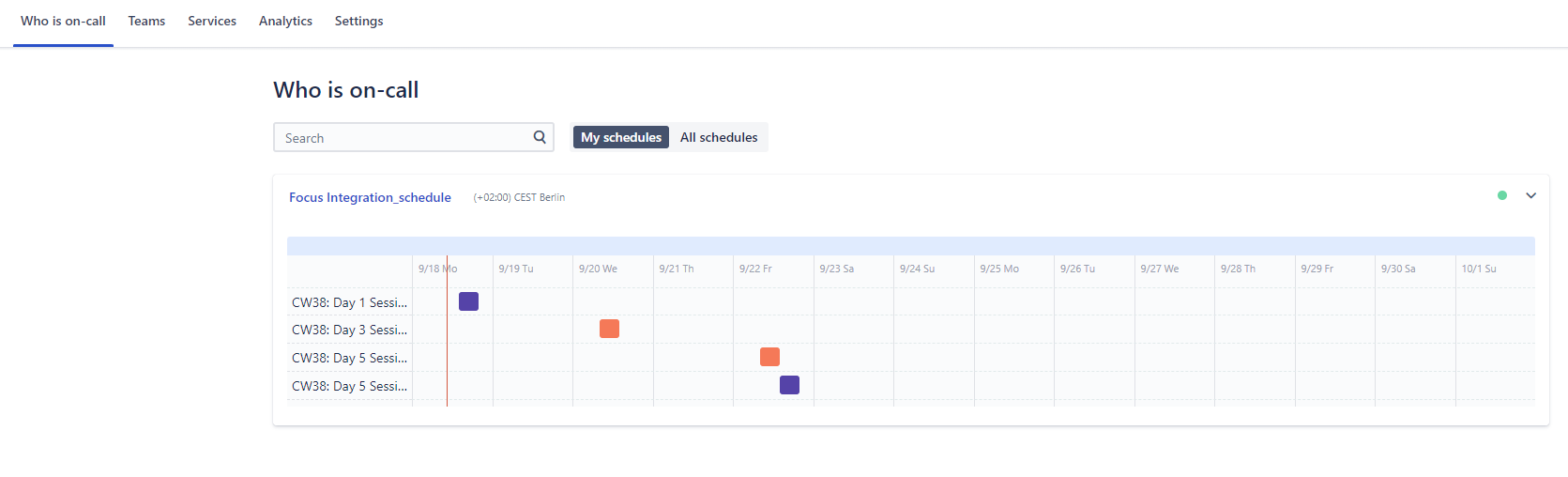
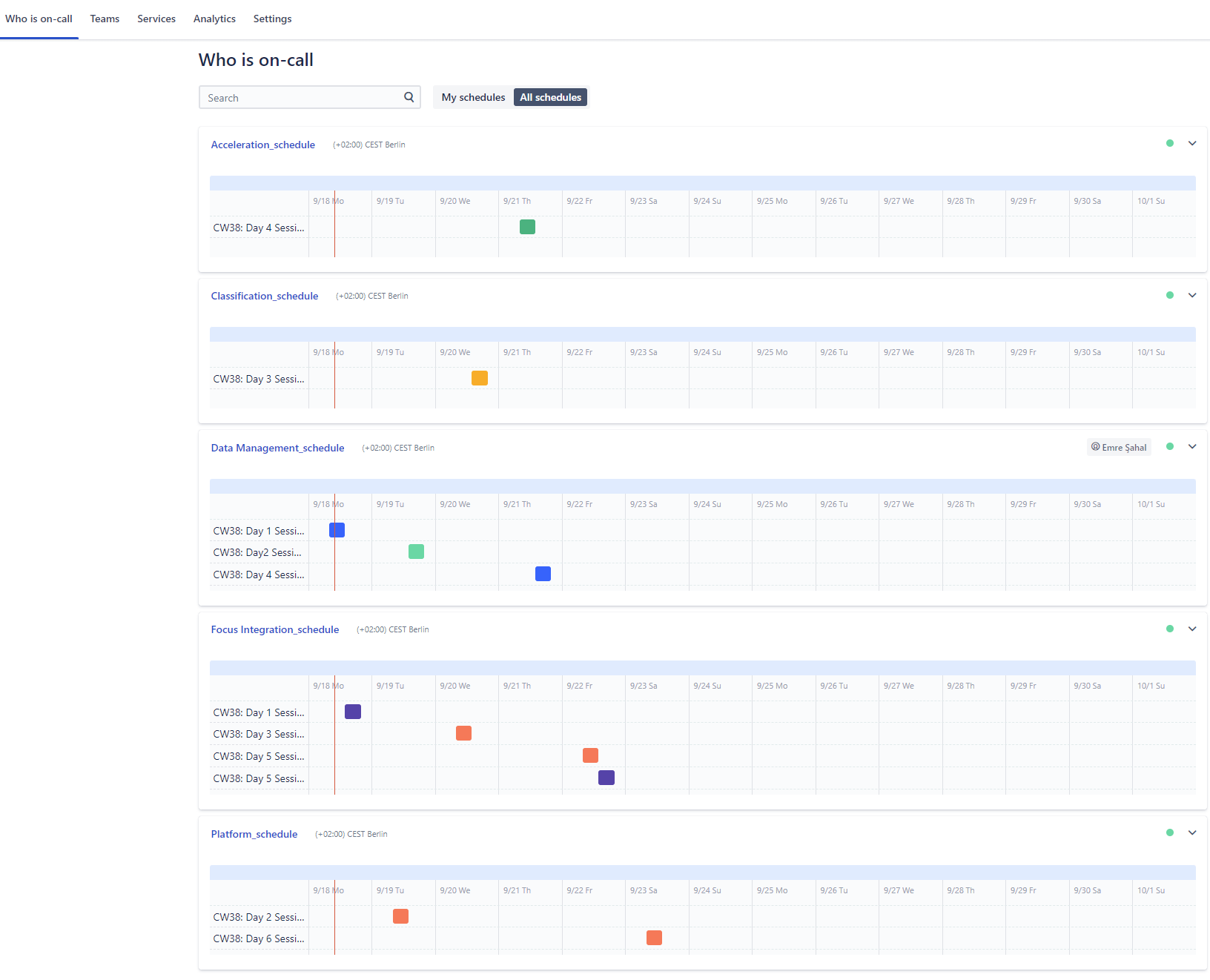
Opsgenie and JSM project are integrated and so is the on-call feature. I can view only 1 active on-call schedule from the service desk project ('my team schedule' & 'In service project' in attached image), but I have 4-5 schedules active in Opsgenie ('All team schedule' in attached image),
I am the Jira admin / project admin, and I do not see an option to "change the connected Opsgenie team from the More options (•••) menu or by navigating to Project settings > Opsgenie > Connected Opsgenie Tea" according to section 3 of this documentation.
Could someone clarify how i can display all the active on-call schedules of the teams from Opsgenie in the service desk project?