{
"hosts": {
"https://<my_project>.atlassian.net/": {
"product": "jira",
            "username": "<EMAIL_ADDRESS>",
            "password": "<SAME_TOKEN_USED_FOR_FORGE_APP>"
        }
    }
}
When I navigate to my JIRA instance, I do not see the "Hello World" section at top as in the tutorial:

When I click on Apps I see the Hello World app
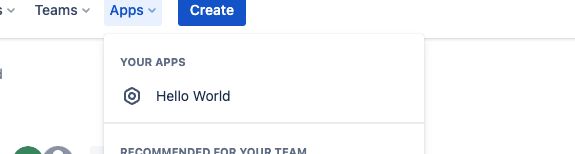
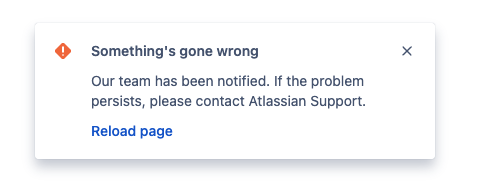
When I click on it I see a loading page:
I can see this in the logs:

which seems to indicate that we are serving the page but I only see the error above.
If I navigate to my ngrok URL as in
`https://<my_ngrok>/atlassian-connect.json`
I can see the contents of the `atlassian-connect.json` file
Am I using the wrong token? Any help would be greatly appreaciate!
UPDATE:
After some more debugging, I can see the following error message in developer tools:
Before you can serve HTML content, you must sign up for an ngrok account and install your authtoken. (ERR_NGROK_6022)
I have checked to make sure the token is valid. If I start a connection using ngrok as in ngrok http 3000, I can see the connection in ngrok, but when I run npm start on the sample project I do not see a tunnel in ngrok

