Hi Atlassian Community!
Just posting a quick update here to let you know about a change we’re making to how automation rules are run.
What are manual automation rules?
All automation rules start with a trigger. These can be based on an event (e.g. When an issue moves to Done…) or they can be based on time (e.g. Every 2 weeks….).
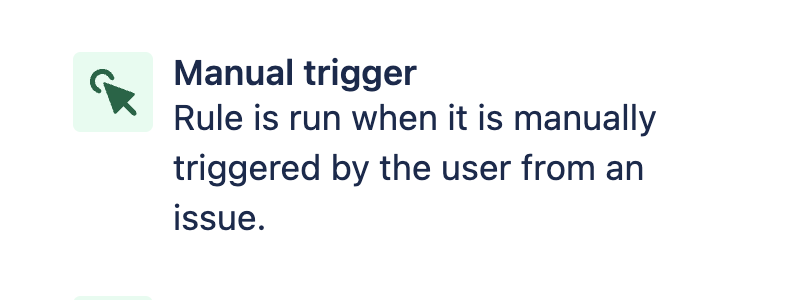
However, some rules can be triggered manually. You can set these up by selecting the Manual trigger when creating an automation rule.
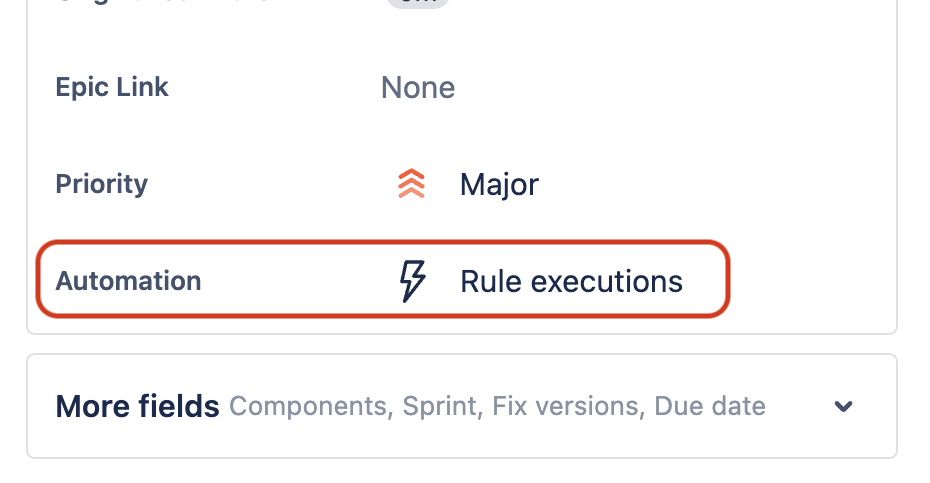
Once you’ve created a manual rule, you and your team can trigger it by going to a Jira issue and selecting Rule executions (next to Automation).
This is great for:
- automating actions that you want to trigger yourself - e.g. for audits that you conduct every now and then
- testing an automation rule before using it in your project
- creating custom actions that your team can access with the press of a button
A quick note on permissions
By default, manual automation rules can be triggered by anyone with access to issues. You can restrict who can trigger your rule, by choosing a permission group under Groups that can run trigger after you've selected the Manual trigger.

Learn more about permission groups
What’s changing?
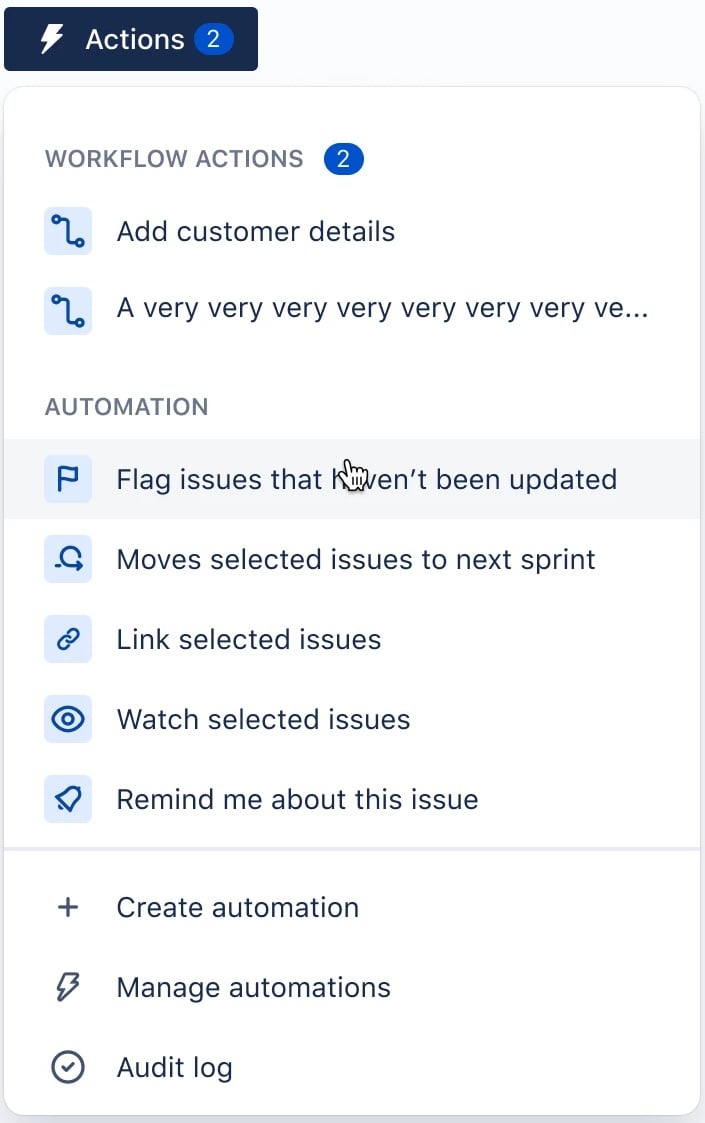
From March 2023, we’re moving manual automation rules to the Actions menu, which you’ll find next to Status. This menu will include both manual automation rules and looped workflow transitions (where a transition keeps an issue in the same status and performs an action).
Why are we making this change?
We’re doing this for two reasons:
- Manual rules are hard to find: We’ve heard multiple times, both in interviews and here on Atlassian Community, that it’s currently hard to find manual automation rules once they’re created. Putting manual rules in the Actions menu will make them easier to find.
- Unifying with looped workflow transitions: We’re using this as an opportunity to put looped workflow transitions and manual automation rules in the same menu, since they both serve similar purposes (performing a quick, automated, action on an issue). Learn more about workflow transitions
Until next time...
Thanks for reading! If you have any questions about this change, or any other feedback about Automation in Atlassian Cloud, please feel free to leave a comment.


