I have a customer that wants their email to be changed (still no idea how to do this). When I go to Project > Customers and find them and click the Profile button on the popup card, it navigates to what I assume would be their profile and says "Looks like we're off the beaten track... We landed here for a user that doesn't exist". This happens for every customer shown in the list.
URL that opens from the profile card is company.atlassian.net/jira/people/qm:<id>
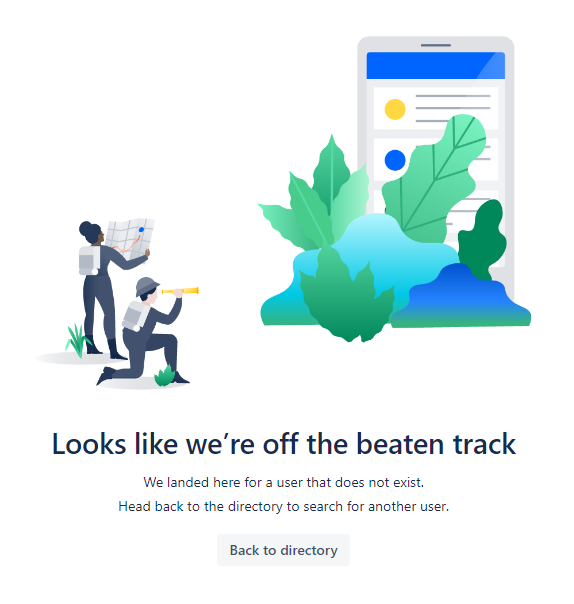
Clicking the "Back to directory" button takes me back to my own team with no sign of service management customers.
I have no idea if this is a bug or if I'm doing things wrong, but I've been going around in circles checking every different option/permission/setting I can find.


