I'm trying to add an available field into our project, but it fails and I'm getting an error message saying
"you can't see this field in the issue view as the context is not applied to this project. Go to context to choose applicable context"
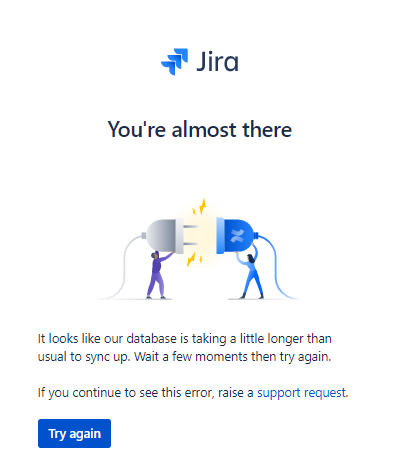
Context is a clickable field and it take me to a place showing me the pic below - and that's a dead end - a place probaby not in use anymore as I cannot get anywhere further. Clicking 'support request' takes me no reasonable where. Try again just brings me back to the same place.
So how do I chose an 'applicable context' so that I may add the field?