Macbook M1 Pro, Ventura 13.1
Have tried:
-Chrome Version 110.0.5481.77 (Official Build) (arm64) - which is verified as up-to-date
-Safari Version 16.2 (18614.3.7.1.5)
This worked yesterday and now will not work for me or other people on my team, on different computers.
I want to upload images, which I was doing as of yesterday, to the file library.
1. Clicking on the image icon in the toolbar opens the Image & File Library, where I can see my previously uploaded files. These files are .png screenshots between 200-600kbs
2. I wish to upload new, but nearly identical files, so I click the 'upload' button, select my files from the dropdown browser, and click upload.
3. They appear to be uploading, but never finish. I have tried letting them sit for about 1/2 hour before giving up.
Dragging and dropping directly into my confluence page does appear to "upload" it, but it never shows up anywhere and is not in the image library.
See image below for what this looks like. It never leaves this state. Yesterday it worked.
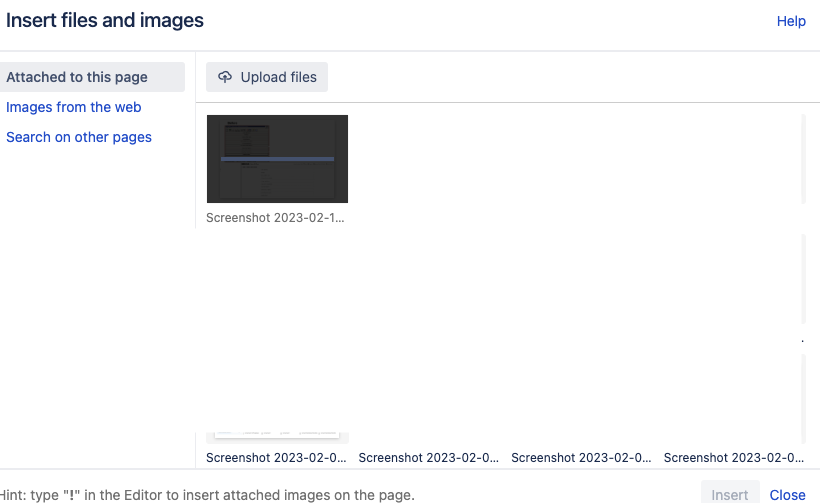
I've tried all of these things which all produce the same issue:
dragging and dropping the files into the Image & File Library modal, which appears to work, but the same issue occurs in that they never finish uploading.
Tried on 2 different browsers with the same issue.
cleared my cache
restarted my browser
- co-workers also tried it and the same happens
- typing '!' into the spot I want the image opens the image library and I go through the same process of clicking or d&d the file into the library, ending in the same result.
- closing the image library in case it is just a visual issue, but when re-opening it, the file is not there.
- I've tried different files of a variety of types

