I have many same page links (old editor) that set up like this:
#SetaFutureDateBasedonFive-DayWorkWeek
Every time I edit the page, make a change and save it, ALL of the same page links become broken. Those with multiple words in the section header have the page name added in front of the hashtag. Clicking on this link while logged in takes you to the editor, while not logged in just shows an error.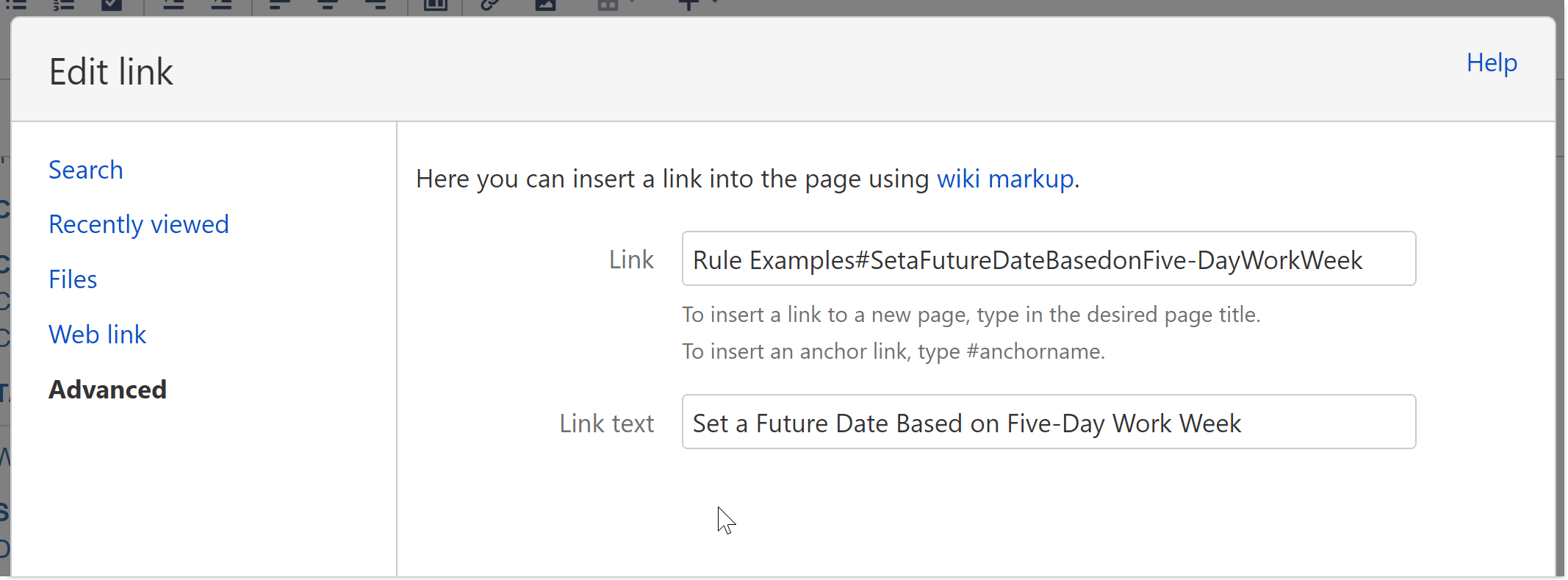
Links with a single word as the section header also show the link text as the page name-hashtag-section header (see image.)

At first, I thought this was my mistake and spent a lot of time editing every single link on the page. Then, I edited the page for something else and all of the links I had just fixed and verified are broken again.
Is this a bug? How can I set up my same page links to always work?


