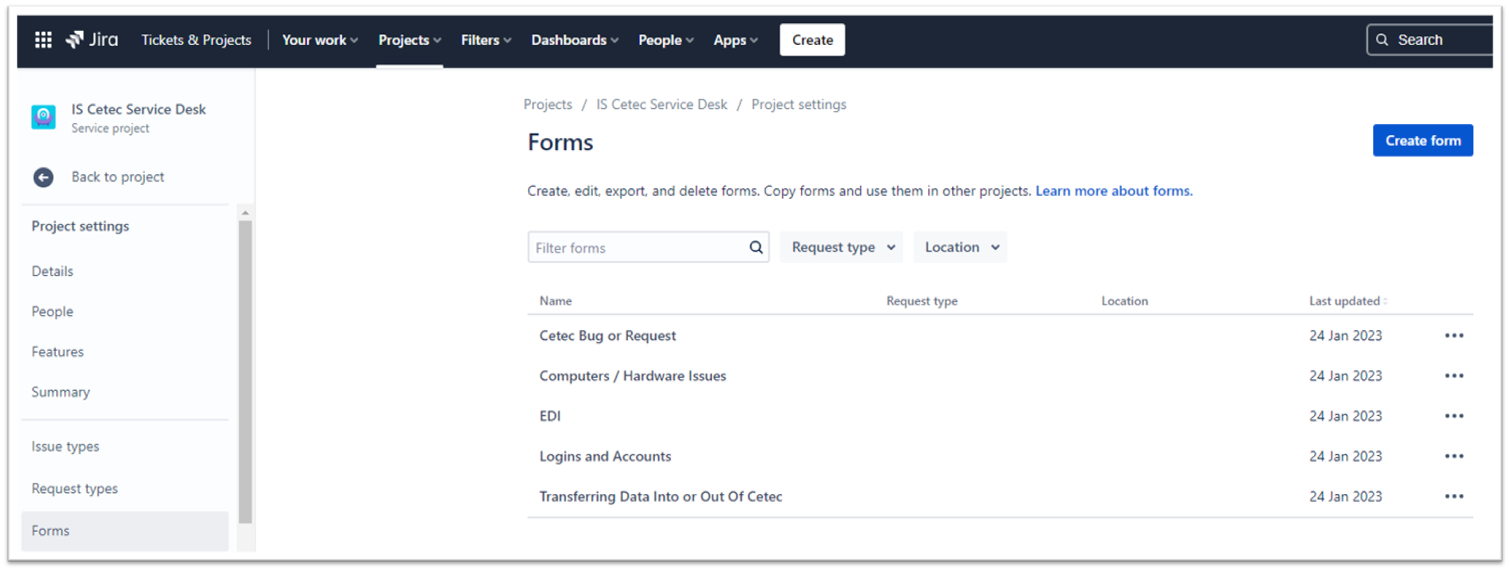
I set up 5 different Forms for a specific Service Desk as shown here:
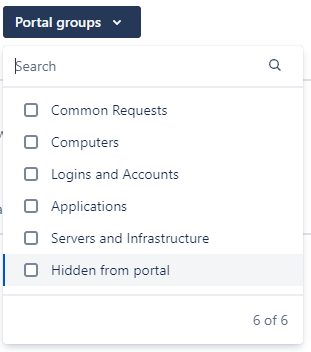
I also set up these Portal Groups:
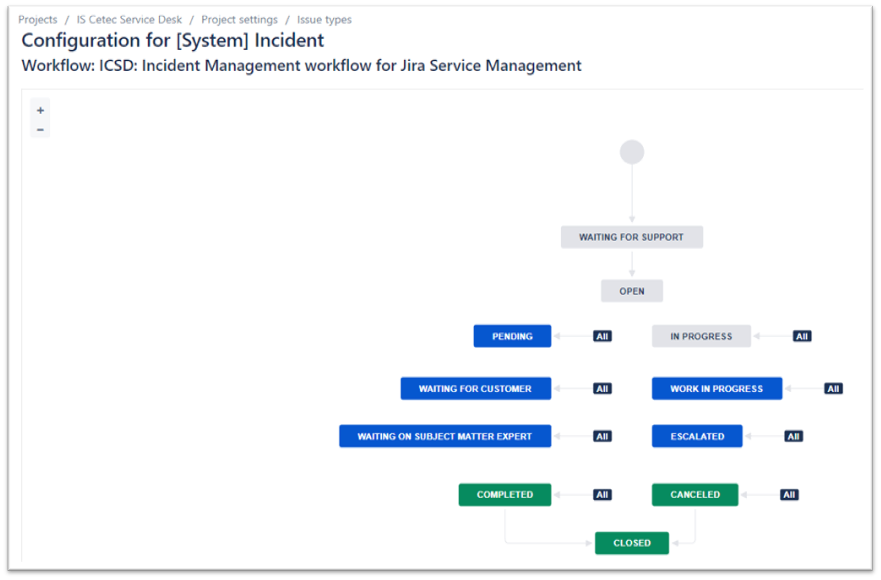
And I set up a couple of Issue Workflows. Here is one:
QUESTIONS:
1) If I go into my new Service Desk > Project Settings > Service Requests, then on this screen, I select Portal Groups: Logins and Accounts, and under 'Request type and description', I select 'Logins and Accounts', it is bringing up a new form for me to edit, where I'd really like to be able to use the Forms I already created. How can I use one of the Forms in my Forms folder of the Project?
2) I'm not understanding why I can edit some Issue Types but not others. I am seeing that the ones I could edit show a Workflow of ICSD: Incident Management workflow for Jira Service Management. So, perhaps the question is - how can I use this same Workflow for other Issue Types that currently show Jira as the Workflow?
NOTE: When I select the Issue Type: Cetec Change Request, it shows: Workflow: Jira Workflow (jira). If I click on the 'Workflow' button in the upper-right corner, it is NOT in background, but it does not do anything when I click on it. (I am an Admin, but could this mean I am not a high-enough Admin level?) In summary, I don't want to use the Jira-generated Workflows, I want to use the ones I define.
Thank you in advance!
- Cole


