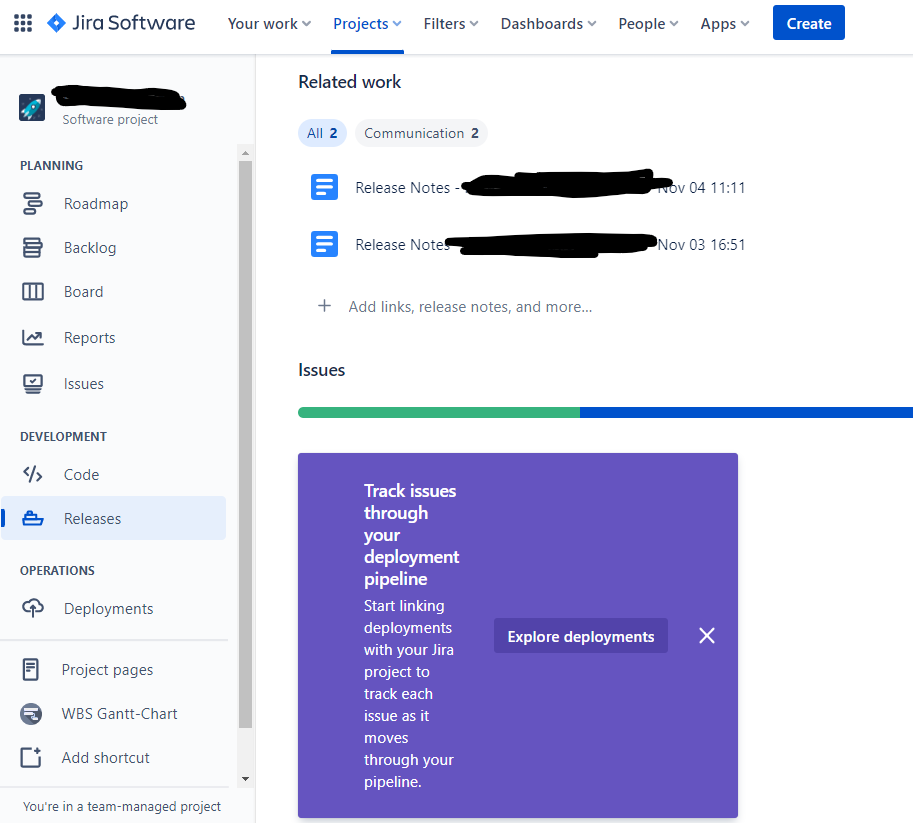
I just started using the Release feature of Jira Software. When I click on the release link to display the issues in the release, a popup appears saying "Track issues through your deployment pipeline." It keeps popping up every time I open the release, even though I have selected "Explore Deployments" and enabled a connection to GitHub.
We use GitHub Teams (not Enterprise). And we don't deploy with it.
So every time I open the Release it pops up and I have to hit X to close it.
Is there any way to stop this popup?