Hi Atlassian Community!
My name is Gemma and I’m a Product Manager on the Jira Service Management Cloud team.
When setting up a new service project, you can choose from a range of Jira Service Management templates tailored for specific needs. These templates help teams get set up quickly by including pre-configured request types, workflows, and other features relevant to their type.
A major focus for my team has been to make it easier for more types of teams to get started in Jira Service Management. So, I’m excited to share that over the next few weeks, we’ll be rolling out three new project templates to help finance, marketing, and analytics teams set up their service projects and manage incoming requests.
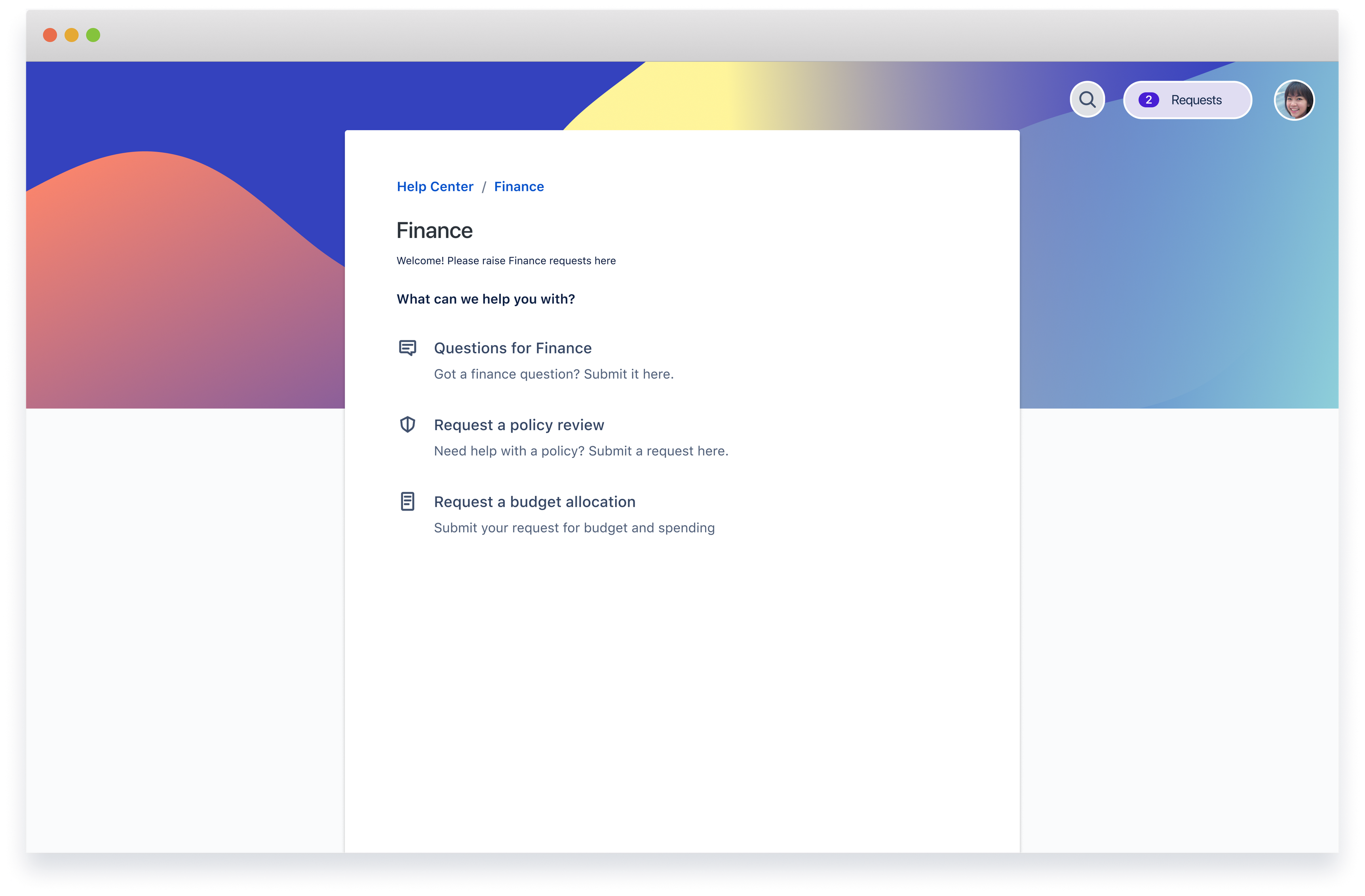
Finance service management
The finance service management template provides teams with a central place to field queries, and triage and manage budget, spend, and other finance requests.
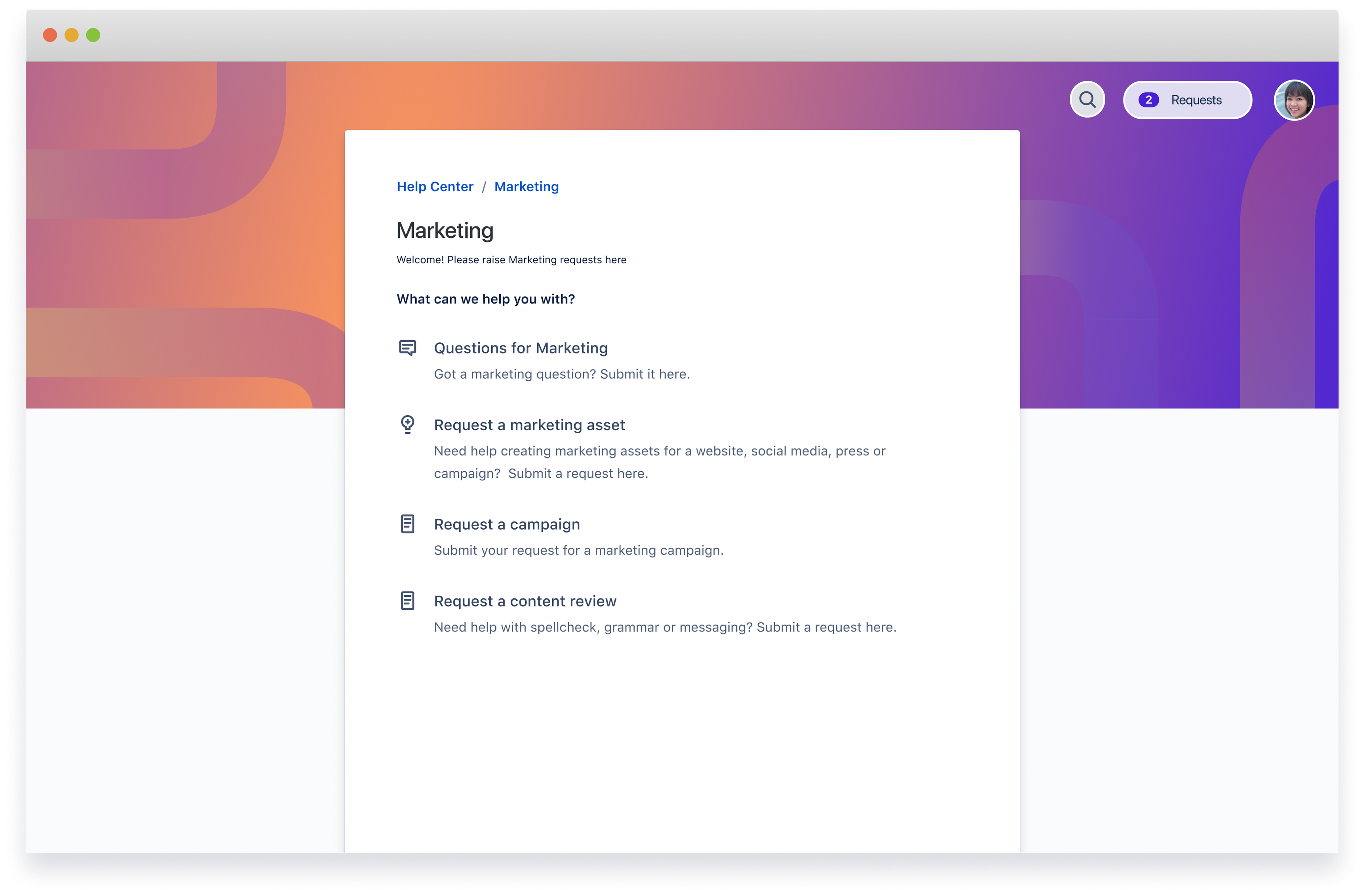
Marketing service management
The marketing service management template is designed to help teams manage, track, and report on marketing requests from asset creation to content updates.
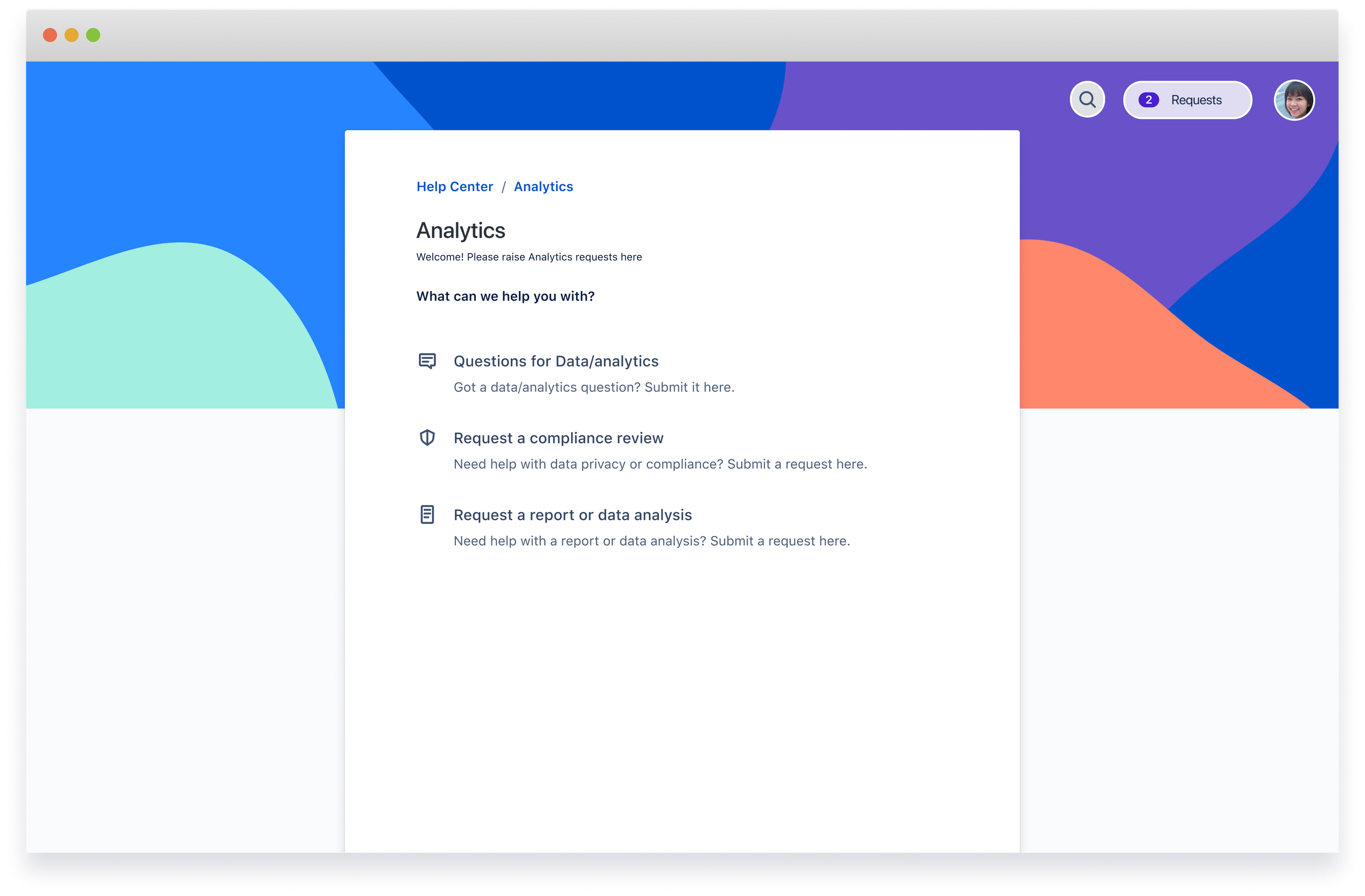
Analytics service management
The analytics service management template provides teams with a central place to capture, triage, and manage analytics and data requests.
Creating a project using a service project template is easy! Go to Projects > Create project and in the Service management section, choose the template that best suits your work. Add your project details, then select Create project.
Follow these steps on how to create a service project
|
We’d love your feedback on these templates, along with requests of other templates you’d like to see next!
Cheers,
Gemma


