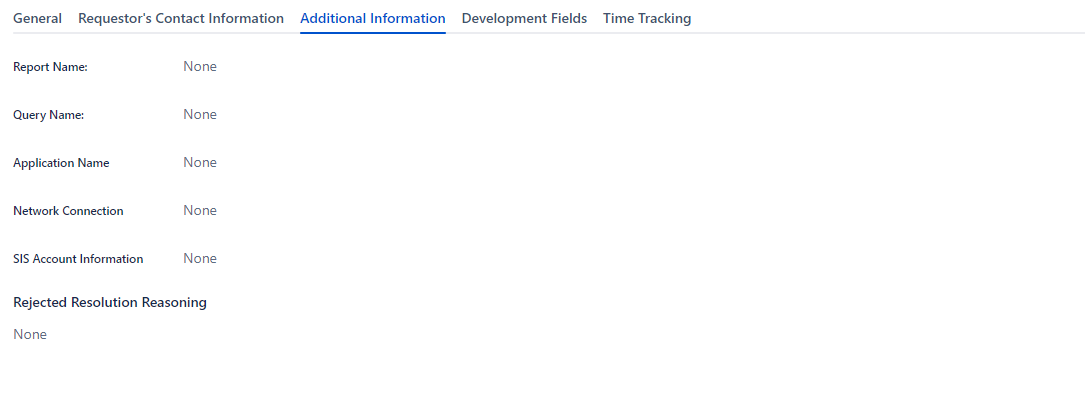
This is a new issue that just started 2 weeks ago. On my screens for Creating, Viewing, Editing, and Closed; they all had the Request type field on the screen. If a ticket has a request type, it shows up where it is supposed to. And I had no issues with this until recently. As soon as I move the request to a different Issue type, the field completely disappears from the ticket screen. When I choose the Can't find your field, it brings up the screen and shows the request type field still there. I have to bulk edit each ticket to change the request type after moving it. Also it auto defaults the request type to Other Issues (A request type only assigned to Incidents) regardless of the issue type.
It doesn't matter what project I am using or what Issue Type I move it to, it disappears regardless of it being an Incident or Service Request ect. Also, all the issue types I have for the project have assigned request types, none are unassigned. I have also checked all the configurations, nothing is different or wrong. Nothing was changed between the time it worked to when it stopped.
Screenshot showing the field visible, then a screenshot of the same tab after moving the issue type:
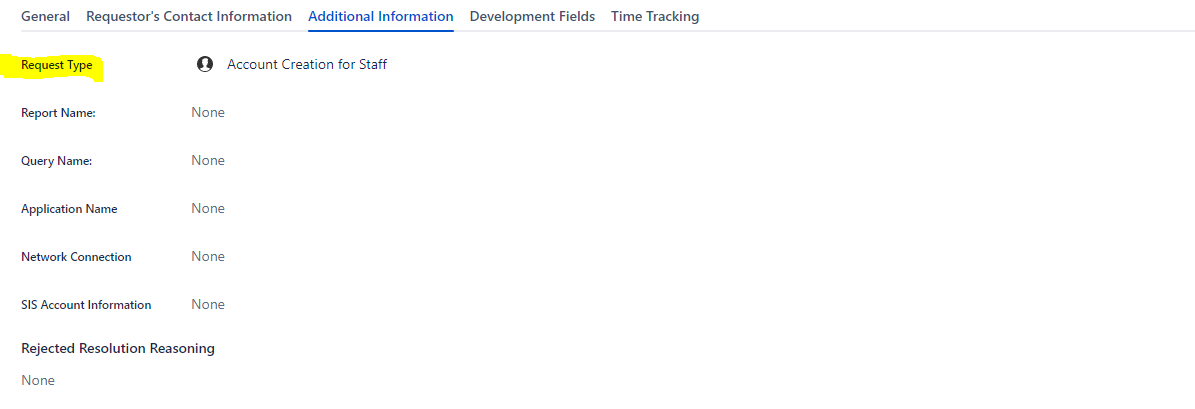
After moving it to a different issue type: