product: On JIRA CLOUD
browser: Chrome
Platform: macOS updated to the last available version Monterey 12.6
Background:
Around 1 year ago the description of JIRA tickets was upgraded to look more like confluence;
One o those features was the possibility of using info panels in the ticket description
(we like to use the background to make it easy to read and we use a fixed color scheme blue for background/introduction, purple for goals/tasks/changes, and green for details 
before:
When introduced one could copy and paste easily within the info panel
it was quite good to have the feeling one could now use the "confluence" editor within JIRA --> props to this it was really handy as I no longer keep separate records to discuss epics with stakeholders.
Now (a couple of months ago)
--> When pasting the text it's placed a couple of rows AFTER the info panel I was aiming to past on
known workaround:
- "copy" and then "paste without formatting"
- leave the edit mode, "copy" selected text, open edit mode again, "paste" text
Most likely the root cause is that the COPY comes with additional characters/formatting that represents the info panel --> might be visible if you edit in rich format but not like what a "common" moral uses 
Step 1: Select and Copy:
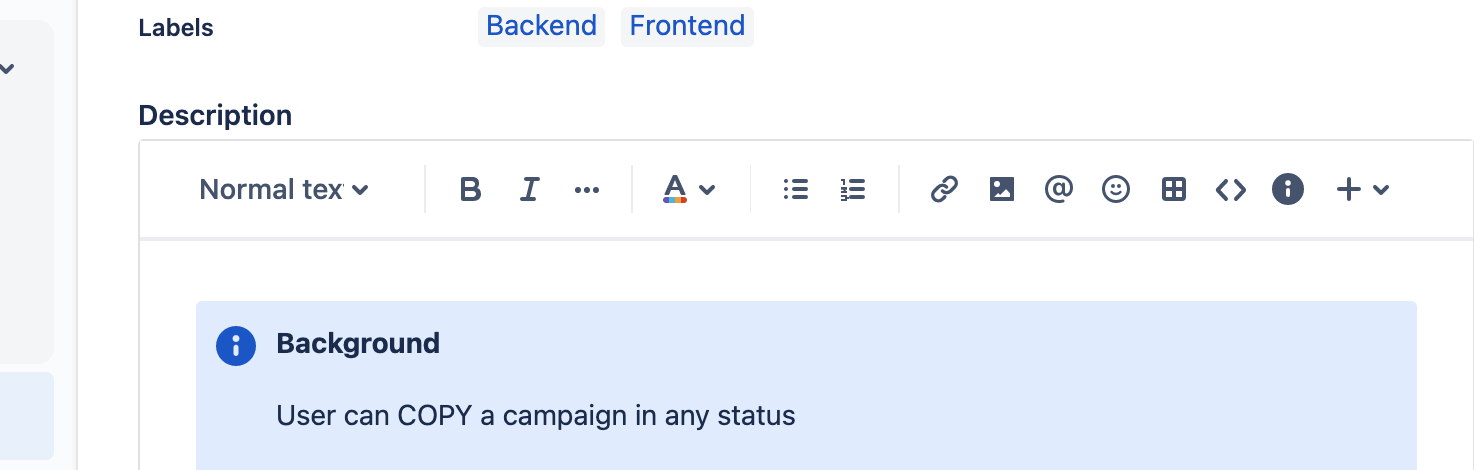
Step 2: Paste right after the initial text
Step 3: Observe the text being placed in an additional info panel right after the one we were working on.
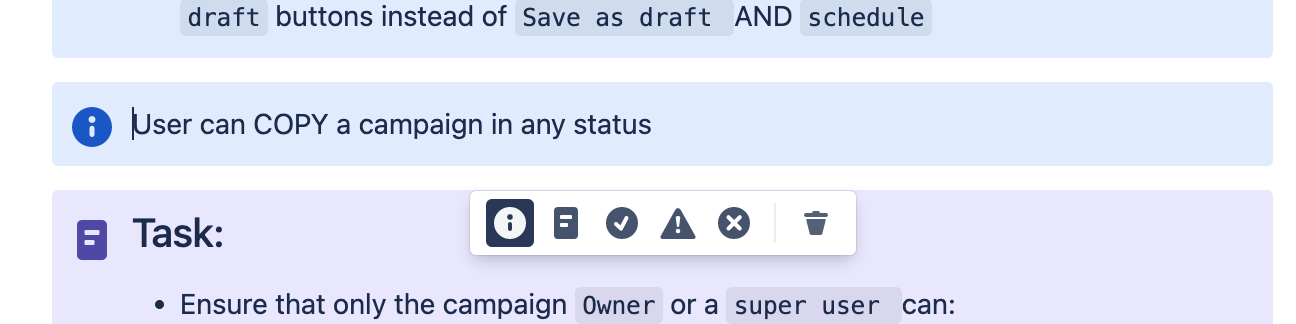
Is this a problem for you? do you consider this a bug or a feature?
I honestly hope this is a bug and not a feature, because why on earth do you "revert" a feature
User story: For our office :P we would like to be able to copy and paste (ctrl c ctrl v (or command on mac) text within panels so that I do not need to have to come up with workarounds for such an easy task 


