Advanced search lets you search for issues by building structured queries using the Jira Query Language (JQL). It's being updated to provide more accurate results when searching for an exact phrase.
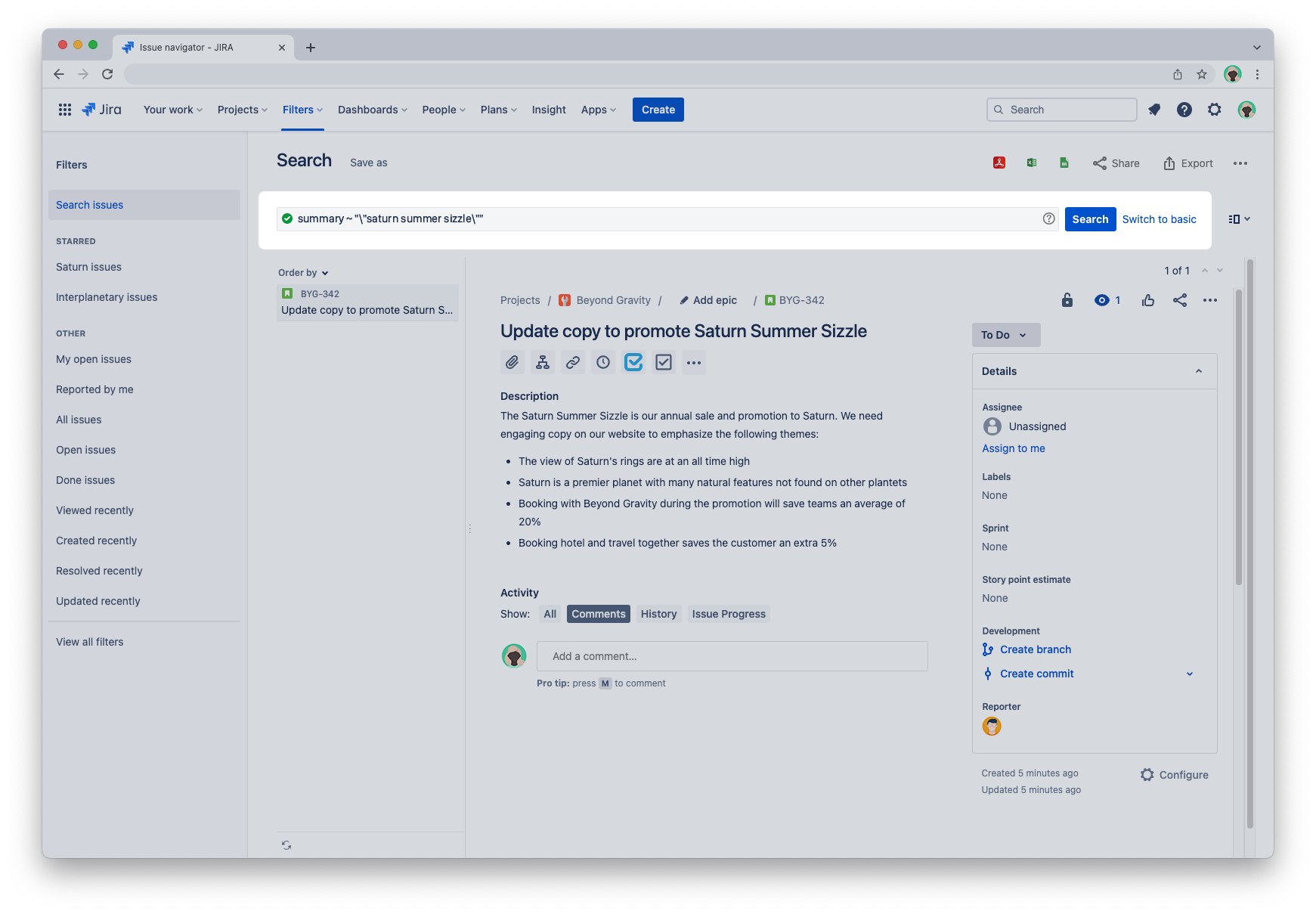
For example, if you enter summary ~ "\"saturn summer sizzle\"" as a JQL query, the search results will only include issues where the summary contains the exact phrase "saturn summer sizzle".
What's changed?
Searching for a phrase will only find issues with that exact phrase. This is an improvement on current behavior, where searches:
- can include results with the words in a different order, with other words between them, or with variations of words
- don’t include reserved words, like “a”, “an” or “the” (learn more about reserved words).
The feature will start rolling out in October.
This could affect your search results and automation rules
If you’re using saved filters or automation rules with exact search syntax, this may affect your rules and search results. There are a couple of different ways to approach this. You could:
- leave your existing filters and rules as is, but expect different search results (especially if you’ve migrated from Jira Server or Data Center to Jira Cloud)
- update the filters and rules to use (or not use) the new syntax, depending on your needs.
Want to learn more about advanced search?
Take a look at What is advanced searching in Jira Cloud?


