Steps to reproduce:
- Create a page with some content and publish it.
- Next to that page's name in the sidebar, click the + icon to add a page.
- Do not name or add any content to the new page - instead just click Close.
Now, the page you created in Step 1 will have an arrow next to it instead of dot, indicating that more pages exist under it. But they don't.
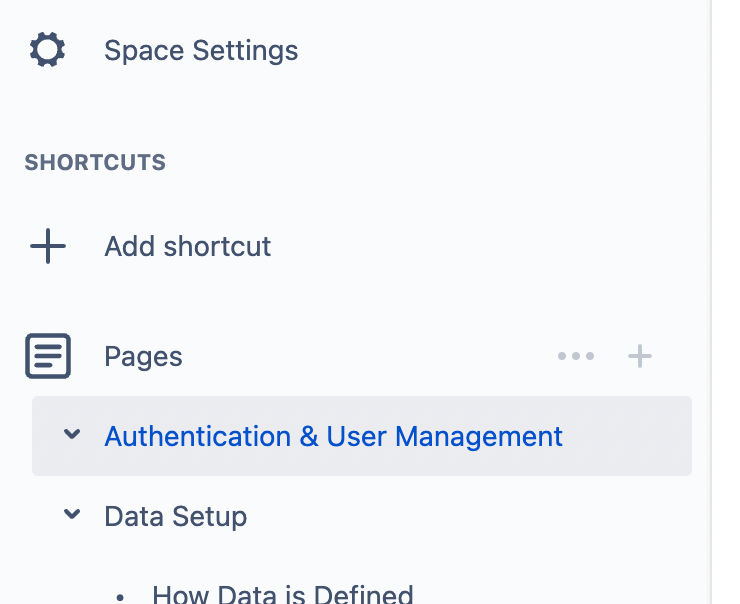
Here's an example - "Authentication & User Management" does NOT have any sub-pages, but it's still showing an arrow.
Attempted resolutions:
- Refreshing.
- Looking for a draft page as suggested places like this and outlined here.
- Creating a sub-page WITH content and then deleting it.
But sadly, I just can't get rid of the arrow.
Huge problem? No. But it's frustrating for those of us who like order haha... and it's also confusing for users who expect to see something under the page when they open the arrow.
Any ideas? Thanks!


