All of the pages in my Knowledge Base have labels. The space has public permissions turned on, but not all pages are viewable currently. We have been working on transferring information from an old PDF format into Confluence for about a year. Today I noticed that on some pages, there are no labels visible in the bottom corner of the published page.
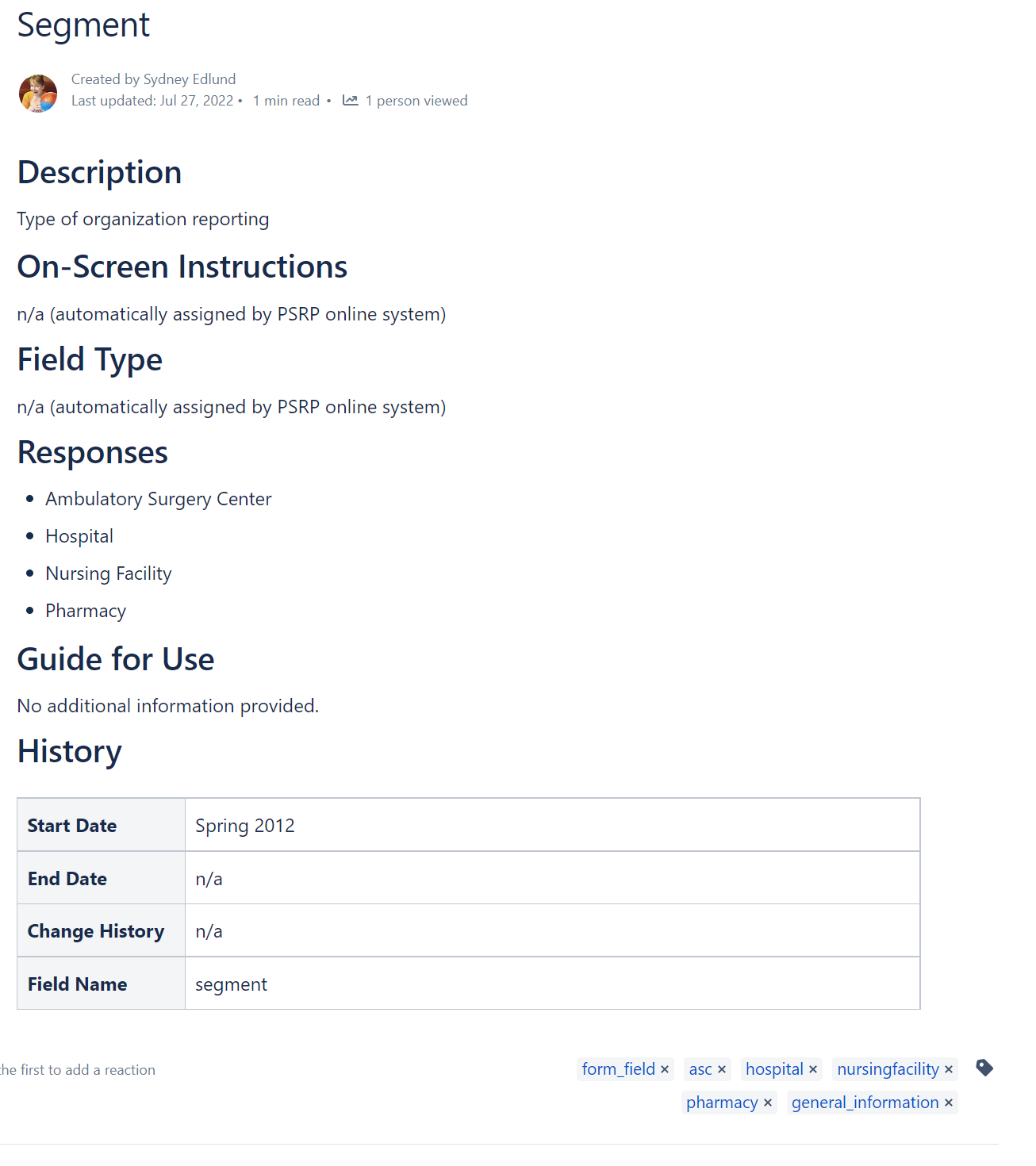
In the first picture, you can see an example page that is fine, the labels in the bottom corner show up as they should.
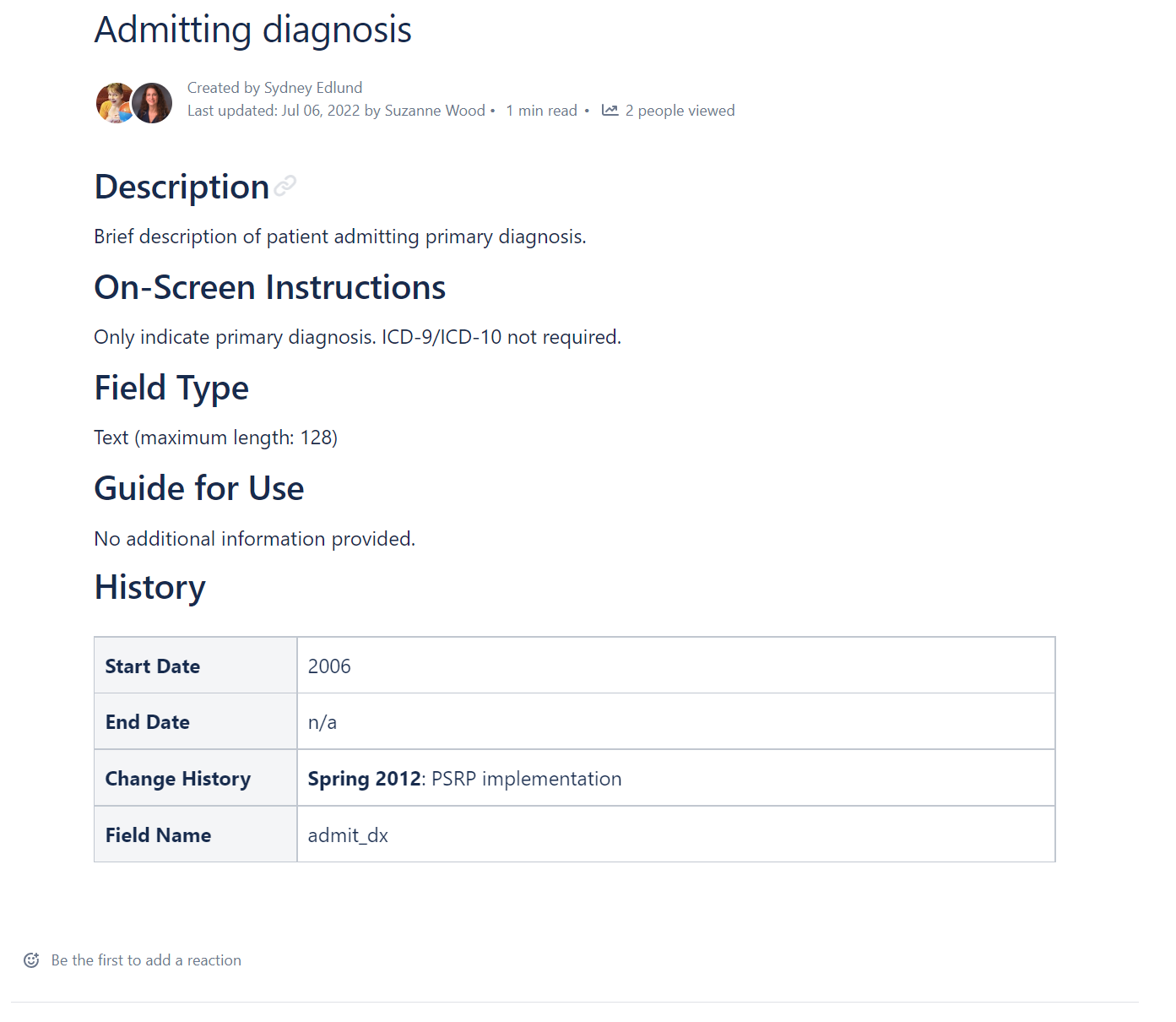
In the second picture, you can see an example page where the labels corner is just blank. Not even an icon to click on to add labels.
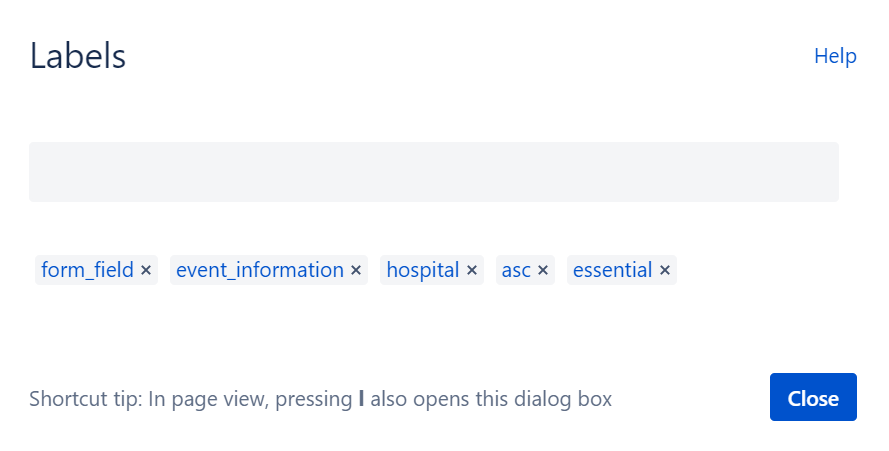
But if I edit the page and choose "add labels" from the top right corner menu, I can see that this page does have labels (picture 3). When I publish, the bottom right corner is empty.
Changing the size of my browser window doesn't make a difference. Who edited or how many people have edited the page doesn't make a difference. Level of permissions for the page doesn't seem to matter.
It seems like pages that haven't been edited since before July 2022 are largely fine. But that doesn't mean that all pages edited in or after July 2022 are missing their labels UI; some of them are also fine.
It's very strange! Any suggestions for what's going on would be very much appreciated!