So in my teams roadmap when I open it by default I can see a huge list of epics. When I click to the left of the epic on the arrow it will then drop down all the tasks tied to that epic as shown
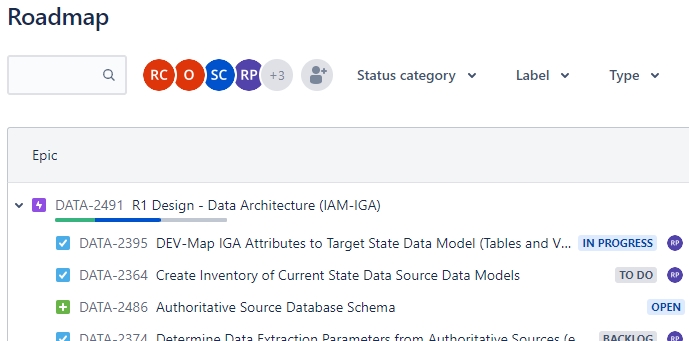
Now since there is a long list of Epics I may want to search for just one single one. But after using the search tool bar directly above the roadmap it seems to only show the EXACT items that I searched for. So in this case if I search for DATA-2491 - It will find the epic no problem, BUT the sub tasks are no longer viewable?
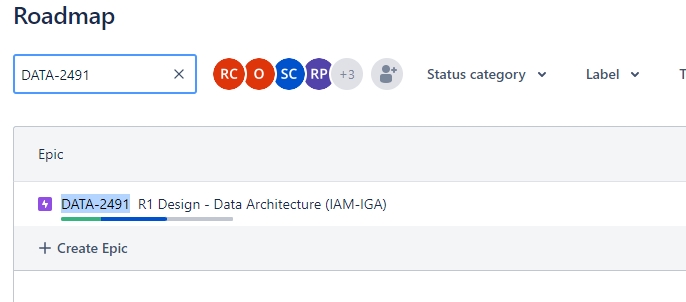
Is this by design?
I would like to see either the epic and its subtasks, or vice versa.
Not sure why the search would not show me all the other relationships.
Any help much appreciated

