Problem
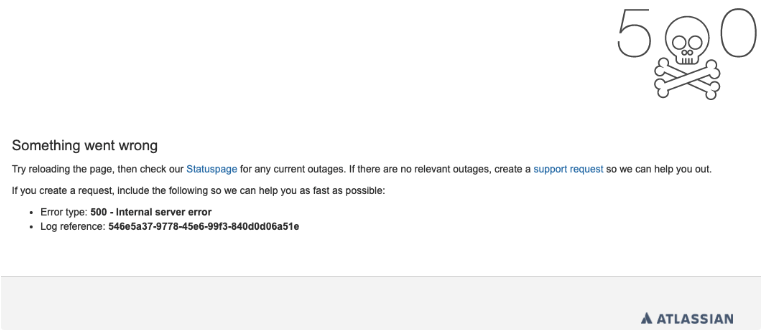
When trying to open attachments via notification email, sometimes you can face a 500 error, like below:
Cause
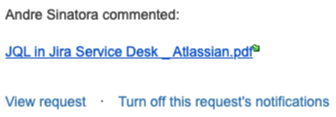
The error occurs because some mail providers replace the blank spaces “ “ on the file name by “%20“ causing the problem:
JQL%20in%20Jira%20Service%20Desk%20_%20Atlassian.pdf
Solution
-
Avoid using blank spaces on file names added as attachments
-
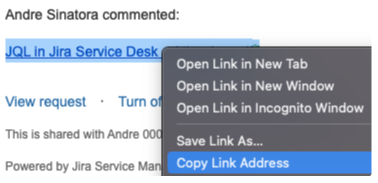
Right click on the attachment link, then “Copy Link Address“, and paste it on a browser to open it correctly