Hey! I'm truing to export my filter with sla's time to Excel. I know that in jira, we can export a filter to an Excel spreadsheet in two ways:
1) Using the "Open in Microsoft Excel" btn

2) Using the "Export" btn
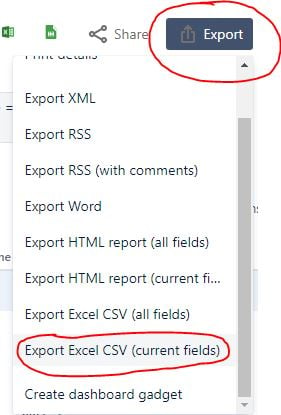
If I using the second way, i got a result what i need, more specifically, the kind of time format that I need: this  or like this
  . I had the time with hours and minutes without "h" or "m", only ":" symbol, but if use the first way, i got it
  .
.
The situation is such that I need to use the export only through the first path, but I do not know if I can somehow get rid of the letters "h" and "m"? In other words, using the first export method, I need to get the time in the same format as when i using the second method. Has anyone come across something similar or is there a universal solution to my problem? I assume that most likely I will have to configure something directly in Excel itself, but the trouble is that I am practically not familiar with it.


